
Training videos have become one of the most effective ways to share knowledge, onboard employees, and teach customers how to use a product. The good news is you don’t need a big budget or complex production tools to create professional, engaging training content. With the right approach, a computer, and some lightweight video tools, you can achieve excellent results.
Step 1: Plan Your Content
Before you start recording, spend time mapping out what you want to cover. A clear outline will keep your video structured and concise. Break down the training material into short sections, each covering a single concept or process. This makes your video easier to follow and simplifies editing later.
Step 2: Record Your Screen or Webcam
Most training videos require showing either a presentation, a software tutorial, or a step-by-step process on your computer. A reliable screen recorder is essential. Windows and Mac users have access to various free or low-cost tools for screen capture, allowing you to demonstrate tasks in real time. For sections where a personal touch matters, you can also use your webcam to record a presenter’s introduction or commentary.
Step 3: Keep It Simple with Editing
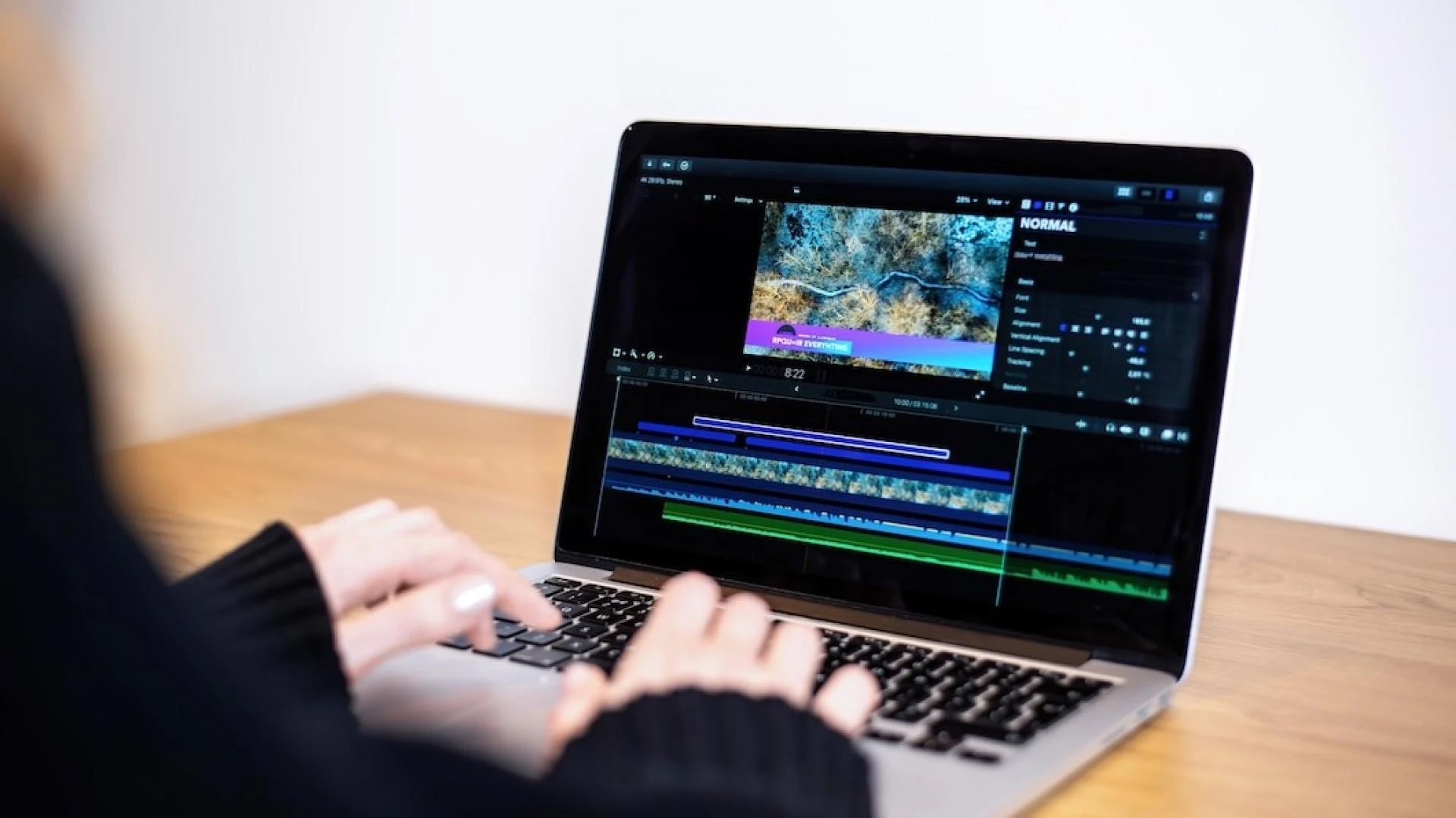
High-end editing suites can be powerful, but they are often overkill for training videos. Instead, focus on simple tasks such as trimming mistakes, cutting long pauses, or rearranging sections. This is where editing MP4 files becomes incredibly useful. MP4 is a universal video format supported on almost every device, and basic edits like cutting or merging can be done quickly without re-encoding or losing quality. This means you save time while keeping the final video crisp and professional.
Step 4: Add Clear Audio and Captions
Audio quality typically makes the most significant difference in how professional a video feels. Use a decent USB microphone or even a good headset to ensure your voice is clear. Background music isn’t necessary for most training content, but captions can be very helpful. Captions support accessibility and make videos easier to follow for non-native speakers.
Step 5: Keep Videos Short and Focused
Attention spans are limited, so aim for videos between 5 and 10 minutes. If you have a large topic, break it into a series of smaller modules. This modular approach makes it easier for learners to consume the content at their pace and find the exact information they need.
Step 6: Share and Collect Feedback
Once your training video is ready, host it on your company intranet, LMS, or a private YouTube/Vimeo channel. Encourage viewers to provide feedback so you can improve future content. Often, small tweaks—like slowing down a demonstration or adding a step you skipped—can make a big difference.
You don’t need expensive production gear to create effective training videos. By planning carefully, using a simple screen recorder, and focusing on editing MP4 files with lightweight tools, you can produce professional, easy-to-follow content that delivers real value. The key is clarity, structure, and simplicity—qualities that learners appreciate far more than flashy effects or big budgets.