
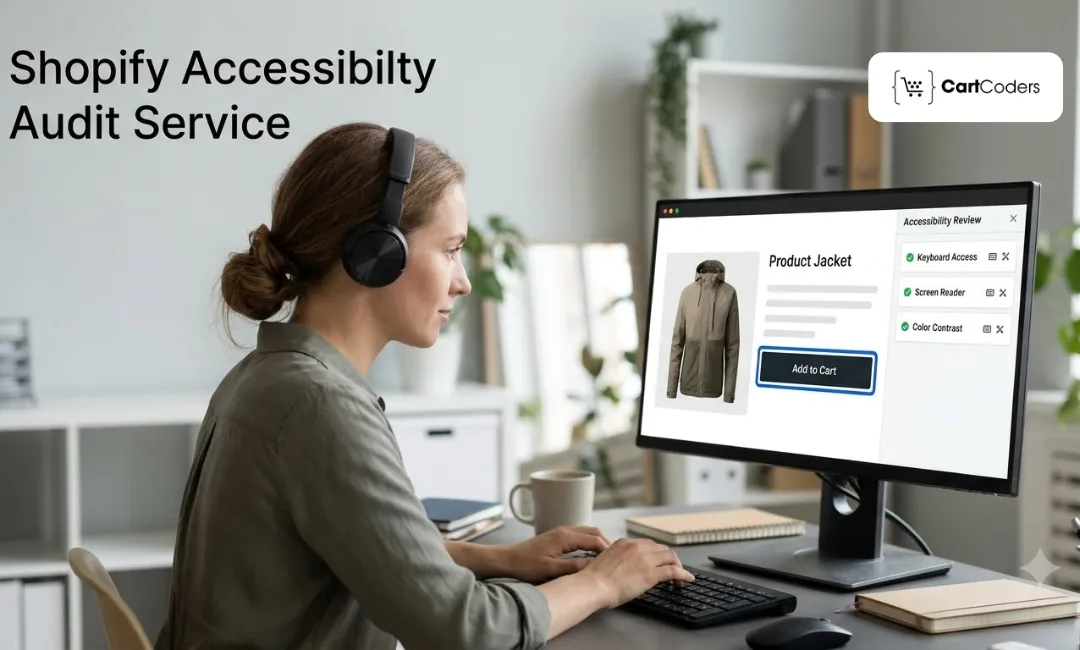
A successful Shopify store should make shopping simple, comfortable, and accessible for every customer. From browsing product collections to completing checkout, every interaction should offer a smooth experience. When customers can easily navigate your store and access its features, you create more opportunities to build trust and encourage purchases.
Website accessibility plays an important role in creating this experience. A Shopify accessibility audit helps identify barriers that may affect customers with disabilities and highlights areas that need improvement. Choosing the right audit service can help you evaluate your store, follow relevant accessibility guidelines, and build a more inclusive shopping experience. This guide covers the key factors to consider before selecting an accessibility audit provider.
Why Does Your Shopify Store Need an Accessibility Audit?
An accessible Shopify store creates a better shopping experience for everyone. It allows customers with different abilities to browse products, understand information, and complete purchases with greater ease.
Here are some important reasons to invest in accessibility testing:
- Improve the shopping experience: Make your store easier to navigate for customers who use screen readers, keyboards, or other assistive technologies.
- Identify shopping barriers: Find issues with product filters, navigation menus, forms, and checkout steps.
- Support accessibility standards: Align your store with relevant WCAG guidelines and applicable legal requirements, including the ADA where relevant.
- Reduce legal exposure: Identify potential accessibility risks early and create a documented improvement plan.
- Build customer trust: Show customers that your business values inclusive shopping experiences.
Accessibility also improves general website usability. Clear buttons, readable content, and simple navigation benefit customers across different devices and browsing preferences.
What Key Factors Should You Consider When Choosing a Shopify Accessibility Audit Service?
Choosing the right accessibility audit provider is an important step toward creating an inclusive Shopify store. The provider should understand your store's structure, identify accessibility barriers, and offer practical solutions that your development team can implement. Before making a decision, evaluate the following six factors to ensure the service meets your store's requirements.
1. Experience With Shopify Stores
Choose a provider with hands-on experience in Shopify development and accessibility testing. Shopify stores use different themes, third-party apps, and custom features. A provider familiar with these elements can identify platform-specific accessibility problems more effectively.
Check whether the provider has experience with:
- Shopify and Shopify Plus stores.
- Custom themes and storefront designs.
- Third-party apps and integrations.
- Product pages, shopping carts, and checkout features.
2. Knowledge of WCAG Accessibility Guidelines
The Web Content Accessibility Guidelines (WCAG) provide a framework for making websites accessible to people with different abilities. Your audit provider should understand WCAG 2.1 and WCAG 2.2 guidelines and know how to evaluate your store against relevant success criteria.
Make sure the provider understands:
- Keyboard accessibility requirements.
- Screen reader compatibility.
- Color contrast and text readability.
- Accessible forms and navigation.
Applicable accessibility standards and legal requirements.
Also read: Shopify Accessibility Audit: A WCAG 2.1 AA Checklist for Stores
3. Comprehensive Manual and Automated Testing
A reliable accessibility audit should combine automated scanning with manual testing. Automated tools can detect common technical issues, while manual testing helps evaluate how customers interact with your store.
Look for providers that test:
- Keyboard-only navigation.
- Screen reader functionality.
- Buttons, forms, and interactive elements.
- Image alternative text.
- Color contrast and visual accessibility.
- Product selection and checkout interactions.
This combination helps identify accessibility barriers that automated tools may overlook.
4. Detailed Audit Reports and Actionable Recommendations
An accessibility audit should provide more than a list of errors. Your provider should deliver a clear report that explains each issue and recommends practical solutions.
A useful audit report should include:
- Descriptions of identified accessibility issues.
- Affected pages and website elements.
- Issue severity and user impact.
- Screenshots or supporting examples.
- Recommended fixes and implementation guidance.
Clear documentation helps your development team understand the findings and prioritize improvements.
5. Customization and Theme Compatibility
Every Shopify store has a unique design, theme, and collection of apps. Your accessibility provider should evaluate your actual storefront instead of relying on generic testing methods.
Check whether the service covers:
- Your existing Shopify theme and custom code.
- Third-party apps and integrations.
- Custom navigation and interactive elements.
- Product filters and shopping features.
- Theme compatibility after accessibility improvements.
The recommendations should improve accessibility while preserving your store's design and essential functionality.
6. Ongoing Support and Remediation Assistance
Identifying accessibility problems is only the first step. Your store also needs proper fixes and regular checks to maintain an accessible shopping experience.
Look for providers that offer:
- Technical assistance with accessibility fixes.
- Shopify theme and code-level improvements.
- Post-remediation testing.
- Accessibility documentation.
- Regular monitoring after theme and app updates.
Ongoing support helps your store address newly introduced issues as your website grows and changes.
What Should a Professional Shopify Accessibility Audit Include?
A comprehensive audit should examine the entire shopping journey rather than focus on a few website pages. It should evaluate how customers browse, select products, interact with forms, and complete purchases.
Here are the key areas a professional website accessibility audit should cover.
- Website Structure and Semantic HTML: Check heading levels, page structure, labels, and navigation landmarks.
- Keyboard Navigation: Ensure customers can access menus, product options, buttons, and forms without using a mouse.
- Screen Reader Compatibility: Test whether screen readers can understand page content, product details, and interactive elements.
- Color Contrast and Visual Accessibility: Review text, buttons, backgrounds, and error messages for sufficient contrast.
- Image Alternative Text: Check whether meaningful images have descriptive alternative text.
- Accessible Forms and Buttons: Ensure form fields have clear labels and buttons communicate their purpose.
- Product Pages and Shopping Cart: Review product variants, image galleries, cart drawers, and purchase controls.
- Checkout Accessibility: Evaluate form instructions, error messages, payment interactions, and navigation.
- Mobile Accessibility: Check touch target sizes, zoom behavior, screen orientation, and mobile navigation.
- Interactive Elements: Review pop-ups, accordions, filters, sliders, and dynamic content.
How Much Does a Shopify Accessibility Audit Service Cost?
The cost of an accessibility audit depends on your store's size, technical setup, and testing requirements. A basic automated scan usually costs less than a comprehensive audit that includes manual testing, technical reviews, and remediation.
Here are the main factors that influence pricing:
- Store Size: Stores with more products, collections, and page templates may require additional testing.
- Theme Complexity: Custom themes and heavily modified storefronts often need more detailed reviews.
- Third-Party Apps: Additional apps and integrations can increase testing requirements.
- Testing Depth: Manual keyboard testing and screen reader evaluations require more time than automated scans alone.
- Remediation Services: Fixing identified issues adds to the project cost.
- Ongoing Monitoring: Regular reviews and testing after updates may involve recurring fees.
Automated Scans vs. Comprehensive Audits
| Service type | What it covers | Best suited for |
| Automated scan | Detects common technical issues | Initial accessibility checks |
| Manual audit | Reviews real user interactions | Detailed accessibility evaluation |
| Comprehensive audit | Combines automated and manual testing | Growing and established stores |
| Audit with remediation | Includes testing and implementation support | Stores that need practical fixes |
The cheapest option may not provide the coverage your store needs. Compare the testing methods, deliverables, and support before making a decision.
How Can CartCoders Help Improve Your Shopify Store's Accessibility?
Choosing an experienced Shopify accessibility partner helps you identify website barriers and improve the shopping experience for all customers. CartCoders provides Shopify accessibility services to help store owners evaluate their websites and address accessibility issues.
Key service highlights include:
- Comprehensive Accessibility Audits
- Manual and Automated Accessibility Testing
- WCAG 2.2 AA Evaluation
- Shopify Theme and Code-Level Remediation
- Screen Reader and Keyboard Testing
- Accessibility Documentation and Reporting
- Post-Remediation Testing and Ongoing Monitoring
Want to make your Shopify store more accessible? Contact us to discuss your requirements and find the right accessibility solution for your business.
Conclusion
Choosing the right accessibility provider requires more than comparing prices. You should evaluate Shopify experience, WCAG knowledge, manual testing methods, report quality, and post-audit support. These factors help you understand whether a provider can identify real accessibility barriers and guide your team toward meaningful improvements.
Make accessibility a regular part of your store improvement strategy. A well-planned Shopify accessibility audit can help you create a more inclusive shopping experience, improve usability, and support your efforts to meet relevant accessibility requirements. Choose a provider focused on practical solutions that help your store stay accessible as it grows.
Frequently Asked Questions
How Often Should You Conduct an Accessibility Audit?
Conduct an audit after major website updates, theme changes, or app installations. Regular reviews also help maintain accessibility.
Does Shopify Automatically Make My Store Accessible?
No. Shopify provides accessibility-friendly features, but custom themes, apps, and code can still create accessibility issues.
What Is the Difference Between Automated and Manual Accessibility Testing?
Automated testing detects common technical issues, while manual testing evaluates real interactions, keyboard navigation, and screen reader compatibility.
Which Accessibility Standards Should a Shopify Store Follow?
Shopify stores should consider WCAG 2.1 and WCAG 2.2 guidelines, along with applicable accessibility laws.
Can Accessibility Issues Affect Shopify Store Sales?
Yes. Accessibility barriers can make product browsing and checkout difficult, which may cause customers to leave without purchasing.
Can an Accessibility Audit Provider Help Fix Website Issues?
Yes. Professional providers can offer technical fixes, theme improvements, remediation guidance, and post-audit testing.