Choosing the right retail management system is an important decision for businesses that want to improve daily operations, manage inventory accurately, and deliver better customer experiences. Whether you operate a small retail shop, a supermarket, a grocery store, or a chain of outlets, the right software can help simplify business processes and improve operational efficiency.
With many retail management software solutions available, selecting the best option requires careful consideration of your business requirements, budget, essential features, and future growth plans. This guide explains how to choose a retail management system that aligns with your business goals.
What Is a Retail Management System?
A retail management system is software that helps businesses manage essential retail operations from a centralized platform. It can combine sales processing, inventory tracking, billing, purchasing, customer information, and business reporting.
A modern retail store management system reduces manual work by automating routine activities and keeping important business information organized. Depending on the solution, it may also include point-of-sale (POS) functionality, employee management, supplier management, and multi-store operations.
For growing businesses, retail management software can improve visibility into sales performance, stock availability, and customer purchasing patterns.
1. Identify Your Business Requirements
Before comparing retail management systems, identify the challenges you want the software to solve. Different businesses have different operational needs, so the most suitable solution depends on your store size, product range, transaction volume, and business model.
For example, a small retail shop may need basic billing, stock tracking, and sales reporting. A supermarket may require barcode scanning, high-volume checkout, purchase order management, and real-time inventory updates. Businesses with multiple outlets may need centralized stock control and consolidated reporting.
Make a list of your current operational challenges and prioritize the features that will address them. This approach helps you avoid paying for unnecessary functionality while ensuring that the software supports your essential business processes.
2. Evaluate Inventory Management Capabilities
Inventory management is one of the most important features of retail inventory management software. Poor stock control can lead to stockouts, excess inventory, inaccurate records, and missed sales opportunities.
Look for a retail management system that offers:
- Real-time inventory tracking and stock updates
- Low-stock alerts and reorder notifications
- Barcode scanning and product identification
- Purchase order and supplier management
- Stock transfers between stores or warehouses
- Product variant and category management
- Inventory valuation and stock movement reports
If you sell products across multiple locations, check whether the software provides centralized inventory visibility. This can help you understand which products are available at each outlet and make more informed replenishment decisions.
A well-integrated retail inventory management system helps businesses maintain better stock accuracy and reduce unnecessary manual work.
3. Check POS and Billing Integration
A retail POS system processes customer transactions and records sales. When POS functionality is integrated with retail business management software, sales data can automatically update inventory records and reporting dashboards.
Before choosing a solution, evaluate its billing and checkout capabilities. Important features may include barcode scanning, multiple payment methods, discount management, returns and refunds, invoice generation, and tax configuration.
Businesses operating in India should also assess whether the system supports their applicable GST billing and invoicing requirements.
For stores with high transaction volumes, test the checkout process to determine whether the system can handle busy periods without unnecessary delays. Efficient billing can help reduce queues, improve staff productivity, and create a smoother shopping experience.
4. Compare Reporting and Analytics Features
Retail businesses need accurate information to understand performance and make better decisions. Retail sales management software should provide clear reports that help owners and managers monitor daily operations.
Look for reporting features such as:
- Daily, weekly, and monthly sales reports
- Product-wise and category-wise sales analysis
- Inventory movement and stock valuation reports
- Profit margin and revenue tracking
- Best-selling and slow-moving product reports
- Outlet-wise performance comparisons
- Customer purchasing trends
Real-time dashboards can help managers identify changes in sales performance and respond more quickly. For example, slow-moving inventory reports can support purchasing decisions, while product-level sales reports can help identify popular items.
When comparing retail management software, check whether reports are easy to customize and export. Useful analytics should make business information easier to understand rather than adding complexity to everyday work.
5. Consider Multi-Store Management
If your business operates multiple outlets or plans to expand, choose a retail management system that can support centralized management.
Multi-store management features can help businesses monitor inventory, sales, pricing, and store performance from one platform. They can also simplify stock transfers and provide a consolidated view of business operations.
Before selecting software, confirm whether it supports:
- Centralized product and price management
- Individual store-level reporting
- Inter-store inventory transfers
- User permissions for different locations
- Consolidated sales and inventory dashboards
- Centralized management of promotions and discounts
Even if you currently operate a single outlet, consider your future expansion plans. Selecting scalable retail management software can reduce the need to replace your system as the business grows.
6. Assess Ease of Use and Staff Training
A retail management system should simplify operations rather than make everyday tasks more complicated. If employees find the software difficult to use, they may make more mistakes or avoid using important features.
During product demonstrations, ask staff members to test common activities such as processing a sale, checking stock availability, applying a discount, generating an invoice, and handling a return.
Check whether the interface is intuitive and whether employees can learn essential tasks without extensive training. Also, review the availability of onboarding assistance, training resources, and technical support.
An easy-to-use retail store management system can help businesses introduce new processes more smoothly and improve employee productivity.
7. Evaluate Integration With Other Business Software
Retail operations often involve accounting, procurement, customer management, and employee administration. Using disconnected tools can create duplicate data entry and make it harder to maintain accurate records.
Retail ERP software may help connect retail activities with broader business processes, depending on the modules included in the solution.
Consider whether the retail management system integrates with:
- Accounting and financial management software
- Customer relationship management (CRM) systems
- E-commerce platforms and online marketplaces
- Payment gateways and payment terminals
- Procurement and supplier management tools
- Employee and payroll management systems
Before purchasing, clarify whether integrations are available by default or require additional development, subscriptions, or third-party services.
A connected system can improve information sharing across departments and reduce repetitive administrative work.
8. Understand Pricing and Total Cost of Ownership
Retail management software pricing varies according to features, deployment method, number of users, store locations, transaction volume, and support requirements.
Instead of comparing only the advertised subscription fee, calculate the total cost of ownership over several years.
Potential costs include:
- Initial setup and implementation
- Monthly or annual software subscriptions
- Additional user or store licenses
- POS terminals, barcode scanners, and other hardware
- Data migration and customization
- Employee training
- Integration fees and ongoing support
Ask vendors for a detailed pricing breakdown and clarify which features are included in each plan. If you are evaluating affordable retail management software, make sure the lower price does not mean losing essential capabilities or reliable support.
The best solution is not necessarily the cheapest one. It is the system that provides the functionality your business needs at a sustainable cost.
9. Review Security, Backup, and Deployment Options
Retail systems may store sales records, customer details, inventory information, and other sensitive business data. Security should therefore be part of your selection process.
Check whether the provider offers role-based access controls, secure authentication, data encryption, backup procedures, and documented recovery processes. Ask how frequently backups are performed and how quickly the business can regain access to important information after an incident.
You should also compare cloud-based and on-premises deployment options.
A cloud-based retail management system can provide remote access and centralized updates, subject to internet connectivity and the provider's service availability. An on-premises solution may offer greater control over local infrastructure but can require more internal IT resources.
Choose the deployment model that fits your security requirements, technical capabilities, connectivity, and budget.
10. Check Scalability and Customer Support
The retail management system you select today should continue to support your business as it expands. Consider whether the software can accommodate more products, users, outlets, and transactions without requiring a complete system replacement.
Ask potential vendors about product updates, feature enhancements, customer support channels, response times, and service-level commitments.
You should also find out whether the provider offers support during implementation and whether assistance is available outside standard business hours when your store operations require it.
Reliable customer support can be particularly important when checkout, inventory, or billing issues affect daily business activities.
11. Request a Retail Management Software Demo
A product demonstration allows you to evaluate whether the software performs well in real-world retail scenarios. Avoid making a purchasing decision based only on a feature list or sales presentation.
Prepare a list of tasks that reflect your daily operations and ask the vendor to demonstrate them using a realistic workflow.
During the demo, check whether you can:
- Complete a sale and generate a bill
- Update inventory automatically after a transaction
- Track stock levels and identify low-stock products
- Process returns and refunds
- Generate sales and inventory reports
- Manage multiple users or outlets
- Export reports and access relevant business data
Ask for a trial period if available. Testing the system with representative products and workflows can reveal usability issues that may not be apparent during a presentation.
12. Compare Vendors Before Making a Final Decision
Once you have shortlisted potential solutions, compare them against the same requirements. This makes it easier to identify which provider offers the best fit for your business.
Evaluate each option based on functionality, ease of use, integration capabilities, pricing transparency, scalability, data security, and customer support.
You can also request customer references or look for reviews from businesses with similar requirements. Pay attention to recurring feedback about implementation, reliability, support quality, and the accuracy of advertised features.
Avoid choosing a retail management system solely because it offers the largest number of features. Focus on the capabilities that solve your current challenges and support your long-term business objectives.
Common Mistakes to Avoid When Choosing Retail Management Software
Businesses can make costly decisions when they focus on price or features without evaluating their actual needs. Avoid these common mistakes:
- Ignoring business requirements: Buying software without identifying operational challenges can result in unnecessary expenses.
- Overlooking inventory integration: Disconnected sales and stock records can create inaccuracies and extra manual work.
- Underestimating hidden costs: Hardware, customization, training, and support may increase the total cost.
- Skipping the product demo: A feature list does not always reflect how easily the software handles daily operations.
- Ignoring scalability: A system that works for one outlet may not support future expansion.
- Neglecting staff training: Employees need appropriate guidance to use the system effectively.
- Failing to review support services: Slow assistance can disrupt billing and inventory operations.
A structured evaluation process can help you avoid these problems and select a solution that delivers practical business value.
Conclusion
Choosing the right retail management system requires a clear understanding of your business requirements, inventory challenges, checkout processes, budget, and growth plans. The right solution should simplify daily operations, improve stock visibility, support accurate reporting, and help employees serve customers more efficiently.
Before making a final decision, compare essential features, assess integration capabilities, calculate the total cost of ownership, and test shortlisted solutions through product demonstrations.
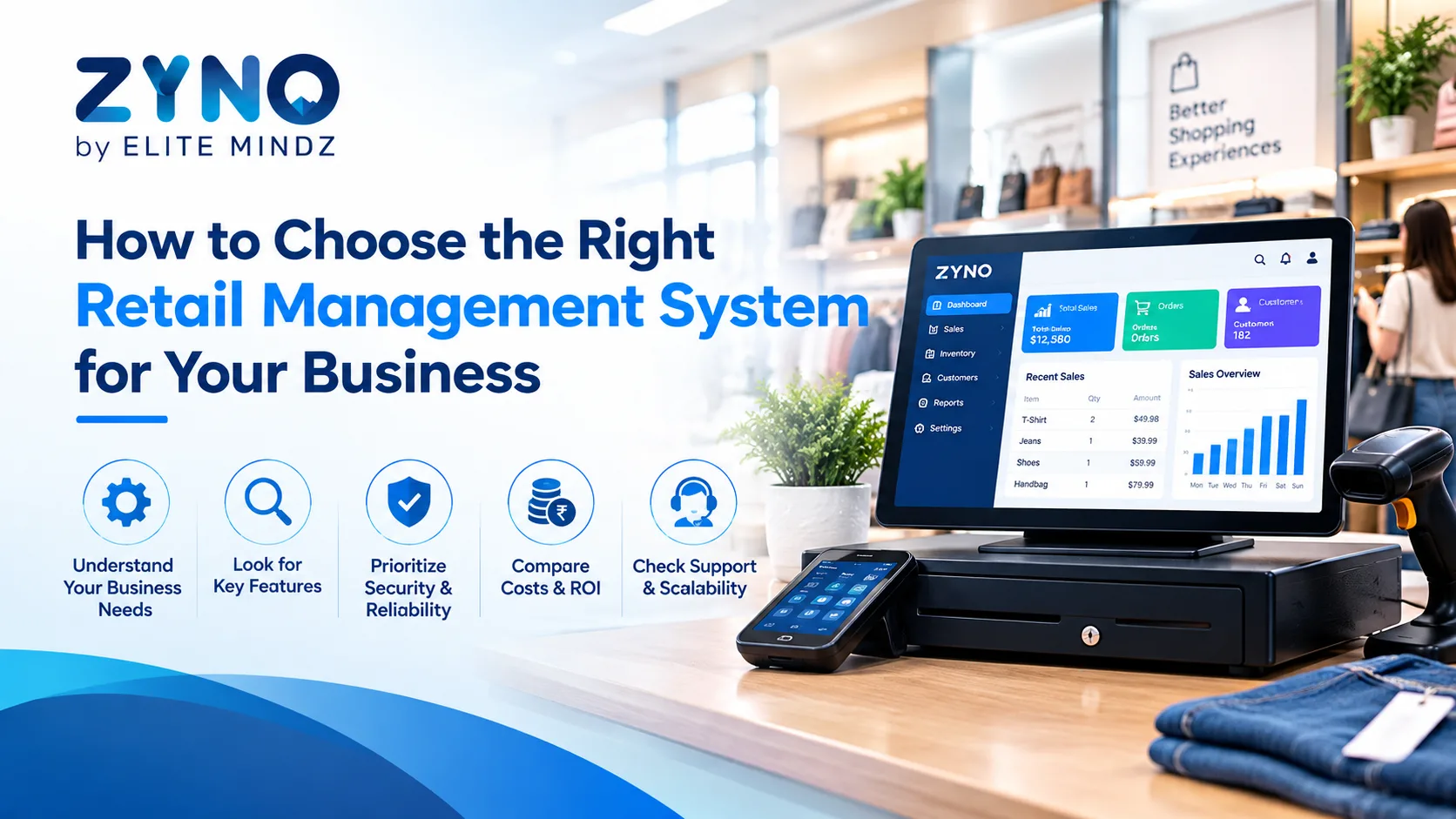
For businesses looking for an integrated approach to retail operations, ZYNO by Elite Mindz offers retail POS capabilities that businesses can evaluate as part of their software selection process. Review the available features, confirm that they match your requirements, and request a demonstration before making a decision.
The right retail management software is the one that meets your operational needs today while giving your business room to grow tomorrow.
Frequently Asked Questions
1. How do I choose the right retail management system for my business?
Start by identifying your business requirements, including billing, inventory management, sales reporting, and multi-store operations. Compare software features, pricing, ease of use, integrations, security, and customer support before requesting a demo.
2. What features should retail management software include?
Essential features may include POS billing, inventory tracking, barcode scanning, sales reports, purchase order management, supplier management, user permissions, and customer management. Multi-store businesses may also require centralized inventory and consolidated reporting.
3. How much does a retail management system cost?
The cost depends on the software plan, number of users, store locations, hardware requirements, integrations, and deployment model. Ask vendors to provide a complete breakdown of setup, subscription, training, and maintenance expenses.
4. Is cloud-based retail management software suitable for small businesses?
Yes. Cloud-based retail management software can suit small businesses that need centralized data, remote access, and reduced dependence on local server infrastructure. However, businesses should assess internet reliability, security controls, offline capabilities, and ongoing subscription costs.
5. Can a retail management system improve inventory accuracy?
Yes. When properly configured, a retail management system can update stock records after sales, track stock movements, generate low-stock alerts, and reduce manual data-entry errors. Accuracy also depends on correct product setup, regular stock reconciliation, and consistent use by employees.
6. What is the difference between a retail POS system and retail management software?
A retail POS system primarily handles transactions and checkout activities. Retail management software generally covers a broader range of functions, such as inventory, purchasing, reporting, and store operations. Some solutions combine both capabilities in one platform.
7. Should I choose retail ERP software or a standalone retail management system?
A standalone retail management system may be sufficient for businesses that mainly need billing, inventory, and store-level reporting. Retail ERP software may be more appropriate when the business needs retail operations integrated with accounting, procurement, warehousing, and other business functions.