
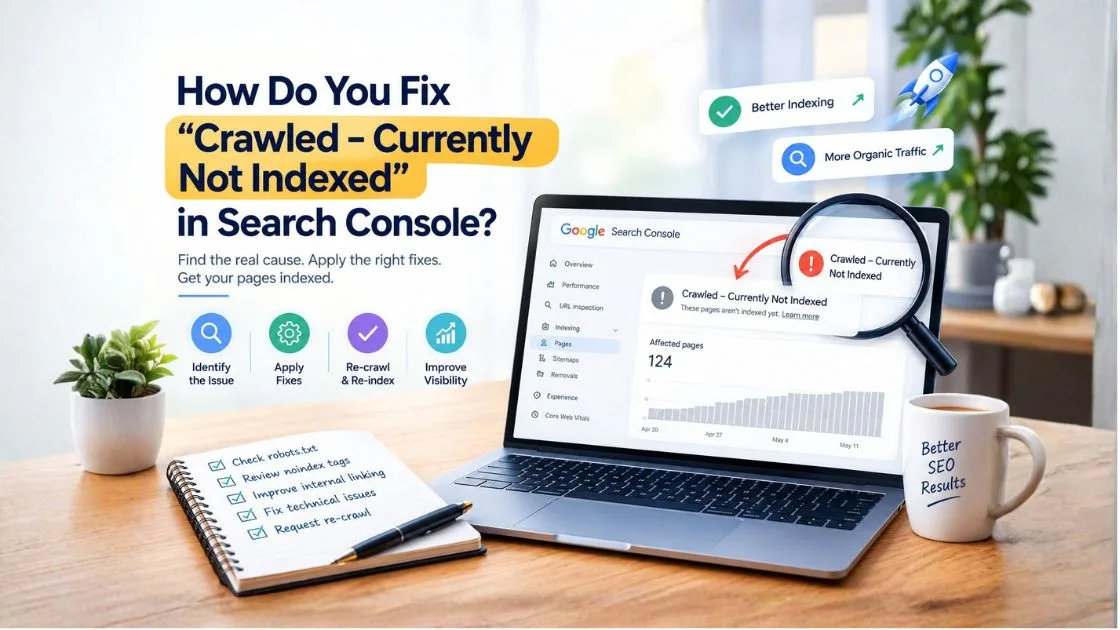
Summary - “Crawled – currently not indexed” in Google Search Console means Google has visited a webpage but has not included it in its search index at that time. To fix this issue, inspect the URL, improve content quality, check canonical tags and indexability, strengthen internal links, and request indexing after making meaningful improvements. Indexing is not guaranteed.
When an important blog post or service page does not appear on Google, it can limit organic visibility and reduce opportunities to attract potential customers. Website owners often discover this problem in Google Search Console, where URLs appear under the “Crawled – currently not indexed” status.
The solution is not always to submit the URL again. Google may have crawled the page but found reasons not to include it in the index at that time. Understanding the cause helps you choose the right fix instead of making unnecessary website changes.
For businesses in Pimpri-Chinchwad (PCMC), resolving indexing issues can be particularly important when service pages and local landing pages are designed to attract nearby customers.
What Does “Crawled – Currently Not Indexed” Mean in Google Search Console?
This status means Googlebot has crawled a URL, but Google has not indexed it at the time reported. The page may be accessible, yet it is not currently eligible to appear as a normal indexed result for relevant searches.
What Is the Difference Between Crawling and Indexing?
Crawling is the process of discovering and fetching a webpage. Indexing involves analyzing the page and deciding whether to include it in Google's search index. Ranking determines where an indexed page may appear for a particular query.
A successful crawl does not guarantee indexing, and indexing does not guarantee high rankings.
Is It a Google Penalty?
No. This status alone does not mean that Google has penalized your website. It indicates that the URL has not been indexed, and you need to investigate why.
It is also different from “Discovered – currently not indexed,” where Google knows about the URL but has not yet crawled it.
Why Is Google Not Indexing a Crawled Page?
Several factors can contribute to this status. Identifying the underlying cause is more effective than applying the same solution to every URL.
Thin or Low-Value Content
A page with limited original information may not provide enough value to stand out. For example, publishing multiple local service pages with nearly identical descriptions and changing only the location name can make the pages less useful.
Instead, provide meaningful differences, such as service-specific details, local customer questions, practical examples and information that helps visitors make decisions.
Duplicate or Similar Content
Google may find multiple URLs with substantially similar content. This can happen when websites publish overlapping blog topics, create URL variations or maintain separate pages that serve the same purpose.
Review whether the pages need to remain separate. Improve their distinct value, consolidate overlapping content where appropriate, or use redirects and canonical tags when technically suitable.
Incorrect Canonical Tags
A canonical tag tells search engines which URL is preferred among duplicate or similar pages. If a page points to another URL as its canonical, Google may choose not to index the original URL separately.
Check the declared canonical in Google Search Console and compare it with the URL Google has selected. Ensure the preferred version matches your intended indexing strategy.
Weak Internal Linking
Pages without relevant internal links may be harder for Google to discover through your website structure. Important articles and service pages should receive contextual links from related pages.
For example, a blog about technical SEO could link to a relevant analytics guide. Businesses can also use Google Analytics 4 and Search Console together to understand website performance and search visibility, although analytics data alone does not determine whether Google indexes a URL.
How Do You Fix “Crawled – Currently Not Indexed” Step by Step?
Follow this process to diagnose the problem and make targeted improvements.
Step 1: Inspect the URL in Google Search Console
Open Search Console and enter the affected URL in the URL Inspection tool. Review the indexing status, last crawl information and available canonical details.
Confirm whether Google can access the page and whether the selected canonical matches your preferred URL. If Google has selected a different canonical, investigate the reason before requesting indexing.
Step 2: Improve Content Quality and Search Intent
Review whether the page answers the question a visitor would expect it to answer. Add original insights, useful examples, clear explanations and practical steps where needed.
Avoid increasing word count simply to make the page longer. A focused, helpful page is preferable to a lengthy article filled with repetition.
For a local business page targeting PCMC, include relevant service information, genuine local context and clear answers to customer questions rather than repeating “digital marketing agency in PCMC” throughout the content.
Step 3: Check Technical Indexability
Verify that the page returns an appropriate HTTP status, normally 200 OK for a page intended to remain accessible. Check for accidental noindex directives, unintended redirects and robots.txt restrictions that may affect crawling.
If the page relies on JavaScript, confirm that its primary content is rendered correctly. Resolve server errors or access restrictions before requesting indexing.
Step 4: Strengthen Relevant Internal Links
Link to the affected page from relevant, accessible pages on your website. Use descriptive anchor text that tells readers what the destination covers.
Prioritize links from related articles, service pages and useful navigation sections. Avoid adding irrelevant links solely to influence search engines.
Step 5: Review Your XML Sitemap
Include the preferred, canonical URLs you want Google to consider indexing. Remove redirected, duplicate and non-indexable URLs where appropriate.
A sitemap helps Google discover URLs, but submitting one does not guarantee indexing.
Step 6: Request Indexing After Making Improvements
Once you have corrected the underlying problem, use URL Inspection to request indexing. This can prompt Google to recrawl the URL, but it does not guarantee that the page will be indexed immediately or at all.
Avoid repeatedly submitting an unchanged page. Focus on resolving the issue and monitoring the result.
How Can You Diagnose Indexing Issues Across Multiple Pages?
If dozens of URLs have the same status, look for a shared pattern instead of treating every page as an isolated case.
Use the Page Indexing report to group affected URLs by directory, page template or content type. Compare indexed and non-indexed pages to identify differences in content quality, canonical tags, internal links and technical accessibility.
For example, if most affected URLs belong to a recently created service-page directory, inspect its template for duplicate content, incorrect canonical tags or unintended noindex settings. If only a few older blog posts are affected, content overlap or limited usefulness may deserve closer attention.
Prioritize important pages that support your business goals. Some URLs, such as duplicate tracking parameters or low-value utility pages, may not need to be indexed at all.
How Long Does Google Take to Index a Page After Fixing It?
There is no guaranteed indexing timeline. Google must recrawl or reassess the page, and the outcome depends on several factors.
Monitor the URL Inspection tool and Page Indexing report for changes. Do not assume that a pending status means the fix has failed, and avoid making repeated technical changes without evidence.
What Common Mistakes Should You Avoid?
- Requesting indexing without fixing the underlying issue.
- Publishing several near-identical articles targeting the same query.
- Changing canonical tags without understanding URL duplication.
- Blocking Googlebot while trying to improve indexability.
- Adding keywords or internal links that do not help readers.
- Assuming every website URL must appear in Google's index.
- Expecting sitemap submission to guarantee inclusion.
A structured diagnosis is more reliable than repeatedly resubmitting pages or making changes without checking their effects.
Turn Indexing Problems Into a Clear SEO Action Plan
A “Crawled – currently not indexed” status is a signal to investigate, not a reason to make random changes. Check the URL, identify the likely cause, improve the page where necessary, and monitor what happens after Google recrawls it.
If your website has multiple affected blog posts, service pages or local landing pages, consult an experienced SEO professional to review your indexing reports, technical setup, content quality and internal-link structure. A focused SEO audit can help prioritize the pages that matter most to your organic visibility and business enquiries. Businesses serving Pimpri-Chinchwad can also explore practical ways to improve your business visibility on Google and strengthen their local search presence.
Frequently Asked Questions
How do I fix “Crawled – Currently Not Indexed” in Google Search Console?
Inspect the URL, review content quality, verify canonical tags and indexability, improve relevant internal links, and request indexing after meaningful fixes. Google does not guarantee that a page will be indexed.
Why is Google crawling my page but not indexing it?
Google may have crawled the URL but not selected it for indexing. Potential reasons include similar content, limited original value, canonical selection or other indexing considerations.
Does “Crawled – Currently Not Indexed” affect SEO rankings?
The affected URL generally cannot appear as a normal indexed organic result while it remains unindexed. However, this status alone does not prove that the entire website has a ranking problem.
Should I request indexing again after updating my content?
Yes, you can request indexing after making meaningful improvements. However, repeated requests without changes do not force Google to index a page.
Can internal links help Google index a page?
Relevant, crawlable internal links can help Google discover a URL and understand its relationship to other pages. They support discoverability but do not guarantee indexing.