
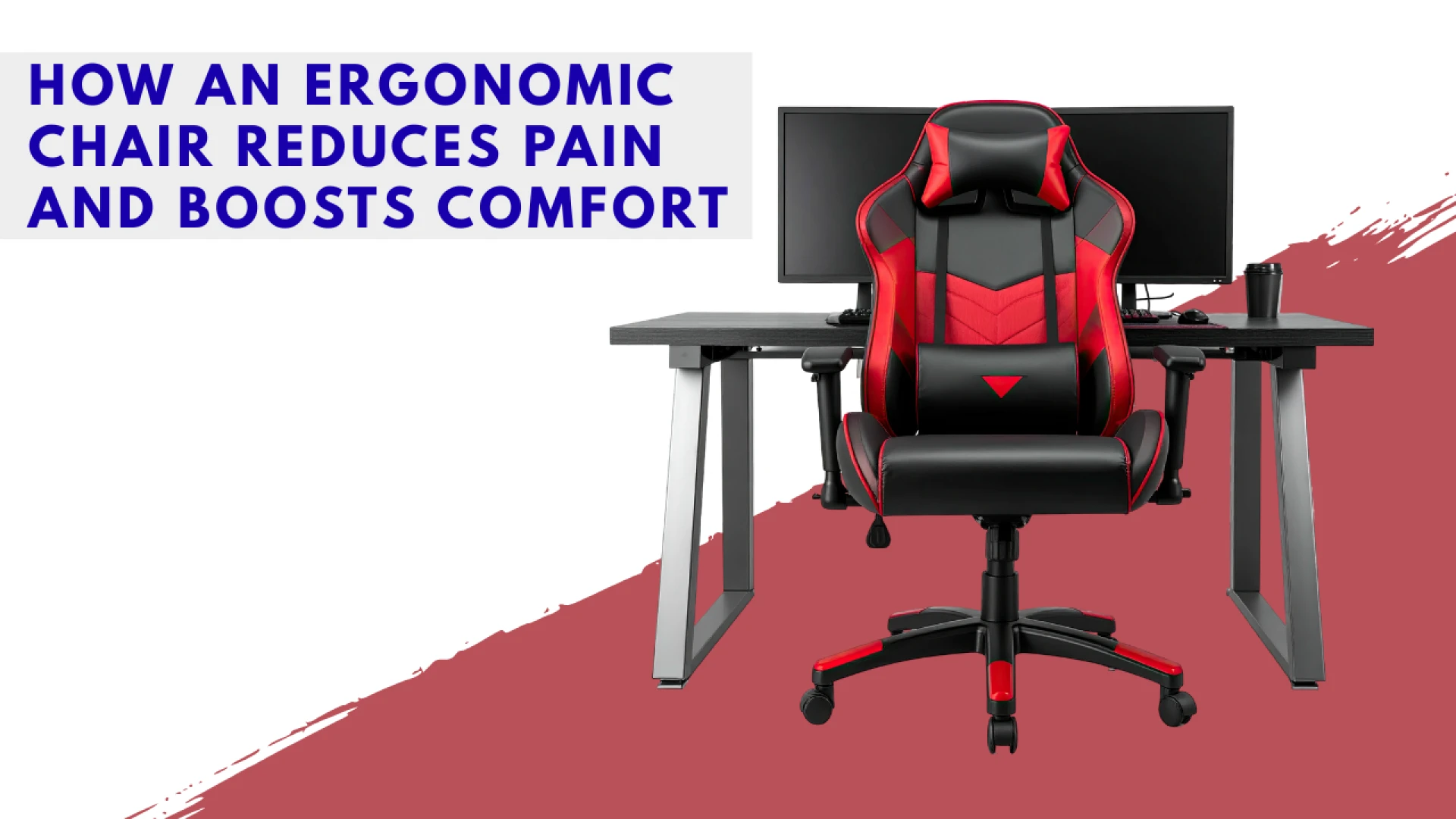
In the modern working life of Thailand, a large segment of the population—from corporate professionals in high-rise offices to remote workers in home environments—spends eight or more hours a day seated. This intensive sedentary behavior, particularly when combined with suboptimal posture, has led to a widespread health concern known as "Office Syndrome." This condition manifests as chronic pain in the lower back, neck, shoulders, and wrists, significantly impacting employee health, productivity, and overall quality of life.
The most crucial piece of equipment in mitigating this crisis is not the computer or the desk, but the chair. A well-designed, high-quality ergonomic chair is specifically engineered to adapt to the unique contours and movements of the human body. Unlike standard office furniture, an ergonomic chair offers comprehensive adjustability, allowing the user to maintain a neutral, balanced, and dynamic posture. Investing in the right chair is therefore not a luxury purchase but a preventative health measure that directly combats pain, enhances comfort, and supports sustained concentration throughout the long working day.
1. The Core Principles of Ergonomic Design
An ergonomic chair is defined by its adjustability and its ability to support the body’s natural curves and pressure points. It works to keep the user in a posture that minimizes muscle strain and maximizes blood flow.
Lumbar Support: The Key to Back Health
The spine's natural curvature (an S-shape) requires support, especially in the lower back (lumbar region), to prevent slouching and disc compression.
- Lower Back Alignment: A great ergonomic chair features adjustable lumbar support—both in height and depth. This allows the user to position the support precisely into the curve of their lower back, maintaining the spine's natural lordosis. This reduces the strain on the discs and ligaments that occurs when the back rounds.
- Dynamic Support: Advanced chairs offer dynamic lumbar support that moves subtly with the user as they shift position, providing continuous and consistent support throughout the workday.
Seat Height and Depth Adjustability
Proper seat dimensions are crucial for promoting healthy leg and foot circulation and ensuring correct body alignment with the desk.
- Height: The seat height must be adjustable to ensure the user’s feet are flat on the floor (or a footrest) and the thighs are parallel to the floor. Crucially, this ensures the knees are bent at a comfortable 90-degree angle. This is vital for promoting circulation in the legs.
- Depth (Slider): The seat depth, often controlled by a slider mechanism, must be adjustable to fit the length of the user's thigh. Ideally, there should be a gap of about two to four fingers' width between the back of the knees and the front edge of the seat. This prevents the seat from cutting off circulation to the lower legs.
2. Supporting the Upper Body: Arms, Neck, and Shoulders
Many common pain points in Office Syndrome originate not from the lower back, but from incorrect positioning of the arms, which leads to cumulative tension in the shoulders and neck.
The Role of Adjustable Armrests
Armrests should be treated not as resting places, but as supporting tools to relieve shoulder strain.
- Height and Width Adjustments: Armrests must be adjustable in height (up and down) to ensure the user’s elbows rest at a height that allows the shoulders to remain completely relaxed and low. Ideally, the elbow should be bent at 90 degrees, aligning the forearms with the desk height.
- 4D Adjustability: The best ergonomic chairs offer "4D" armrests—adjustments for height, width, depth (forward/backward), and pivot (in/out). This ensures the armrests can be brought in close enough to provide support without forcing the user to adopt an awkward posture.
Headrest and Neck Support
While not all ergonomic tasks require a headrest, it is essential for relieving pressure during recline and breaks.
- Neck Stabilization: A properly adjusted headrest should support the base of the user's skull and the neck, stabilizing the head during breaks, phone calls, or reclining. This feature prevents the neck muscles from constantly having to support the weight of the head (which can be up to 5 kilograms or more), helping to prevent common tension headaches and neck pain.
3. The Importance of Materials and Movement
A great ergonomic chair facilitates movement and provides comfort, particularly essential in Thailand’s warm and humid climate.
Breathability and Mesh Materials
Comfort in high-heat environments is paramount for long periods of focus.
- Airflow: Heavy, cushioned leather or fabric chairs can trap heat, leading to discomfort and sweating. Many high-end ergonomic chairs utilize high-tensile mesh fabric (like those found in many Bangkok tech startups and co-working spaces). Mesh allows air to flow freely across the user's back and seat, dissipating body heat and keeping the user cool and comfortable for extended hours.
The Recline and Tilt Mechanism
The core philosophy of modern ergonomics is that the body should be dynamic, not static. The chair must encourage subtle movement.
- Synchro-Tilt: The best chairs use a synchro-tilt mechanism, where the backrest and the seat pan recline at a coordinated ratio (e.g., the back reclines 2.5 degrees for every 1 degree the seat pan reclines). This keeps the user's hips in a stable, advantageous angle, opening the hip angle and promoting muscle movement without sliding the user's feet off the floor.
- Tension Control: Users should be able to easily adjust the resistance of the recline mechanism to match their body weight. This allows them to recline safely and effortlessly, encouraging frequent changes in posture throughout the day.
4. Practical Purchasing Considerations in Thailand
When selecting a chair, especially one that may be used for 40 hours or more per week, buyers must consider quality, warranty, and suitability for the environment.
Build Quality and Durability
An ergonomic chair is an investment, and its durability must justify the higher cost compared to basic office furniture.
- Certified Components: Look for certifications that attest to durability, such as BIFMA standards. The frame, base, and casters (wheels) should be made from high-grade materials like polished aluminum or glass-filled nylon. Cheaper plastic components are often the first to fail under constant use.
- Gas Lift Quality: The pneumatic gas cylinder that controls the height adjustment should be certified (e.g., Class 4 gas lift) to ensure it does not slowly sink over time, forcing the user to constantly readjust their height.
Considering Warranty and Support
A long warranty is a reflection of the manufacturer's confidence in the product's quality.
- Warranty Length: High-end ergonomic chairs typically come with a warranty of 5 to 12 years, covering the frame, base, and functional mechanisms (tilt, height adjustment). Given the high cost of quality chairs, a long-term warranty provides peace of mind and ensures a better total cost of ownership.
- Local Service: For purchases in Thailand, ensure the supplier has local authorized service and can provide replacement parts (such as armrest pads or gas cylinders) easily, as shipping heavy furniture for repair can be costly and time-consuming.
The Investment in Well-being
The ergonomic chair is the most potent weapon against the chronic pain and fatigue associated with long hours of seated work. By providing essential, customizable support for the lumbar spine, regulating the correct alignment of the arms, and facilitating subtle, dynamic movement, these chairs allow the body to work in a neutral, strain-free state. For any professional or employer in Thailand committed to maximizing productivity and protecting the long-term health of their workforce, the selection of a high-quality, fully adjustable ergonomic chair represents a fundamental and necessary investment in well-being and sustained high performance.
FAQs
How should the armrest be set for typing?
The armrest should be adjusted so that when your fingers are resting on the keyboard, your shoulders remain relaxed and low. Your elbow should be bent at a 90-degree angle. Crucially, the armrest should simply support your elbow and forearm, relieving the tension on your shoulder muscles, but should not push your shoulders upward.
What is the ideal sitting posture in an ergonomic chair?
The ideal posture involves sitting upright with your back against the backrest, utilizing the lumbar support. Your feet should be flat on the floor, your knees bent at 90 degrees, and your hips positioned slightly higher than your knees (an angle of 95 to 105 degrees is often ideal). However, the most important rule is to change your posture frequently—never remain static for more than 30 minutes.
Why do some ergonomic chairs have high mesh backs instead of thick padding?
The high mesh back serves two primary ergonomic purposes. First, the mesh material provides superior breathability and cooling, which is vital for comfort in warm climates. Second, the flexible tension of the mesh allows it to conform more precisely to the user's back and provide more effective dynamic lumbar support than rigid foam padding can.
Should I get an ergonomic chair with or without a headrest?
If you spend a lot of time reclining for thought, phone calls, or breaks, a chair with a headrest is beneficial, as it relieves neck strain during recline. However, if you spend most of your time sitting upright and focusing on the screen, a chair without a headrest is fine. If you do get one, ensure the headrest is adjustable in height and angle to position it correctly at the base of your skull.