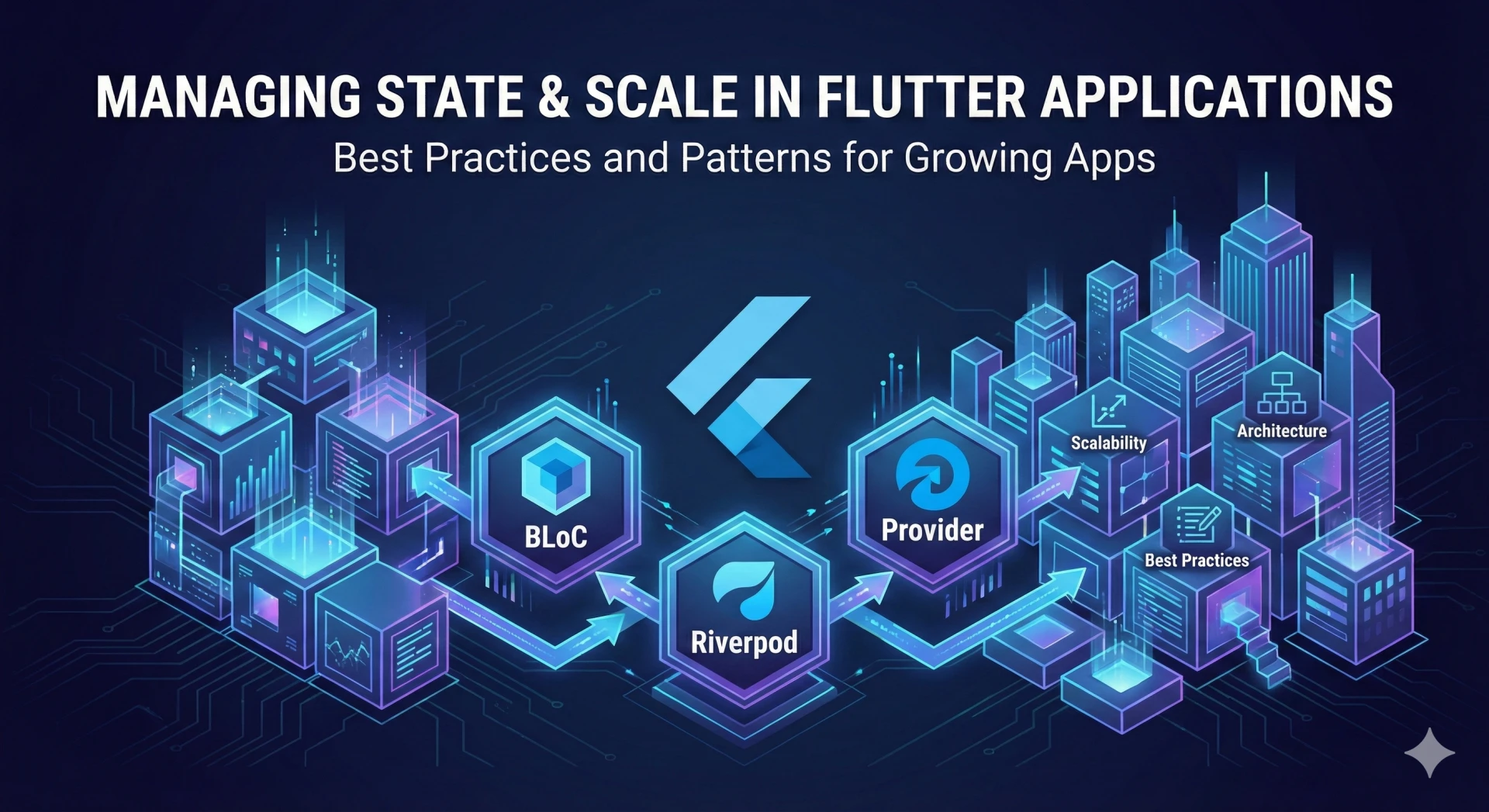
Many Flutter applications feel fast, clean, and manageable in their early stages. Challenges begin to appear as features increase, teams grow, and production data starts flowing through more screens and workflows. At that point, early state management decisions surface as unstable UI behavior, performance degradation, and slower delivery cycles.
A common misconception is treating state management as a framework preference rather than an architectural responsibility. In reality, poorly structured state flows create unpredictable UI updates, excessive widget rebuilds, testing complexity, and tightly coupled features that are difficult to extend. These issues rarely appear during MVP development but become unavoidable as applications mature.
Scaling Flutter apps is therefore less about widget composition and more about how state is modeled, shared, and controlled across the application lifecycle. This is where experienced Flutter mobile app development services add long-term value by designing state architectures that evolve with product growth.
Understanding State in Flutter Beyond UI Updates
State in Flutter is often misunderstood as something limited to button clicks, form inputs, or simple UI changes. In scalable applications, state exists at multiple levels, and each behaves differently as the app grows.
Local UI state manages temporary widget-level interactions. Shared application state spans multiple screens and features. Global business state represents domain data, user sessions, permissions, and async workflows.
Treating all these state types the same creates uncontrolled rebuilds, hidden dependencies, and performance issues that compound over time. As features expand, even small state changes can trigger wide UI updates, making bugs harder to trace and fixes riskier to deploy.
This is why mature custom Flutter app development company teams define clear state boundaries early. Classifying state before selecting tools ensures predictable behavior, better performance, and architectures that scale with both product complexity and team size.
How Application Scale Dictates State Management Choices
There is no universally “best” state management solution in Flutter because state complexity grows with the product itself. What works for a small, single-developer app often becomes a liability once features, users, and contributors increase. Scale introduces constraints that directly influence how the state should be structured and managed.
Key scale-driven factors that shape state management decisions include:
- Feature count, which increases the shared and interdependent state across screens.
- Team size, where multiple developers are working in parallel, requires predictable state flows.
- Asynchronous data volume, such as APIs, real-time updates, and background tasks.
- Testing requirements, especially for regression prevention and release stability.
Over-engineering the state early slows delivery and increases cognitive load for small teams. Under-engineering, however, creates fragile systems that are expensive to refactor after launch. This is why Flutter state strategies must evolve with product maturity.
Experienced Flutter mobile app development services treat state management as an adaptive architectural decision, aligning patterns with the app’s current scale rather than locking into one approach too early.
State Management Approaches by App Scale (Core Comparison Section)
As Flutter applications grow, teams quickly learn that state management tools are designed to solve different problems at different stages of scale. Comparing them purely on popularity or simplicity hides how they behave under real production pressure.
At a high level, teams encounter five common approaches:
- setState(), suitable only for isolated UI state with minimal shared dependencies.
- Provider, effective for small to mid-sized apps that need shared state with low overhead.
- Riverpod, designed for scalable apps that demand testability, safety, and dependency control.
- BLoC, built for enterprise-grade complexity where predictability matters more than speed.
- GetX, optimized for rapid delivery but requires strong discipline to avoid architectural drift.
When evaluated through a scale-aware lens, teams assess these approaches across:
- Scalability limits, or how well the state remains manageable as features grow.
- Performance impact, especially rebuild control and async handling.
- Testability, critical for long-term stability and CI pipelines.
- Architectural discipline, which determines maintainability under team expansion.
- Onboarding complexity affects how quickly new developers become productive.
State management tools do not compete directly with each other. They address different growth phases of a Flutter application. Advanced Flutter mobile app development services choose and evolve state patterns based on scale, not trends.
setState(): Why Simplicity Breaks First at Scale
setState() is often the first state management approach teams use in Flutter, and for good reason. It is simple, intuitive, and requires no additional abstractions. For early-stage development, it works exactly as intended.
It performs well when used for:
- Local widget interactions.
- Temporary UI state, such as toggles, animations, and form inputs.
- Isolated screens with no shared dependencies.
Problems emerge when applications grow beyond a handful of screens. As features expand, setState() introduces:
- Excessive widget rebuilds that impact performance.
- Hidden coupling between UI and business logic.
- Poor traceability of state changes during debugging.
In large Flutter applications, these issues compound quickly. Teams struggle to reason about UI behavior, performance tuning becomes reactive, and testing becomes impractical.
This is why enterprise Flutter products outgrow setState() early. Expert Flutter mobile app development services treat setState() as a local tool, not a foundation. The moment state needs to be shared, persisted, or tested independently, intentional migration becomes unavoidable.
Provider: The Transitional Choice for Growing Flutter Apps
Provider is often the first structured state management solution teams adopt after outgrowing setState(). It introduces a cleaner way to share state across widgets without tightly coupling UI components, making it a natural step for growing Flutter applications.
Provider works well because it offers:
- A lightweight abstraction with minimal setup.
- Official recommendation and long-term support from the Flutter team.
- Clear separation between UI and shared application state.
For mid-sized products, Provider helps teams manage:
- Shared data across multiple screens.
- Simple business logic tied to user flows.
- Incremental feature expansion without heavy architectural overhead.
However, limitations become visible as complexity increases:
- Strong dependency on BuildContext, which complicates refactoring.
- Verbose wiring as providers multiply across the widget tree.
- Debugging challenges when state updates cascade unpredictably.
At enterprise scale, these friction points slow delivery and increase cognitive load. This is why experienced Flutter mobile app development services treat Provider as a transitional solution. It enables early scalability but eventually gives way to more robust patterns when testability, performance predictability, and architectural discipline become non-negotiable.
Riverpod: Designing for Testability and Long-Term Scale
Riverpod is often adopted when teams recognize that Provider’s convenience comes with structural limits at scale. It rethinks state management from the ground up, removing many architectural constraints that surface in growing Flutter applications.
Riverpod improves scalability by addressing core pain points:
- Eliminates BuildContext dependency, making state access predictable.
- Enforces type safety, reducing runtime errors as codebases grow.
- Encourages explicit dependency management instead of implicit wiring.
For enterprise-grade Flutter apps, Riverpod offers clear advantages:
- Strong support for dependency injection and modular architectures.
- First-class handling of asynchronous state through structured APIs.
- Easier unit and integration testing with isolated state containers.
These benefits directly impact long-term maintainability and team velocity. However, Riverpod introduces a steeper learning curve compared to Provider, especially for teams new to reactive programming concepts.
This trade-off is intentional. Flutter mobile app development services that prioritize stability, testability, and future scale often choose Riverpod because it enforces better architectural habits early. Once adopted correctly, teams report fewer state-related regressions, cleaner refactors, and more confidence in shipping changes as applications evolve.
BLoC: Predictability and Control for Enterprise Flutter Applications
BLoC is typically adopted when Flutter applications reach a level of complexity where predictability matters more than speed. It is designed for teams that want strict control over how state changes flow through the system.
At scale, BLoC works because it enforces clear separation between:
- UI layers that only react to state.
- Business logic that processes events.
- State streams that remain explicit and traceable.
Enterprise teams value BLoC for several reasons:
- Every state change is driven by a defined event.
- Business logic stays isolated from presentation concerns.
- Testing becomes straightforward due to deterministic state transitions.
This structure reduces ambiguity as features, developers, and integrations increase. Bugs are easier to trace because state mutations follow a single, observable path.
The trade-offs are real:
- Higher boilerplate compared to Provider or Riverpod.
- Slower initial development velocity.
- A learning curve for teams unfamiliar with reactive streams.
Despite this, BLoC remains one of the safest architectural choices for large, data-heavy Flutter applications. Many Flutter mobile app development services rely on BLoC when long-term maintainability, compliance, and predictable scaling outweigh the need for rapid UI iteration.
GetX: Speed vs Structure Trade-Offs Teams Learn Later
GetX often attracts teams early because it promises fast development with minimal boilerplate. For small teams or tight timelines, that appeal is hard to ignore. UI updates feel instant, navigation is simplified, and dependency management appears effortless.
In early-stage products, GetX works well because:
- Setup is minimal and easy to adopt.
- State updates are fast and lightweight.
- Developers can move quickly without heavy architectural overhead.
However, as applications scale, teams begin to notice structural cracks.
Common challenges that surface at scale include:
- Architecture drift due to loosely enforced patterns.
- Hidden dependencies that make reasoning about state difficult.
- Reduced testability compared to Riverpod or BLoC.
- Tight coupling between UI, logic, and state.
Without strict internal guidelines, GetX can encourage shortcuts that accumulate technical debt over time. What feels productive early can become expensive to maintain as feature count and team size grow.
GetX works best when:
- App complexity is controlled.
- Teams enforce strong internal conventions.
- Long-term scalability requirements are limited.
For large products, disciplined usage is essential. Reliable Flutter mobile app development services treat GetX as a tactical tool, not a default architecture for enterprise-scale Flutter applications.
Best Practices for Managing State at Scale
As Flutter applications grow, teams quickly realize that tooling alone does not guarantee scalability. Long-term stability depends on how consistently the state is structured, updated, and observed across the codebase. These best practices are what experienced Flutter mobile app development services rely on to keep large apps predictable and maintainable.
Key practices that support scalable state management include:
- Separate UI from business logic to prevent widget trees from becoming state-heavy and fragile.
- Use immutable state models so every state change is explicit, traceable, and predictable.
- Minimize widget rebuilds intentionally by avoiding broad listeners and unnecessary state propagation.
- Prefer selective listeners and consumers to update only the UI segments that truly depend on a state change.
- Handle asynchronous state explicitly instead of relying on implicit loading or error handling.
- Modularize state by feature so teams can work independently without breaking shared logic.
- Enforce dependency injection patterns to reduce tight coupling and improve testability.
- Profile performance regularly with Flutter DevTools to detect rebuild storms, memory pressure, and async bottlenecks early.
These practices matter more than the choice between Provider, Riverpod, or BLoC. Teams that apply them consistently maintain performance, testing confidence, and boost app speed even as their Flutter applications scale.
Final Takeaway
State management is one of the strongest predictors of whether a Flutter application will scale smoothly or struggle under growth. As features expand and teams grow, ad hoc state decisions lead to performance issues, testing gaps, and slower delivery. There is no single state management solution that fits every stage of a product’s lifecycle. What works for an early MVP often becomes a bottleneck for an enterprise-grade application.
Scalable Flutter apps succeed when state strategy is aligned with app size, team maturity, and long-term business goals. This is why Flutter mobile app development services must think beyond UI speed and short-term convenience. The real advantage comes from designing state architectures that can evolve without breaking stability.
Flutter applications scale confidently when state is treated as an architectural foundation, not an afterthought. Contact Quokka Labs to build Flutter applications with state architectures designed for performance, scalability, and long-term enterprise growth.