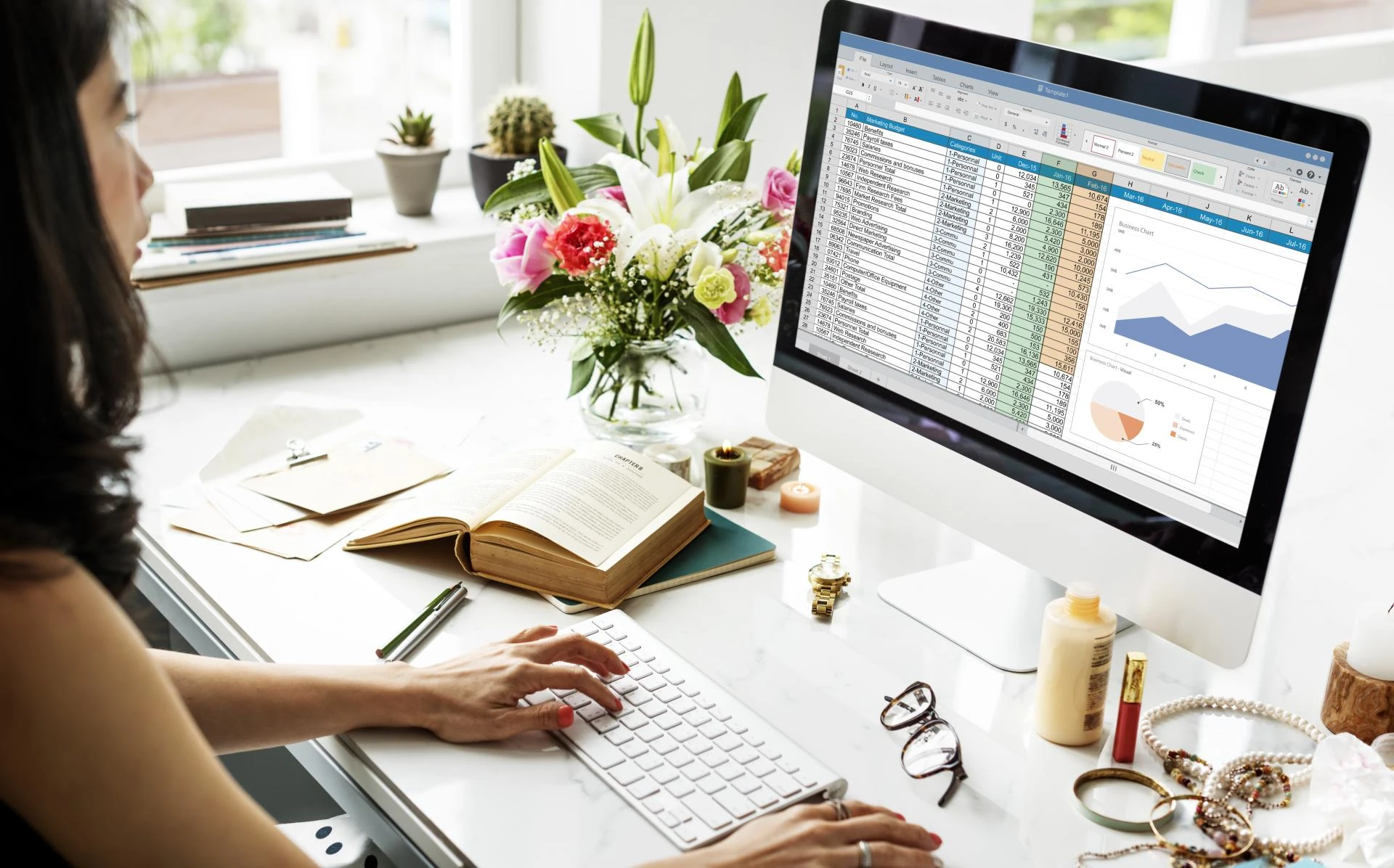
In today’s data-driven world, professionals spend hours every week performing the same tasks — cleaning data, generating reports, and updating dashboards in Excel. What if you could automate all of that with a few lines of code? That’s where Excel VBA (Visual Basic for Applications) comes in. By enrolling in a structured Excel VBA Course, you can learn to automate repetitive processes, eliminate errors, and build smarter Excel tools that save time and boost productivity. Whether you’re a data analyst, financial executive, or business professional, mastering VBA is your gateway to becoming an Excel automation expert.
Why Learning Excel VBA Is a Career Game-Changer
Despite the rise of modern BI platforms, Excel remains the backbone of business reporting and analysis across industries. But manual Excel work can quickly become tedious and error-prone — especially when managing large datasets or recurring reports. That’s where this Excel VBA Course transforms your workflow.
With VBA, you can create macros that automate repetitive tasks, such as cleaning raw data, formatting reports, and generating monthly dashboards. You can even build custom forms and tools tailored to your team’s workflow. Professionals in roles like financial analyst, MIS executive, business manager, and data analyst use VBA to cut report preparation time by up to 80%.
Many professionals wonder about the future of VBA — and the truth is, it’s still strong. Even as tools like Power Automate and Python gain traction, VBA continues to be deeply embedded within Excel and Office ecosystems. Organizations worldwide rely on it for quick, reliable automation without needing external software. Learning VBA today not only boosts your current productivity but also prepares you to integrate it with emerging technologies in the evolving automation landscape.
In short, learning VBA means working smarter, not harder — and that’s a skill employers truly value in 2025’s competitive, automation-focused job market.
What You’ll Learn in a Professional VBA Course
A well-structured VBA course goes beyond recording simple macros. It helps you truly understand how Excel automation works behind the scenes. A typical Excel VBA Course covers:
- Introduction to VBA and Macros: Learn how to record, edit, and run macros to automate tasks.
- Variables, Loops, and Conditions: Understand the building blocks of VBA programming to create dynamic automation scripts.
- Working with Excel Objects: Gain control over worksheets, ranges, charts, and forms.
- Debugging and Error Handling: Learn to identify and fix issues efficiently.
- Project-Based Automation: Build interactive dashboards, reporting tools, and user forms for real-world business scenarios.
The best part? A professional VBA course focuses on hands-on, project-based learning, ensuring you can immediately apply what you learn to your daily Excel tasks.
Get Certified — Why VBA Certification Adds Credibility
Completing a VBA certification is more than just learning to code — it’s about proving your automation expertise. A recognized certification signals to employers that you can streamline workflows, enhance reporting efficiency, and reduce manual effort.
In today’s job market, HR managers and team leads increasingly prioritize candidates with technical automation skills. A VBA certification can help you stand out in interviews, qualify for promotions, or transition into data analytics and business automation roles. It’s an investment in credibility and career growth.
Learn Excel VBA the Smart Way — With Excelgoodies
When it comes to learning automation, experience matters. Excelgoodies is a global analytics training provider trusted by professionals from Fortune 500 companies and growing startups alike. The Excelgoodies Excel VBA Course offers:
- Live Instructor-Led Training: Interactive sessions guided by certified Excel experts.
- Hands-On Projects: Apply your learning to real-world automation challenges.
- Lifetime Access: Revisit course materials and recordings anytime.
- Post-Training Support: Get help from mentors even after course completion.
Whether you’re pursuing VBA certification by Excelgoodies or simply want to automate your day-to-day reporting, this course provides the practical skills and confidence you need to master Excel automation.
Ready to Automate Your Excel? Take the Next Step
The ability to automate with Excel VBA is one of the most valuable skills you can gain in 2025’s data-driven workplace. It helps you save time, reduce errors, and focus on analysis instead of manual work. If you’re ready to future-proof your career and become an Excel automation expert, enroll in the Excelgoodies Excel VBA Course today.
👉 Start your VBA journey now — request a free demo or join the next live session with Excelgoodies!