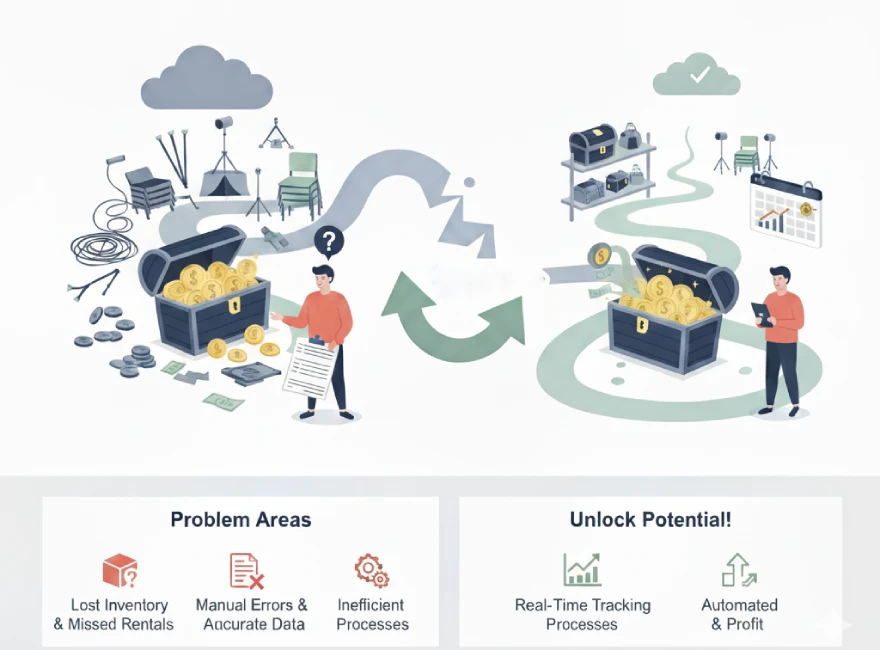
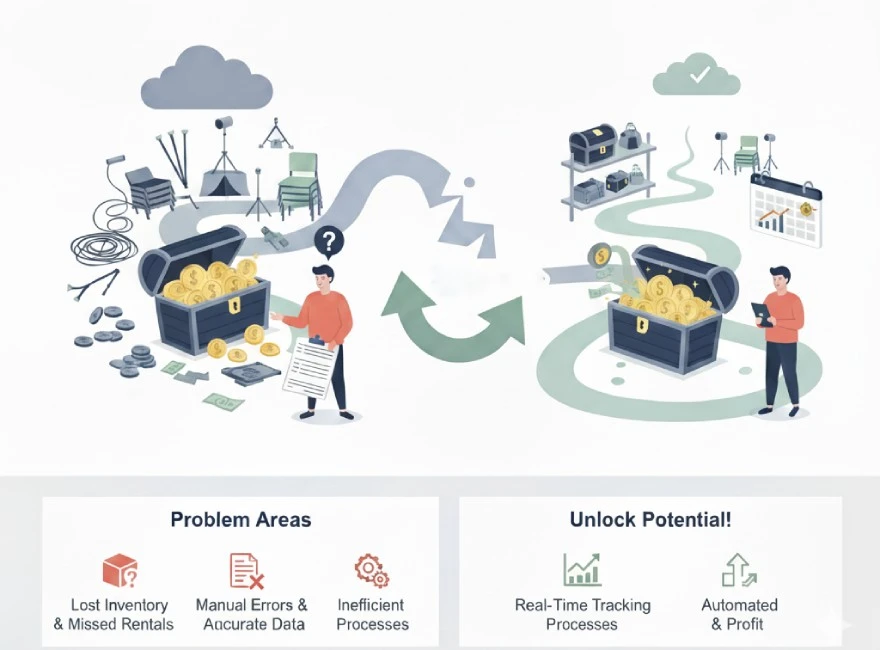
Ever suspect your event equipment rental software is letting money leak through the cracks? You're not alone. So many rental businesses work like mad on the ground, only to discover their accounting or asset numbers are just a little…off. If your event equipment management feels disconnected—manual entries, missed charges, lost receipts—it’s likely time to bring it all together with software that syncs directly to QuickBooks.
Hidden Gaps in Event Equipment Management
Managing events means a mess of moving parts: assets flying in and out, last-minute add-ons, and endless billing details. If you’re doing “mental math” or patching together reports, it’s shockingly easy to:
- Miss billable extra days or accessories
- Lose track of deposits or damages
- Delay invoicing, risking customer frustration
- Let small errors snowball into real losses
When the books and inventory don’t talk to each other, that scramble is the money you never see again.
How QuickBooks Event Rental Software Saves the Day
Smart event equipment rental software—especially solutions like integraRental—connects every step. Reservations, returns, last-minute schedule changes, and payments all sync automatically to QuickBooks, both Desktop and Online. No re-keying, no cross-referencing, and no sitting up late “catching up the books”.
What this means for your business:
- Instant posting—as soon as a reservation is changed, the accounting reflects it
- No more forgotten extras—late returns, damages, and upsells are tracked automatically
- Cleaner deposit management—hold or release with a click, with a visible audit trail
- Real-time asset visibility—see what’s out, what’s serviced, and what’s on the balance sheet
Bringing Everything into the Light: Real-World Example
Picture this: A client extends their rental by a day for a festival. Your team on-site updates the return in the mobile app. Instantly, the invoice adjusts, the new charge appears in QuickBooks, and your deposit release is handled with zero drama. Instead of money slipping away, every charge is transparent—for you and your client.
Modern Features that Boost Your Bottom Line
- Integrated mobile app (edit, sign, and dispatch from anywhere)
- Online store for customer self-service booking (no more lost leads)
- Point of sale for secure, fast payments and credit card storage
- Flexible, optional premium add-ons like analytics, GPS tracking, depreciation and ROI reporting
- Two-way QuickBooks integration so nothing falls between the cracks (unlike those dusty spreadsheets)
Why integraRental Just Makes Sense
integraRental’s QuickBooks integration is real, not just a buzzword—payments, deposits, and adjustments go two ways, live. Field staff get mobile power, while the back office enjoys clean, current books. And when special needs or reports pop up, the system adapts, not the other way around.
Important Links
- Explore QuickBooks integration
- Learn about mobile app features
- Discover asset management benefits
- Review event rental solutions
Frequently Asked Questions
How does syncing with QuickBooks actually help me find more profit?
It catches missed charges, upsells, and late fees instantly—no manual rework, so the “hidden” revenue returns to your pocket.
Is the QuickBooks integration complicated to use?
Not at all. With integraRental, two-way sync is core: updates in the rental system and QuickBooks mirror each other—no tricky imports or exports.
Can my field staff use the system during events?
Yes. The mobile app lets field teams update, return, sign, or invoice right on the spot. Everything syncs back with your accounting in real time.
Will the system work for different event assets or complex billing?
Absolutely. integraRental manages multi-location inventory, advanced billing scenarios, and lets you pull custom reports or add premium features when ready.
What if I want to offer online booking or manage dispatch?
integraRental has a built-in eRental store plus dedicated dispatch tools, so customers and drivers both get what they need without delay.