

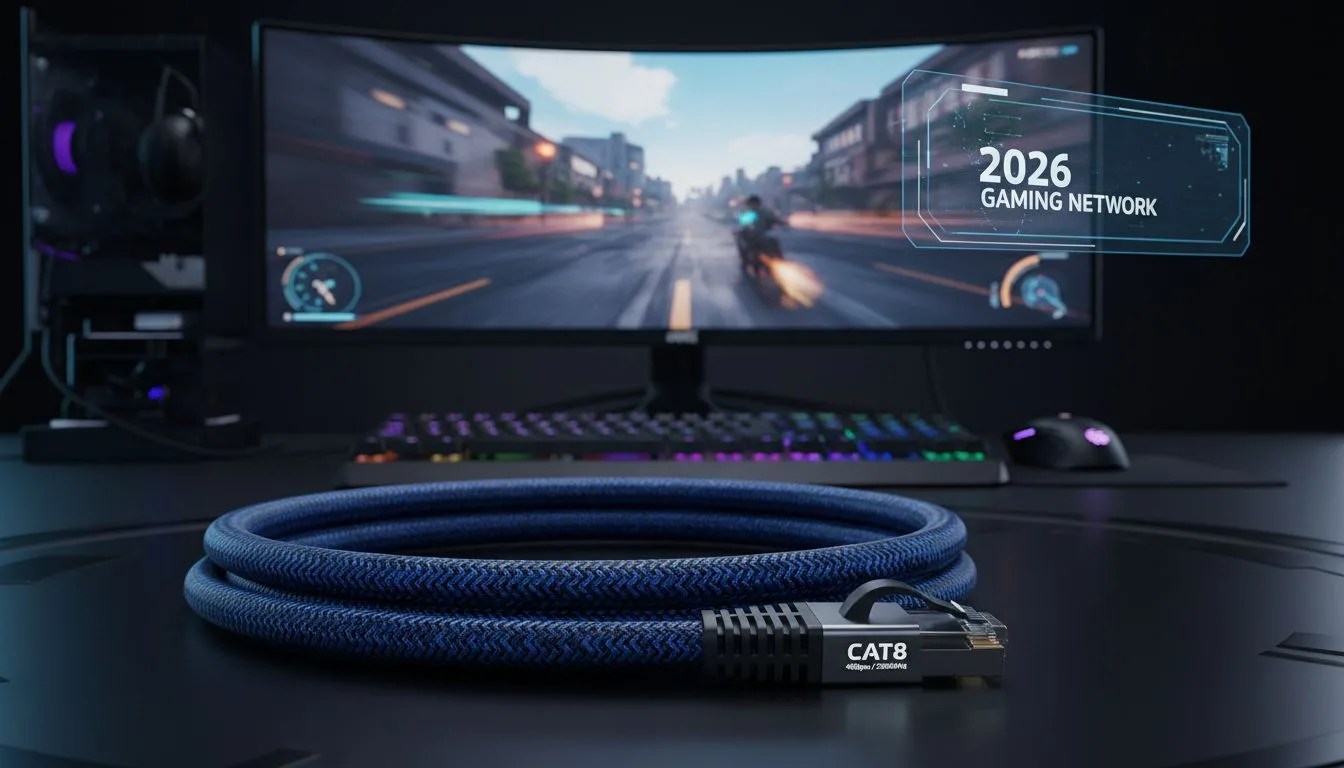
Walking into a hardware store or browsing online for ethernet cables can feel overwhelming. Cat5e, Cat6, Cat6A, Cat7, Cat8 shielded, unshielded, flat, round, 250 MHz, 600 MHz. What does any of it actually mean for your gaming setup?
This guide breaks it all down in plain language so you can buy with confidence.
Understanding Bandwidth: MHz Explained
Bandwidth in ethernet cables is measured in MHz. Think of it like a highway the higher the MHz, the more lanes the highway has, meaning more data can travel at once without congestion.
A cat5e ethernet cable operates at 100 MHz bandwidth. Cat6 goes to 250 MHz. Cat6A doubles that to 500 MHz. Cat7 reaches 600 MHz and Cat8 goes all the way to 2000 MHz.
For 4K streaming, you need sustained throughput without packet loss. Higher bandwidth helps achieve this even when multiple devices are on the network simultaneously. A cat5e ethernet cable is technically sufficient for a single-device 4K stream, but if you have several family members streaming simultaneously, the higher bandwidth of Cat6A becomes noticeably better.
Understanding Speed: Gbps Explained
Speed refers to the maximum data transfer rate. A cat5e ethernet cable maxes out at 1 Gbps (gigabit per second). Cat6 and above can handle 10 Gbps (though Cat6 only achieves this under 55 meters).
For gaming, the actual data transfer in-game is minimal online games use very little bandwidth. Speed matters most for downloads, updates, and streaming. If your internet plan is under 1 Gbps, any modern cable handles it. If you are on a multi-gig plan, Cat6A or higher is necessary.
Understanding Shielding: UTP vs STP vs SFTP
Unshielded Twisted Pair (UTP) cables like standard Cat5e have no metal shielding. The wires are twisted to reduce interference, but that is the only protection.
Shielded Twisted Pair (STP) adds a foil or braid shield around each pair of wires. S/FTP adds an additional overall braid around all pairs. Better shielding means less crosstalk and less interference from outside sources.
For gaming in a typical home environment, UTP Cat6 is usually fine. In electrically noisy environments near appliances, in commercial buildings, or in apartments with many networks nearby shielded cables make a real difference.
Connectors: What to Look For
All ethernet cables use RJ45 connectors. Look for gold-plated connectors on quality cables they resist oxidation and provide a more reliable connection over time. Snagless boot designs protect the locking tab from breaking off.
Practical Buying Recommendation
For gaming and streaming in 2026: if budget is tight, a cat5e ethernet cable works for connections under 1 Gbps. For most gamers wanting future-proofing and solid performance, Cat6A is the smart pick. Do not over-invest in Cat8 unless you have a specific need for those speeds.
Buy from reputable brands, check the cable gauge (26–28 AWG copper is ideal), and always buy slightly longer than you think you need it is much easier to have a little slack than to run short.
Original Article :- Click Here


