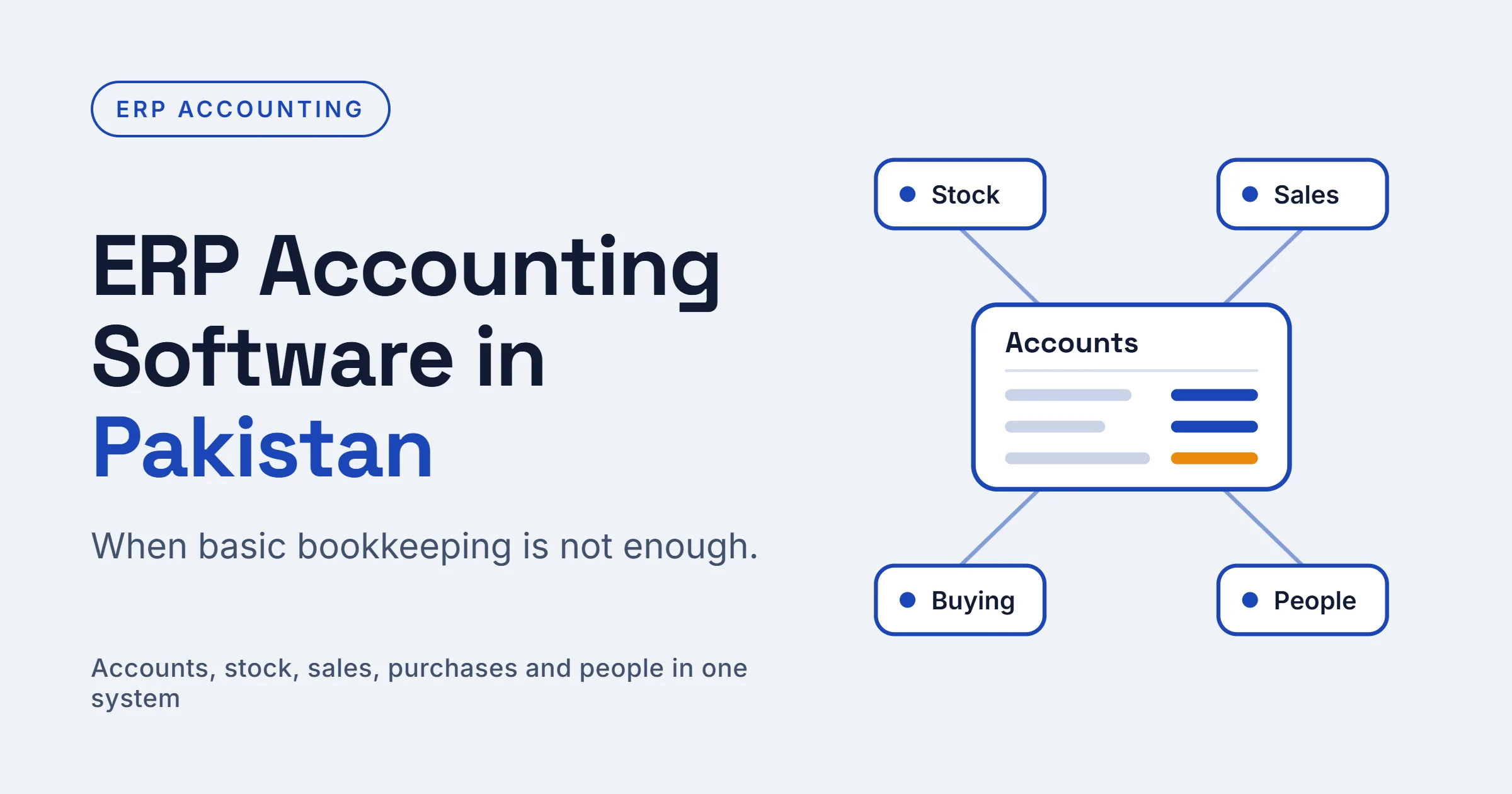
A growing Pakistani business needs more than a bookkeeping tool: it needs ERP accounting software that links money to stock, sales, purchases and people. Many owners start with spreadsheets or a basic accounting package, and that works until the second branch opens or the first tax notice arrives.
At that point, the real cost of a patchwork system shows up as late reports, mismatched stock figures and hours lost reconciling data by hand. This article explains how ERP accounting software in Pakistan differs from basic tools, how to tell when you have outgrown them, and what to demand from a provider.
Accounting software vs ERP: what is the difference?
Basic accounting software records transactions. An ERP records them and connects every department that creates them, so a sale automatically updates stock, receivables and revenue without anyone retyping it.
AreaBasic accounting softwareERP software in PakistanScopeLedgers, invoices, bank entriesAccounts, stock, CRM, buying, HR, projectsData entryOften repeated across toolsEntered once, shared everywhereInventoryLimited or add-onBuilt in, with live stock levelsReportingFinancial statements onlyFinancial, sales, stock and staff reportsGrowthNew tools for each needAdd modules to the same systemThe accounting module is still the core of an ERP. The difference is that it no longer works alone.
Five signs you have outgrown basic tools
If two or more of these sound familiar, it is time to look at ERP in Pakistan seriously:
- Month-end takes more than a week. Your team spends days chasing figures from different files.
- Stock never matches the books. The warehouse count and the ledger disagree, and nobody knows why.
- Tax filing is stressful. Sales tax, withholding and FBR invoicing are handled with manual workarounds.
- Branches work in silos. Each location keeps its own records, and head office sees them late.
- Owners cannot see numbers on demand. Simple questions such as "who owes us money today?" need a phone call and an hour of waiting.
What good ERP accounting software in Pakistan should do
Not every system sold as an ERP handles accounting well. Before you commit, confirm that it can:
- Manage a flexible chart of accounts, cost centres and multiple companies.
- Handle sales tax, withholding tax and FBR digital invoicing without manual workarounds.
- Post stock movements, purchases and sales to the ledger automatically.
- Support multiple currencies and bank reconciliation.
- Produce balance sheets, profit and loss statements, receivable and payable ageing, and cash flow reports in a few clicks.
- Keep an audit trail, with user permissions that control who can view or change entries.
Ask the vendor to demonstrate each point with your own sample data, not a polished demo company. Cloud-based ERP software in Pakistan also lets your accountant, auditor and management review the same live books from any location.
How to choose the best ERP provider in Pakistan
The best ERP provider in Pakistan is the one that stays with you after the contract is signed. Software can be copied; experience cannot.
Start with a shortlist of two or three vendors and ask each for customer references in your industry. Call those customers and ask what went wrong during ERP implementation in Pakistan, not only what went right. Check how support works in practice: response time, channels such as WhatsApp or video calls, and whether you get a named contact.
Then compare total cost, not just the headline price. Include implementation, training, extra users, custom reports and yearly support. Finally, insist on a free trial or pilot so your finance team can test real invoices and stock entries before paying for anything.
Where Sowaan ERP fits
Sowaan ERP offers cloud-based ERP built on ERPNext, with an Accounts module at the centre and stock, CRM, buying, projects, support and asset modules alongside it, as well as HR software in Pakistan. Because everything shares one database, a purchase invoice or delivery note updates the books without double entry.
For Pakistani businesses, Sowaan highlights FBR digital invoicing support, a cloud subscription with no server to buy, mobile apps, and integrations with tools such as WhatsApp, Shopify, WooCommerce and Stripe. Implementation help and support come through an online portal, WhatsApp and video calls, and the company lists a 15-day free trial.
If you are comparing ERP software in Pakistan for accounting, test it the way this article suggests: use your own data, check tax handling and talk to existing customers. When you are ready, start by booking a trial.