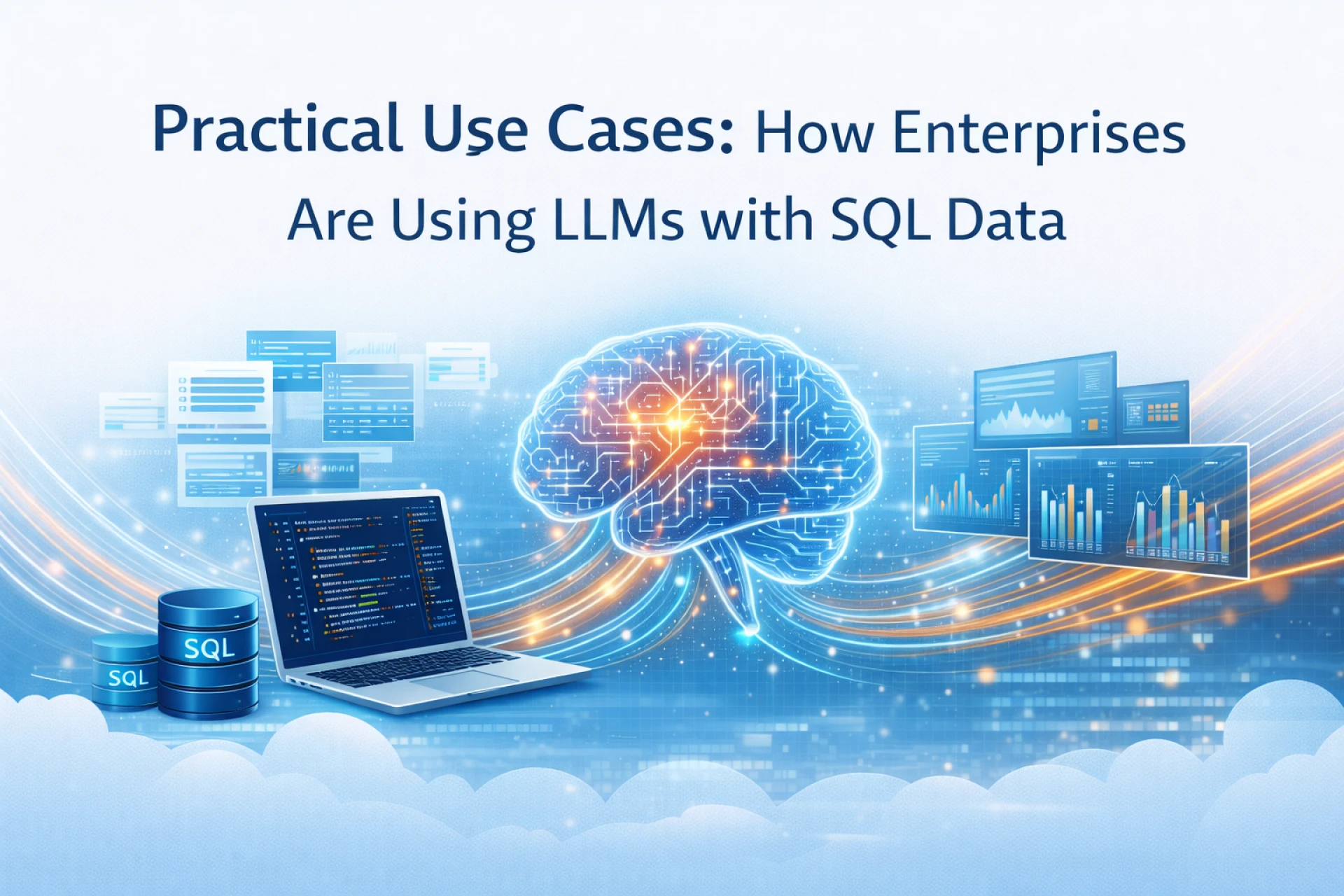
Most companies already have the good stuff: years of clean data sitting in warehouses, marts, and OLTP databases. The annoying part is getting answers out of it without a small army of people who speak fluent SQL.
That is exactly where LLMs are sneaking in. Not as magic brains that replace your data team, but as a flexible UI on top of the SQL you already have.
Here are the practical patterns that are actually showing up in enterprises right now, not just in slideware.
1. Conversational BI on top of data warehouses
The most common pattern is the obvious one: “ask in English, get answers from the warehouse”.
Vendors are shipping this pretty aggressively:
- Snowflake Cortex Analyst lets business users ask questions in natural language and returns answers based on structured data in Snowflake, without writing SQL.
- Tableau GPT and Tableau Pulse layer generative AI on top of existing dashboards so you can ask questions, get visualizations, and see explanations in plain language.
What this looks like in practice:
- Sales teams type “How did Q3 revenue in EMEA compare to last year?”
- Finance asks “Show spend by vendor for cloud services this quarter vs previous quarter.”
- The LLM turns that into SQL, runs it against a governed warehouse, and returns a chart plus a short narrative.
Under the hood you still have the same fact tables and dimensions, just with a conversational layer that handles intent and SQL generation.
Good fit when:
- Your warehouse already has a clean semantic layer.
- There is constant pressure to “self serve” without sending every question to the BI backlog.
2. Text to SQL agents for internal analytics
Some enterprises go one step deeper and expose raw databases through a “SQL agent” rather than a BI tool UI.
These agents convert natural language questions into SQL queries, execute them, and return tabular results. AWS, for example, has public guidance on building enterprise text to SQL systems and calls out common use cases like self service analytics and data exploration.
Real world uses:
- Data savvy product managers explore feature usage without opening a notebook.
- Ops teams query incident logs or metrics from SQL stores using chat.
- Executives run one off questions during reviews without waiting for a custom report.
Case studies show teams layering retrieval and schema understanding on top of LLMs to improve accuracy. One example describes enriching database metadata and table relationships, then using RAG to pick the right tables before generating SQL.
Key point: the value is not just “no more SQL”. It is shortening the loop between a question and a tested query that a human can still inspect.
3. CRM and ERP copilots that sit on SQL data
Another big bucket is operational copilots that live directly inside CRM or ERP style systems and quietly talk to SQL behind the scenes.
Salesforce has been very open about this pattern. Einstein GPT combines LLMs with CRM data so users can ask questions like “summarize this account’s open opportunities” or “draft a follow up email using last call notes” based on live records.
Typical moves here:
- Sales reps get auto generated summaries of account activity pulled from SQL backed CRM tables.
- Service agents see suggested replies that already include order status, shipping details, and entitlement data.
- Finance users can ask “why is this customer’s ARR down quarter over quarter” and see a breakdown from billing tables.
Under the hood you usually have:
- Read only connections to the transactional database or replicas.
- LLMs that know the customer data model well enough to join the right tables.
- Guardrails so models cannot write directly to those tables.
This is where LLMs feel like “workflow glue” across existing SQL backed systems instead of a separate analytics toy.
4. Copilots for analysts and engineers who write SQL
Not everything is about hiding SQL. A lot of teams are using LLMs to make the humans who already write SQL faster and less grumpy.
Patterns that show up often:
- Query drafting and refactoring
- “Write a query that joins these three tables and returns churn by segment.”
- “Rewrite this nested subquery for better performance.”
- Explaining old queries
- LLMs turn a 200 line report query into a short explanation and highlight risky parts.
- Guarded text to SQL for BI teams
- Some systems constrain LLMs to stored procedures so they pick from allowed query templates instead of free form SQL.
Snowflake, as one example, describes LLM powered helpers that generate SQL from text and let users call them over a REST API, while keeping the same security rules as normal queries.
This is less flashy than “chat with your data”, but it chips away at time spent on boilerplate SQL, schema spelunking, and query archaeology.
5. Conversational data catalogs and schema explorers
Most big companies have at least one data catalog. Almost nobody enjoys using it.
LLMs plus SQL metadata are turning those catalogs into more conversational tools:
- “Where is the source of truth for subscription status?”
- “Which tables contain PII for customers in the EU?”
- “Show me tables related to invoices and payments.”
Systems index table names, column names, comments, and lineage, then let an LLM answer questions or point users to the right tables. Articles on “conversational data warehouses” describe this pattern explicitly: make the warehouse behave like a colleague you can ask questions, not a list of tables.
Often this is connected directly to SQL data:
- Once the user picks a table from the catalog, they can run basic queries generated by the model.
- The same agent can warn when a table contains sensitive fields and should not be used for certain purposes.
This use case is underrated. Just helping people find the right table and not three almost identical ones has real value.
6. RAG and hybrids that mix SQL with unstructured data
A lot of interesting enterprise cases sit in the middle ground between pure SQL and pure document search.
Text to SQL research for enterprise analytics talks about combining semantic search with classical SQL to answer richer questions. arXiv+1 In practice, teams are doing things like:
- Use SQL to filter down to the right slice
- All tickets for a given customer in the last 90 days.
- Use embeddings and vector search on the ticket text or notes to find the most relevant items.
- Let the LLM generate a summary, root cause analysis, or suggested response.
Other examples:
- Join SQL backed transactional data with knowledge base articles stored as documents, then answer complex “why did this happen” questions.
- Combine usage metrics from SQL with product documentation to generate tailored onboarding tips.
The pattern is simple: use SQL for precise filtering, joins, and metrics. Use retrieval and LLMs for the messy text parts that SQL alone does not handle well.
7. Governance, monitoring, and “data agents”
Finally, there is a quieter but important category: internal agents that watch how data is used rather than serving users directly.
Microsoft’s Fabric data agent is one public version of this. It uses an Azure OpenAI based agent to parse questions, enforces read only data connections, and ensures that only data the user is allowed to see is returned.
Similar ideas are showing up inside enterprises:
- Agents that review query logs in SQL to spot unusual access patterns.
- Bots that scan schemas to flag tables with PII and missing masking rules.
- LLMs that generate documentation or quality checks based on column names and distributions.
None of this is magic. It is a layer of automation on top of the SQL catalog, access logs, and config that already exist, which is exactly the kind of slightly boring work LLMs are decent at.
Summary
Enterprises are not throwing away their SQL databases and living only on embeddings. Most of the interesting work is the opposite: using LLMs as a flexible front end and sidecar for the structured data that already runs the business.
You see natural language BI on top of warehouses, text to SQL agents for internal analytics, copilots wired into CRM and ERP systems, assistants that help analysts write or understand queries, conversational catalogs, hybrid RAG patterns, and governance agents that quietly watch for trouble.
If you already have good SQL data, the question is no longer “can we use LLMs with this”. It is “where in our day to day work do people still fight the database” and “which of those fights could an LLM handle safely with the right constraints”. That is where the practical use cases usually start.