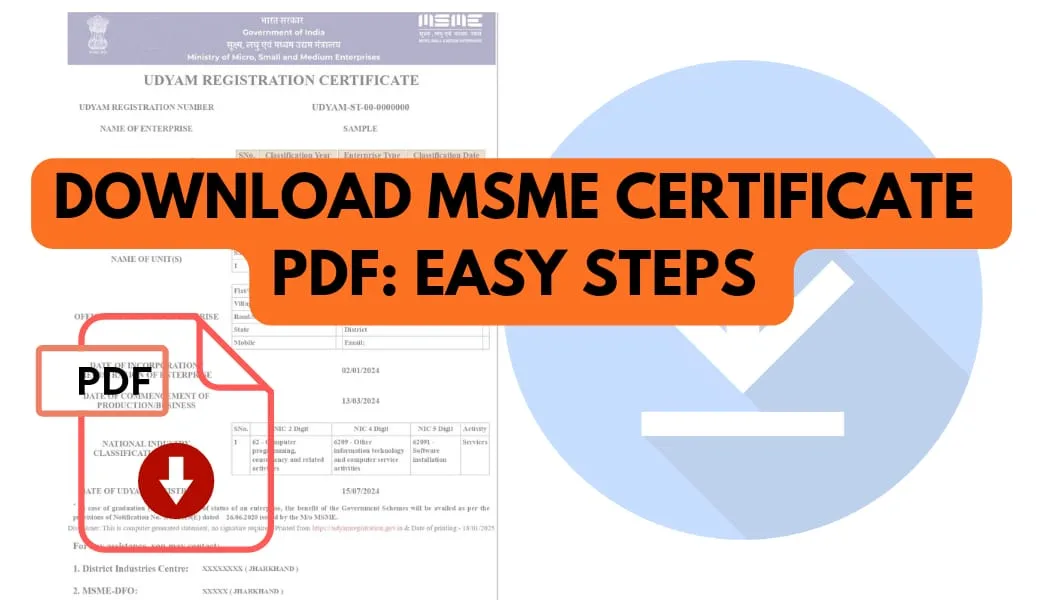
Download MSME certificate PDF should normally be a simple process once an enterprise has completed Udyam Registration. The Government of India issues the Udyam Registration Certificate online, and the certificate contains important enterprise information along with a dynamic QR code.
However, business owners sometimes face problems when trying to download or open the certificate. The PDF may not appear after clicking download, may open as a blank page, may fail to save on a mobile phone, or may not open correctly on a computer.
If you are facing one of these problems, there are several practical checks you can make before trying the process again.
Why Is the MSME Certificate PDF Not Downloading?
There can be different reasons why an MSME certificate PDF does not download properly.
Common reasons include:
- Temporary browser or website issues
- Poor internet connection
- Incorrect Udyam Registration Number
- Incorrect mobile number used during registration
- OTP verification problems
- Browser cache or compatibility problems
- PDF viewer problems
- The downloaded file being saved in another folder
- An incomplete or interrupted download
Before assuming that the registration itself has a problem, check whether you can access your Udyam details through the official Udyam Registration website.
What to Do When the PDF Is Blank
A blank PDF does not necessarily mean that your Udyam Registration is invalid.
First, try opening the file with another PDF reader. If you downloaded the file on a mobile phone, try opening it on a computer or another device.
You can also try:
- Downloading the certificate again
- Clearing browser cache
- Using an updated browser
- Checking your internet connection
- Renaming the downloaded file
- Opening the file with a different PDF application
Do not edit the certificate manually after downloading it. If information appears incorrect, the appropriate approach is to check the registered information and use the official process for updating details.
What If the PDF Is Not Opening?
If the file has downloaded but does not open, the download may have been incomplete.
Delete the damaged copy and download the certificate again. Make sure the download finishes before opening the file.
If the same problem continues, try another browser or device.
The official Udyam portal provides online access to registration-related information, including enterprise details associated with the Udyam Registration Number.
Forgot Your Udyam Registration Number?
This is another common reason business owners struggle to download their MSME certificate.
The official portal provides a “Forgot Udyam Registration Number” facility. Users can select Udyam Registration and complete OTP verification using the mobile number or email associated with the registration. After successful verification, the registered numbers can be retrieved.
Therefore, losing the registration number does not automatically mean that the business needs to apply for a new registration.
Check Your Udyam Login Details
The Udyam portal's login process requires the Udyam Registration Number and the mobile number used in the application, followed by OTP verification. OTP can be selected through the available registered contact option.
Make sure you are entering the details exactly as required.
Avoid creating another Udyam Registration simply because you cannot immediately access the existing certificate. The official portal states that an enterprise should not file more than one Udyam Registration.
What If the Certificate Contains Old Information?
If you have successfully downloaded the certificate but notice that the business address, activity, contact information, or other details need updating, downloading the same old PDF will not solve the problem.
The information should first be reviewed and, where applicable, updated through the appropriate Udyam process.
The Udyam framework requires registered enterprises to update relevant information online, including information connected with classification.
After the relevant information is updated, check the registration details again before using the certificate for business purposes.
How a Private Udyam Registration Consultancy Can Help
Some business owners prefer professional assistance because they are unsure about the correct process or have difficulty understanding the information displayed on the portal.
A private Udyam Registration consultancy can assist with:
- Understanding the Udyam Registration process
- Organizing the information required for an application
- Reviewing basic business details before submission
- Guiding users through certificate access and download
- Helping identify possible reasons for certificate-access problems
- Assisting when registered information needs to be reviewed or updated
A private consultancy is not the Government of India or the official Udyam Registration portal. The official Udyam portal states that Udyam Registration itself is free and paperless.
Final Checklist Before Using Your MSME Certificate PDF
Before submitting the certificate to a bank, buyer, tender authority, or another organisation, check:
- Udyam Registration Number
- Enterprise name
- Enterprise category
- Business activity
- Address
- Contact information
- Registration date
- QR code
- Overall PDF readability
If the PDF is blank, damaged, or showing outdated information, resolve the issue before relying on that copy.
A properly accessible Udyam certificate can make it easier for an MSME to keep its registration records organised and ready when the certificate is required.