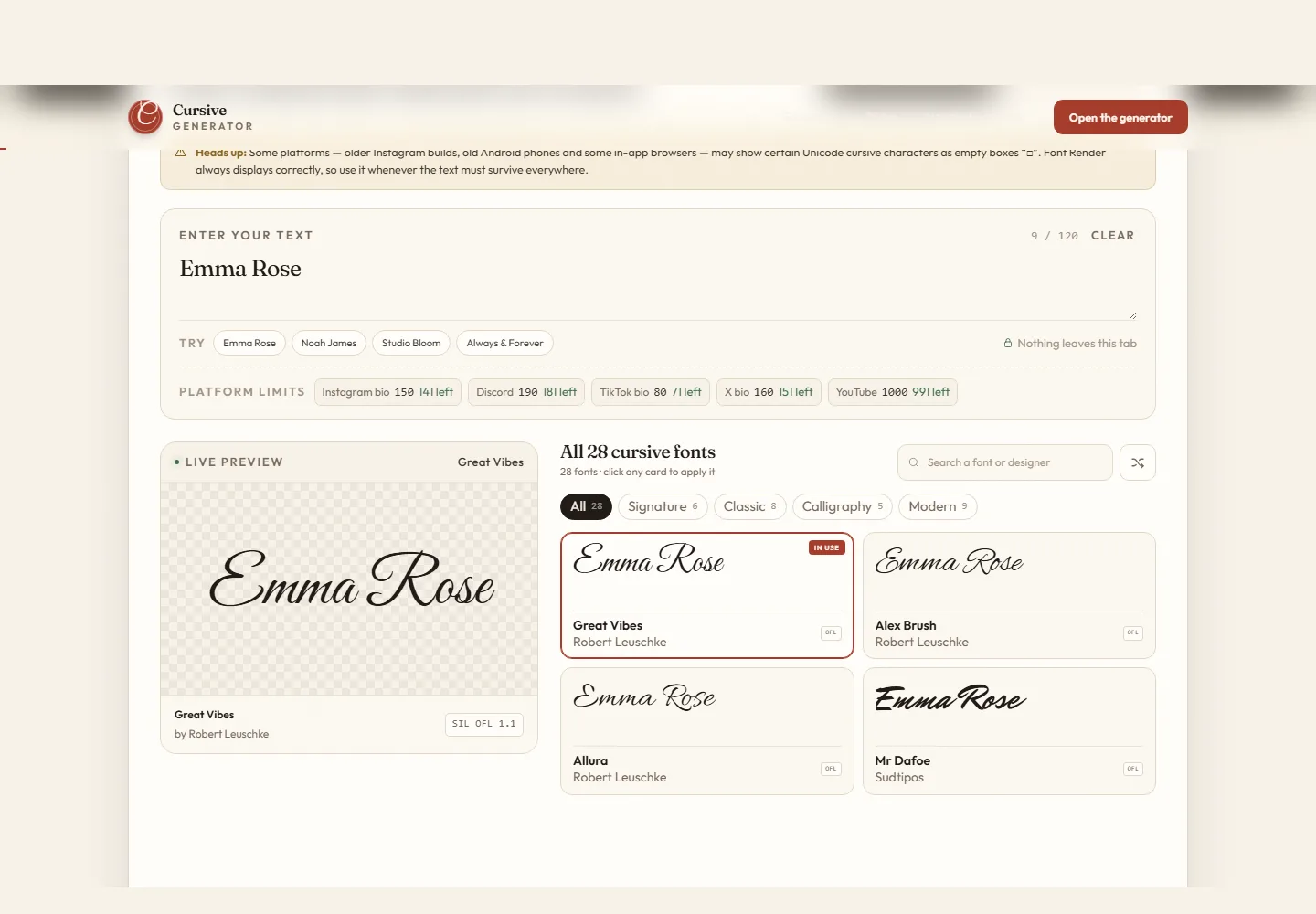
Event planning has shifted predominantly into the digital realm, with hosts increasingly relying on email, messaging apps, and event management platforms to distribute invitations. Despite the convenience of digital distribution, electronic invites can sometimes feel impersonal compared to traditional paper stationery. Incorporating a cursive text generator into the design workflow allows hosts to replicate the warmth and formality of handwritten calligraphy within purely text-based or hybrid digital formats.
Bringing Traditional Etiquette to Electronic Formats
Historically, formal events such as weddings, milestone anniversaries, and gala dinners relied on engraved or hand-lettered invitations to signal the significance of the occasion. The flowing, connected strokes of cursive script naturally convey celebration, intimacy, and care. When transitioning these events to digital platforms—such as SMS invites, WhatsApp groups, or plain-text email announcements—maintaining that sense of occasion becomes a design challenge.
Using stylized script bridges this divide. By converting key elements of the invitation into flowing characters, hosts can immediately communicate the tone of the gathering. Even a simple text message announcing a dinner party takes on a curated, thoughtful quality when the event title is presented in graceful script rather than standard system lettering.
Key Elements to Highlight in Script
Balance is critical when formatting an invitation. If every line of text is rendered in decorative script, critical logistical details like addresses and RSVP deadlines become difficult to read quickly. A structured approach ensures both beauty and clarity:
- The Event Title or Theme: Phrases such as "Summer Garden Soiree" or "Annual Charity Gala" serve as natural focal points when styled in cursive.
- The Hosts' or Honorees' Names: Highlighting the names of the couple, graduate, or birthday celebrant adds a personalized, celebratory touch.
- Opening Greetings: Short welcoming lines like "You are cordially invited" establish an immediate sense of warmth.
- Logistical Details (Keep Standard): Dates, times, street addresses, and registration links should always remain in standard, unformatted text so guests can easily read, copy, or click them without error.
Compatibility Across Messaging and Email Clients
When working with a cursive text generator, understanding how different platforms render characters is essential for a seamless guest experience. Because these tools generate Unicode symbols rather than image files, the text remains lightweight, searchable, and fast to load—even on slow mobile connections.
However, email clients and messaging applications handle Unicode rendering with slight variations. Modern platforms like Apple Mail, Gmail, WhatsApp, and Telegram support standard mathematical script blocks seamlessly. To avoid formatting glitches, hosts should send a test message to themselves and view it on both mobile and desktop screens before distributing the final invitation. Checking how line breaks behave on narrow smartphone displays prevents awkward word wrapping in the middle of a stylized name or title.
Enhancing Graphic Templates Without Custom Fonts
Many event planners use lightweight mobile photo editors or social media story tools to create digital invitation cards. Often, these basic editors offer a limited selection of built-in fonts, forcing users to settle for generic typography.
By utilizing a cursive text generator externally, creators can copy stylized Unicode text and paste it directly into the text boxes of simple graphic editors, calendar invites, or event registration pages. This workaround bypasses the need to download, install, or purchase complex font packages while still achieving a bespoke, hand-lettered aesthetic. Pairing a clean sans-serif font for the event schedule with pasted cursive script for the header produces a balanced, professional layout in minutes.
Preserving Clarity for Digital Calendar Integration
A common pitfall in digital event planning occurs when decorative text interferes with automated calendar features. Many smartphones automatically detect dates, times, and locations within text messages and emails, offering users a one-tap option to add the event to their calendar.
Automated parsing algorithms rely on standard ASCII characters to recognize numbers and street names. If the date or venue is converted using a cursive text generator, the device may fail to recognize the information as an actionable event. Keeping all functional metadata in plain text ensures that smart features work properly, allowing guests to save the event effortlessly while still enjoying the visual elegance of the stylized header.
Crafting Memorable First Impressions
An invitation sets expectations long before guests arrive at the venue. Thoughtful typography demonstrates attention to detail and signals to recipients that the event is worth celebrating. By combining the timeless elegance of cursive script with clear, accessible formatting for practical details, hosts can create digital invitations that feel genuinely personal and visually refined.