
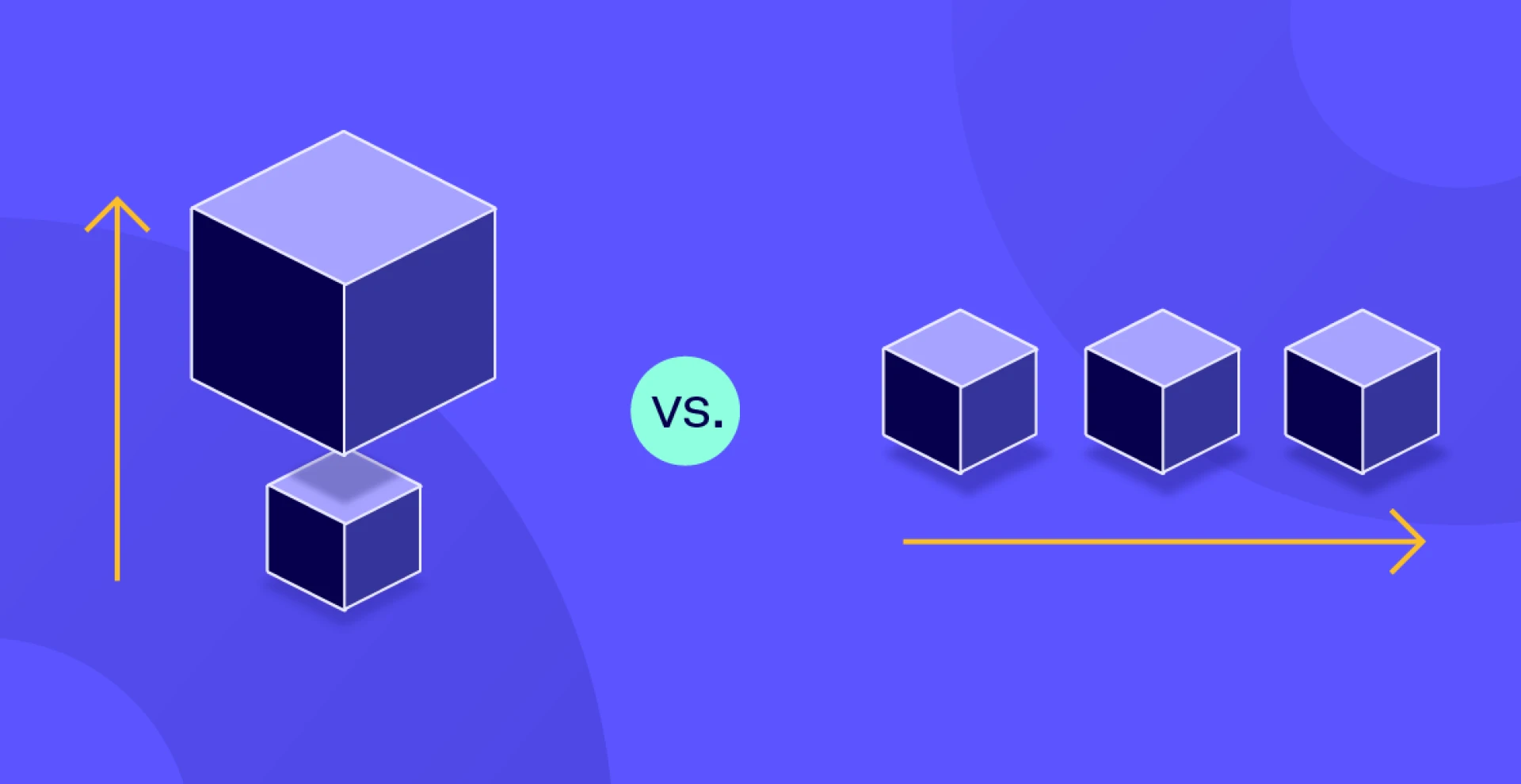
“Add more boxes or buy a bigger box?” That choice looks simple until the bill shows up. Let’s walk through the real costs behind horizontal vs vertical scaling in cloud setups, when each path is cheaper, and the traps that quietly drain money.
Quick definitions you can price against
Clarity first so we don’t argue past each other.
- Vertical scaling adds CPU, RAM, or faster storage to a single node. Think resizing a VM tier.
- Horizontal scaling adds more nodes and spreads traffic with a balancer or queue.
Most clouds support both, often with autoscaling on the horizontal path.
The cost frame: what actually changes when you scale
If you can’t map cost to a few drivers, you’ll guess.
- Compute hours. Bigger VM vs more VMs.
- Overhead services. Load balancers, NAT, gateways, queues.
- Data transfer. Inside AZ, across AZ, across regions, to the internet. This one surprises people.
- Ops time and risk. Scale up is simpler, but single-node upgrades can restart apps. Scale out needs orchestration but changes are usually rolling.
A simple unit model that works:
cost_per_request = (compute_hourly + overhead_hourly) / rps_at_slo + data_transfer_per_req
Where overhead includes balancers and any cross-zone traffic you introduce by scaling out.
When vertical scaling is cheaper
Sometimes the big box really is the right call.
- Low concurrency, spiky but short bursts. A quick size-up may beat running multiple instances all day.
- Tight statefulness. If the workload can’t shard without a rewrite, vertical buys time.
- Lower ops overhead. One node means fewer moving parts. Azure and others even make plan changes quick, though be aware of restarts on a scale-up.
Tradeoff: a single bigger node is still a single point to fail. Planned or unplanned restarts hit availability and revenue.
When horizontal scaling is cheaper
More small boxes often wins once you add traffic.
- Autoscaling matches capacity to load so you don’t pay for idle headroom. Works well on GKE, EC2 Auto Scaling, and Azure’s scale sets.
- Zero or near-zero downtime changes. New nodes join behind a balancer while old ones drain.
- Higher resilience reduces the cost of outages. If one node dies, users stay online.
Catch: you’ll pay for the plumbing. Load balancers bill per hour and capacity unit. Queues and gateways add small but steady spend. Price those in.
Tip: For more details on Types of Scalability (Vertical vs. Horizontal)
The data transfer gotcha (read this twice)
Scaling out spreads components. Your bill sees the cross-talk.
- AWS. Same-AZ traffic is typically free. Cross-AZ traffic often bills about a cent per GB in each direction. Internet egress is the big one. Plan placements or you’ll pay for chatty microservices.
- Azure. Microsoft announced no charge for inter-AZ data transfer, which changes the math for multi-AZ designs on Azure. Check current pricing for your region and peering.
If you scale out, add a line in your sheet for “cross-zone GB per request.” It matters at volume.
Performance laws that affect cost
Money follows throughput and latency once you’re big.
- Amdahl’s Law sets a ceiling on speedup as you add nodes. If a non-parallel slice stays big, horizontal scale gives diminishing returns fast.
- Universal Scalability Law (USL) models contention and coherency penalties as you grow. Use it to see when adding nodes starts to hurt. There’s even an open guide and tooling to fit USL to your measurements.
Reading: short overviews and a hands-on USL vignette help you estimate the “sweet spot” node count before cost climbs.
Cost examples you can adapt
You don’t need perfect numbers. You need honest ones.
- Vertical. One cXL node at X/hour serving 3k rps p95<200 ms. No balancer. No cross-AZ. Risk is a restart during size changes.
- Horizontal. Three mL nodes at Y/hour each plus balancer Z/hour. Add cross-AZ traffic if instances span zones. If autoscaling trims nights and weekends by 50%, the monthly can still land lower than the big box.
Reality check these with your cloud calculators, then run a 30-minute load test to confirm rps_at_slo before you buy.
Hidden items teams miss on the first pass
These line items decide close calls.
- Load balancer metrics and capacity units. Price LCUs or NLCUs if you expect many new connections.
- Regional or inter-region data flows. Backups, replication, or calling a service in another region adds per-GB charges.
- Autoscaling behavior. Slow scale-in means you pay for excess capacity longer. Service docs call out these limits.
How to choose in under an hour
Make the call with a short worksheet instead of a debate.
- Map the workload. Stateless or stateful. Chatty or coarse-grained.
- Measure one number. rps_at_slo on your current node size.
- Price two options.
- Bigger node. Add potential downtime risk.
- N small nodes behind a balancer. Add cross-AZ GB and balancer hourly.
- Check your cloud’s AZ pricing. Azure’s inter-AZ change can swing the result.
- Apply Amdahl/USL intuition. If serial work dominates, don’t scatter it. If contention rises with nodes, cap N and scale up the per-node size.
A simple decision map
Use this when you’re stuck.
- You need quick headroom today and can take a short restart → scale up now. Schedule a scale out later.
- Traffic is bursty and predictable → scale out with autoscaling and right-size min/max.
- You run multi-AZ for uptime → lean horizontal, but model cross-AZ traffic on AWS. On Azure, recheck the fee status.
- Hot path is parallel and stateless → horizontal usually wins once balancer and data charges are baked in.
Quick checklist
Print this and fill it once per service.
- Target rps_at_slo measured with your current size.
- Two price lines: bigger VM vs N small VMs + balancer + data transfer per request.
- AZ placement decided. Cross-AZ GB estimated. Notes on Azure vs AWS rules.
- Autoscaling settings and expected scale-in delay captured.
- Amdahl/USL sanity check of “how far will scale-out go.” Links saved for the team.
Bottom line
Vertical scaling buys fast relief with fewer parts. Horizontal scaling buys long-run flexibility and uptime, with plumbing and data transfer costs you must model. Do the worksheet, price the hidden lines, and run one load test. The cheaper answer usually shows itself.