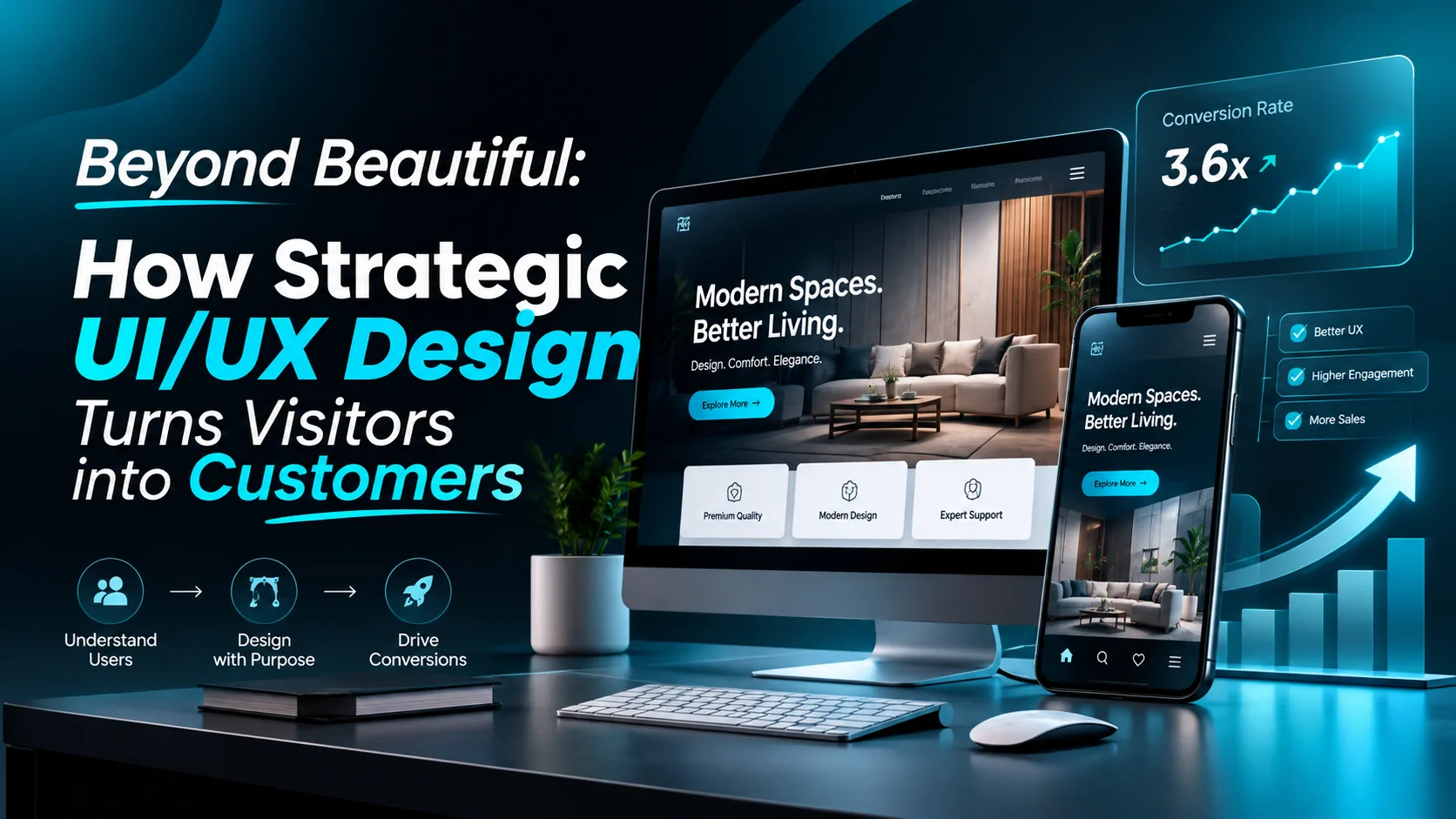
Beyond Beautiful: How Strategic UI/UX Design Turns Visitors into Customers
A website can look visually impressive and still fail to generate leads, sales, or meaningful engagement. The reason is simple: an attractive interface does not automatically create a great user experience.
Today's customers expect websites to be visually appealing, fast, intuitive, and easy to navigate. When visitors cannot find the information they need or understand what to do next, they may leave before discovering the value a business offers.
This is where strategic UI/UX design becomes essential. By combining user research, thoughtful interface design, clear navigation, and conversion-focused layouts, businesses can create digital experiences that serve both their customers and their commercial goals.
Whether you are launching a new website, developing a SaaS platform, or redesigning an existing digital product, investing in the right user experience can help you build trust and remove unnecessary friction from the customer journey.
What Is Strategic UI/UX Design?
UI and UX are closely connected, but they address different aspects of a digital product.
User Interface (UI) design focuses on the visual and interactive elements users see, including:
- Typography, colors, and visual hierarchy
- Buttons, forms, icons, and navigation menus
- Layouts, spacing, and reusable components
- Responsive interfaces for different screen sizes
User Experience (UX) design focuses on how people interact with a product and whether they can accomplish their goals efficiently. It involves understanding user needs, organizing information, mapping user journeys, and identifying potential usability problems.
Strategic UI/UX design brings these disciplines together. Instead of designing screens simply to look attractive, designers make intentional decisions based on user needs, business objectives, and the purpose of each interaction.
The result is a digital product that feels intuitive, communicates value clearly, and guides visitors toward meaningful actions.
Why UI/UX Design Matters for Business Growth
A website is often one of the first places potential customers interact with a brand. Their experience can influence how they perceive the business and whether they decide to continue exploring its products or services.
Here are five important ways effective UI/UX design supports business goals.
1. Creates a Strong First Impression
Visitors form initial impressions quickly. An inconsistent layout, outdated visual style, or confusing homepage can make a business appear less credible.
Professional website UI design helps establish a consistent visual identity through carefully selected typography, colors, imagery, spacing, and content hierarchy.
A strong first impression should communicate three things:
- What the business offers
- Who the product or service is for
- Why the visitor should continue exploring
The objective is not to overwhelm users with decorative elements. It is to help them understand the brand and its value with minimal effort.
2. Improves Website Navigation and Usability
Even a beautiful website becomes frustrating when visitors cannot find essential information.
Good UX design organizes content around user expectations. Navigation labels should be understandable, important pages should be easy to reach, and calls to action should appear where users naturally need them.
For example, a service-based business might organize its website around services, completed projects, customer reviews, frequently asked questions, and contact options.
This structure allows visitors to evaluate the business without searching through unrelated information.
Clear navigation is particularly important for e-commerce websites, SaaS platforms, and service businesses with multiple offerings.
3. Builds Trust Through Consistency
Customers are more likely to feel comfortable interacting with a digital product when its design is predictable and professional.
Trust can be supported through:
- Consistent typography, colors, and spacing
- Clear service descriptions and transparent pricing
- Genuine customer testimonials and relevant case studies
- Professional imagery and recognizable interface patterns
- Secure, understandable forms and checkout experiences
- Helpful error messages and clear confirmation states
Consistency reduces uncertainty. When users understand how an interface works, they can focus on evaluating the product or service instead of figuring out the website.
4. Helps Turn Visitors into Leads and Customers
Conversion-focused web design makes the next step clear without pressuring users into taking action.
Depending on the business, a conversion might mean booking a consultation, requesting a quotation, subscribing to a newsletter, creating an account, or purchasing a product.
A well-designed conversion path usually includes:
- A clear headline that communicates the main benefit
- Supporting content that answers important questions
- A visible and specific call-to-action button
- Relevant proof points that reduce hesitation
- A simple form with only necessary fields
- A logical transition from interest to action
For example, a web design agency could replace a vague button such as “Learn More” with “Book a Free Consultation” when consultation bookings are its main objective.
However, effective design does not guarantee higher conversions on its own. Results also depend on traffic quality, pricing, the offer, page performance, and other business factors. Testing different approaches helps determine what actually works.
5. Supports Mobile Users
A website that works well on a desktop computer may feel frustrating on a smartphone if its text is difficult to read, buttons are too small, or content overflows the screen.
Responsive website design adapts layouts to different screen sizes while maintaining usability and visual consistency.
Important mobile UX considerations include:
- Readable typography and comfortable spacing
- Touch-friendly buttons and interactive elements
- Simple navigation and accessible menus
- Optimized images and efficient page loading
- Forms that are easy to complete on smaller screens
- Content that prioritizes the information users need most
Mobile usability should be considered from the beginning of the design process rather than treated as a final adjustment.
The Essential Elements of a High-Converting Website Design
An effective website combines several design principles to create a smooth and purposeful experience.
Clear Visual Hierarchy
Visual hierarchy helps visitors understand which information deserves their attention first.
Designers can establish hierarchy through heading sizes, contrast, whitespace, positioning, and the relative prominence of interactive elements.
A well-structured page typically communicates its main message before presenting supporting details and secondary actions.
Meaningful Calls to Action
Every important page should have a clear purpose. Calls to action should use descriptive language and stand out without competing with too many other elements.
Instead of placing multiple equally prominent buttons in the same section, prioritize the action most relevant to the user's current stage in the journey.
Consistent Design Systems
A design system establishes reusable components, colors, typography, spacing rules, and interaction patterns.
Using a design system helps teams maintain consistency across landing pages, dashboards, mobile applications, and other digital touchpoints. It can also simplify collaboration between designers and developers.
Tools such as Figma make it easier to organize components, create reusable styles, and communicate interface specifications.
Accessibility and Readability
Good design should work for people with different abilities and browsing needs.
Designers should consider sufficient color contrast, readable text, keyboard navigation, visible focus states, descriptive form labels, and alternatives for meaningful images.
Accessibility should be part of the design process from the beginning, not an afterthought.
Performance-Conscious Design
Large images, unnecessary animations, and overly complex page layouts can affect website performance.
Designers should collaborate with developers to use appropriate image sizes, efficient assets, and purposeful interactions. A visually rich website can still feel lightweight when its design and implementation are carefully considered.
A Practical UI/UX Design Process for Better Results
Successful digital experiences rarely happen by accident. A structured design process helps teams make informed decisions and identify problems before development becomes expensive.
Step 1: Understand the Business and Its Users
Begin by identifying the business objectives, target audience, customer pain points, and desired outcomes.
Useful research activities include stakeholder interviews, competitor analysis, user interviews, and reviewing available website analytics.
The goal is to understand what users need and where the existing experience may be creating friction.
Step 2: Plan the User Journey
Map the steps users take from their first interaction to their intended goal.
For a service website, this journey might include discovering a service, reviewing its benefits, exploring completed projects, evaluating credibility, and submitting an inquiry.
A clear journey helps determine what information belongs on each page and which actions should receive priority.
Step 3: Create Wireframes and Information Architecture
Before investing heavily in visual details, organize the content and establish the page structure.
Wireframes help designers evaluate section order, navigation, content hierarchy, and the placement of key actions without being distracted by decorative styling.
This stage is particularly valuable for complex websites, dashboards, and SaaS products.
Step 4: Develop the Visual UI in Figma
Once the structure is clear, create the high-fidelity interface.
This stage includes defining typography, color palettes, components, imagery, spacing, and responsive layouts. Interactive prototypes can demonstrate how users move between screens and respond to interface elements.
Figma also supports collaboration and makes it easier to share design decisions with clients, developers, and other stakeholders.
Step 5: Test, Refine, and Validate
Before finalizing the design, evaluate it against real user needs and the original project goals.
Usability testing, prototype feedback, accessibility checks, and design reviews can reveal confusing interactions or overlooked problems.
After launch, teams can use analytics and controlled experiments to investigate performance and prioritize improvements.
The process should continue as user expectations and business requirements evolve.
Common UI/UX Design Mistakes Businesses Should Avoid
Some design decisions look impressive during a presentation but create problems when real users interact with the website.
Avoid these common mistakes:
- Prioritizing appearance over usability: Visual quality matters, but users must still understand the interface and complete their tasks.
- Overloading the homepage: Too many competing messages can make it difficult to identify the primary value proposition.
- Using unclear navigation labels: Creative wording should never prevent users from understanding where a link will take them.
- Ignoring mobile experiences: A layout that works only on desktop can create unnecessary barriers for mobile visitors.
- Adding excessive animations: Motion should support comprehension or feedback rather than distract from important content.
- Skipping user testing: Personal preferences and design assumptions are not substitutes for observing how people actually use a product.
- Treating launch as the finish line: Post-launch feedback and performance data can reveal opportunities for continued improvement.
Avoiding these mistakes helps businesses create more usable, consistent, and purposeful digital experiences.
How to Know When Your Website Needs a UI/UX Redesign
An outdated appearance is one reason to consider a redesign, but it is not the only one.
Your website may benefit from a UX review if:
- Visitors struggle to find important information.
- Users abandon forms or checkout steps.
- The mobile experience feels difficult or inconsistent.
- Your services or business positioning have changed.
- The interface no longer reflects your brand identity.
- Website analytics reveal unexpected drop-off points.
- Your team finds it difficult to maintain consistent layouts across pages.
Before redesigning everything, identify the specific problems you want to solve. Sometimes, improving navigation, rewriting a confusing headline, simplifying a form, or optimizing a critical landing page can be more appropriate than rebuilding the entire website.
Define success using relevant measures, such as qualified inquiries, task completion, form completion, or sales. Establish a baseline before making changes so that the impact can be evaluated afterward.
Final Thoughts: Design With Purpose, Not Just Appearance
Strategic UI/UX design is about creating digital experiences that make sense to the people using them while supporting the goals of the business behind them.
When research, information architecture, visual design, accessibility, responsive layouts, and usability testing work together, a website becomes more than a collection of attractive screens. It becomes a practical tool for communicating value, building trust, and helping customers make informed decisions.
Whether you are creating a new landing page, redesigning a business website, or developing a SaaS dashboard, the most important question is not simply whether the interface looks good.
It is whether the experience helps users accomplish what they came to do.
Great design combines clarity, usability, and visual quality to create meaningful digital experiences.
About the Author
Naeem Khan is a UI/UX designer focused on creating modern website interfaces, landing pages, and digital experiences that balance visual quality with usability. His design approach emphasizes clear information hierarchy, purposeful interactions, responsive layouts, and user-centered thinking.
Explore his design work and UI/UX projects on Behance.