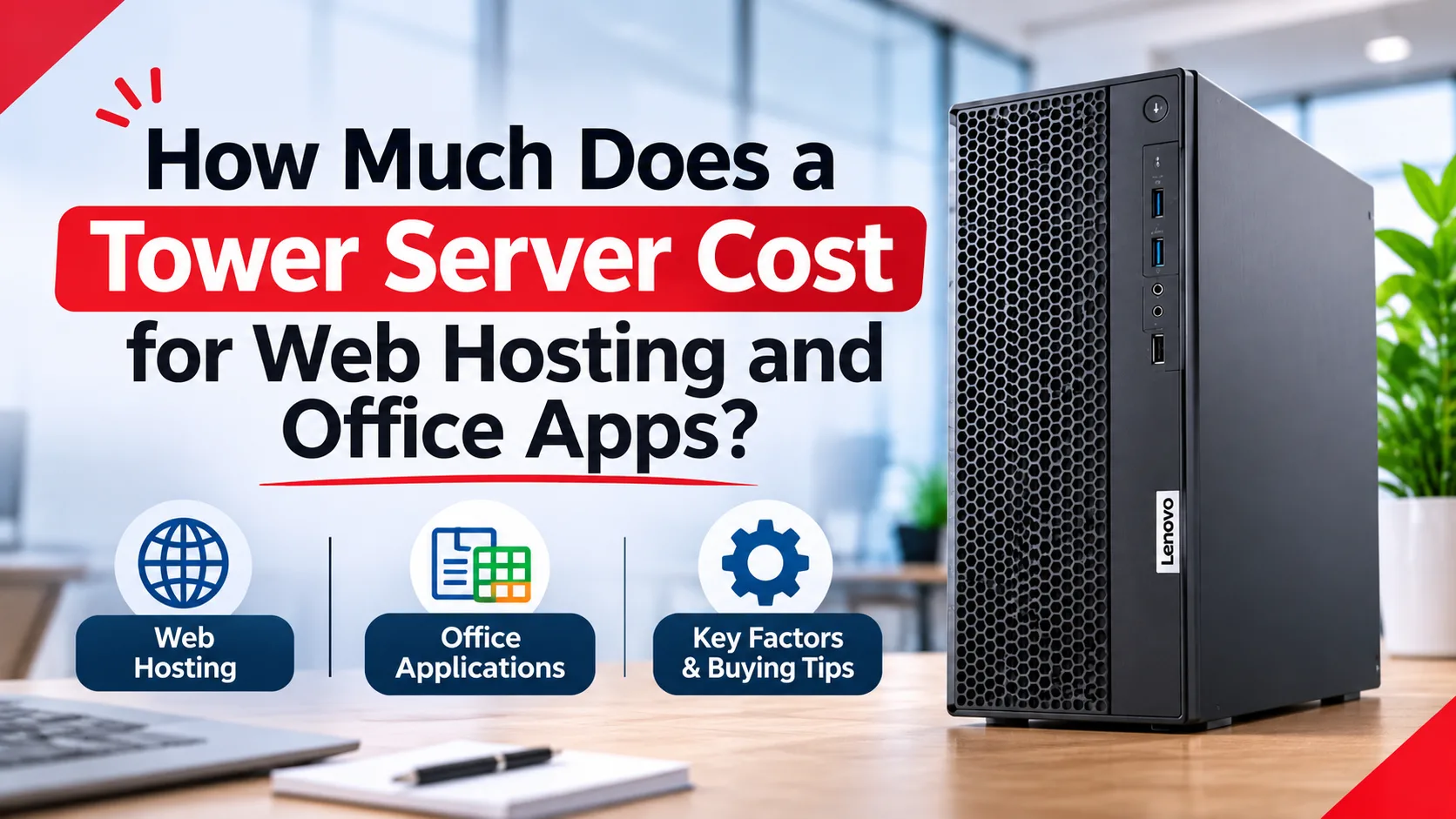
Choosing the best tower server for virtualization and file sharing requires more than comparing prices or processor speeds.
In a February 2026 survey of nearly 400 global enterprises, HPE found that more than two-thirds planned to change their virtualization strategy within two years.
This shift highlights the need for businesses to choose servers that can adapt to changing workloads and future growth.
The right configuration should run applications, support multiple users, and store important files without requiring an early hardware upgrade. However, different workloads need different resources. Virtualization depends heavily on processor capacity and memory, while file sharing requires suitable storage, network connectivity, and data protection.
This guide explains the key features to compare and shares practical tips to help you choose a tower server that fits your budget and business needs.
What Makes a Tower Server Right for Your Business?
A tower server is a computer built to manage business tasks, store files, and support users across a network. Unlike a regular desktop, it is designed for server workloads and business operations.
That matters for two reasons. First, towers are quiet. Many models now run whisper-quiet in office spaces, which means your team won't hear a jet engine while they work. Second, towers are easy to set up. You plug them in, and you're mostly ready. No special rails or racks.
Virtualization lets one physical server run several virtual machines (VMs). Each VM acts like a separate computer and can run its own operating system or application. File sharing lets employees access common documents and folders from different computers.
Which Tower Server Models Should You Compare?
This tower server lineup provides options for businesses with different workloads and expansion needs. Compare models based on their exact specifications rather than assuming every configuration offers the same capabilities.
| Tower Server | What Buyers Should Evaluate |
| ThinkSystem ST50 V3 | Basic business applications, file sharing, and storage requirements |
| ThinkSystem ST250 V3 | Memory and storage expansion for growing workloads |
| ThinkSystem ST45 V3 | AMD EPYC processor options and suitability for virtualization |
These are starting points for comparison, not universal rankings. The best model depends on its processor, installed memory, storage configuration, and workload requirements.
Which Server Specifications Should You Compare First?
Start with the parts that affect daily performance. These specifications help you compare models based on your actual needs.
1. Processor Cores: More Cores, More Virtual Machines
Virtualization means one physical server acts like several smaller servers. Each virtual machine needs processor power. So the number of cores matters more than raw speed.
For example, look at what Lenovo offers in its ThinkSystem tower lineup. Some models come with AMD EPYC processors, and others use Intel Xeon chips. The AMD option goes up to 16 cores.
The Intel options reach 8 cores. For light virtualization, say, three to five small virtual machines, 8 cores work fine. If you plan to run a dozen virtual machines or more, aim higher.
2. Memory: The Real Bottleneck for Virtualization
Here's a simple truth. Virtual machines eat memory. A file-sharing-only server might survive on 16 GB. A virtualization host with five virtual machines needs 64 GB or more.
Several tower models support up to 128 GB of TruDDR5 memory. That's plenty for a small business. But check the memory slots. If a server has only two slots and both are filled with small sticks, upgrading later means throwing away what you have. Four slots give you breathing room.
3. Storage Bays and Drive Types: File Sharing Needs Space
File sharing is simple. You need enough bays for drives and a way to protect data if a drive dies. RAID does that. You also want room to add drives later without buying a new server.
Some tower servers offer flexible drive bays. Some support up to 16 small form-factor drives or 8 large ones. That's a lot of room. But don't just count bays. Check whether the server supports hot-swap drives. Hot-swap means you can replace a failed drive without shutting down. For a file server that people rely on all day, that feature pays for itself.
Can the Server Grow as Your Business Expands?
A server that fits today may feel limited when your team, data, or software grows. Check how much memory you can add, how many drives the system supports, and which expansion slots it offers.
Also, consider your office setup. Tower servers often suit small offices because they do not require a dedicated rack. However, you still need enough space, suitable cooling, reliable power, and a secure place to keep the equipment.
A useful comparison should include the full cost of ownership, not just the purchase price. Add power use, software licenses, maintenance, backup storage, and future upgrades to your budget.
What Do Current Virtualization Trends Mean for Buyers?
Server needs can change as software and business plans evolve. HPE reported in February 2026 that more than two-thirds of surveyed enterprises planned significant changes to their virtualization strategy within two years. Only 5% said they were fully ready for that shift. This finding highlights the value of planning for change rather than buying only for today's workload.
Before you decide, ask your IT team which virtualization platform it will use, what licenses it needs, and whether the server supports the required software. Check security features, firmware updates, warranty terms, and technical support as well.
Which Tower Server Should You Shortlist?
Use the workload as your starting point, then compare the specifications and final price.
- Basic office tasks: Consider an entry-level model for light applications, simple file sharing, and a small number of VMs.
- Growing small business: Look for stronger processing, more memory options, and added storage flexibility.
- Heavier workloads: Compare higher-capacity systems that support more demanding applications and future expansion.
Lenovo's tower server range offers examples across these needs, from entry-level systems to models aimed at more demanding workloads. Compare the exact configuration, because processor, memory, drive options, and availability can vary. Do not assume every model includes the same features.
How Can You Choose the Right Tower Server?
Choose a tower server based on its intended workload and expected growth. For basic file sharing, prioritize storage capacity, network connectivity, and data protection. For virtualization, focus on processor performance, memory capacity, and hypervisor compatibility.
Ready to compare your options? Review available tower server configurations, processor capabilities, memory limits, and storage expansion features. A careful comparison can help you select a system that supports current workloads and future business needs.