Introduction
Creating your own cryptocurrency token no longer requires advanced blockchain development skills. With the rise of no-code token makers, anyone can generate a custom token within minutes. Whether you’re launching a utility token, governance token, or meme coin, this guide will walk you through the process step by step.
What is a Crypto Token?
A crypto token is a digital asset that operates on an existing blockchain, such as Ethereum, Binance Smart Chain, or Base. Unlike standalone cryptocurrencies (e.g., Bitcoin), tokens leverage smart contracts to define their functionalities.
Types of Crypto Tokens:
- Utility Tokens – Provide access to a service (e.g., BNB for Binance transactions).
- Security Tokens – Represent ownership in an asset (e.g., tokenized real estate).
- Governance Tokens – Allow holders to vote on decisions in DAOs.
- Stablecoins – Pegged to a fiat currency (e.g., USDT, USDC).
- Meme Coins – Community-driven tokens with viral potential (e.g., Dogecoin, Shiba Inu).
Why Use a Token Maker?
A token maker simplifies the token creation process by automating smart contract deployment. Instead of coding from scratch, you can generate a token by filling out a form with your desired parameters.
Benefits of Using a Token Maker:
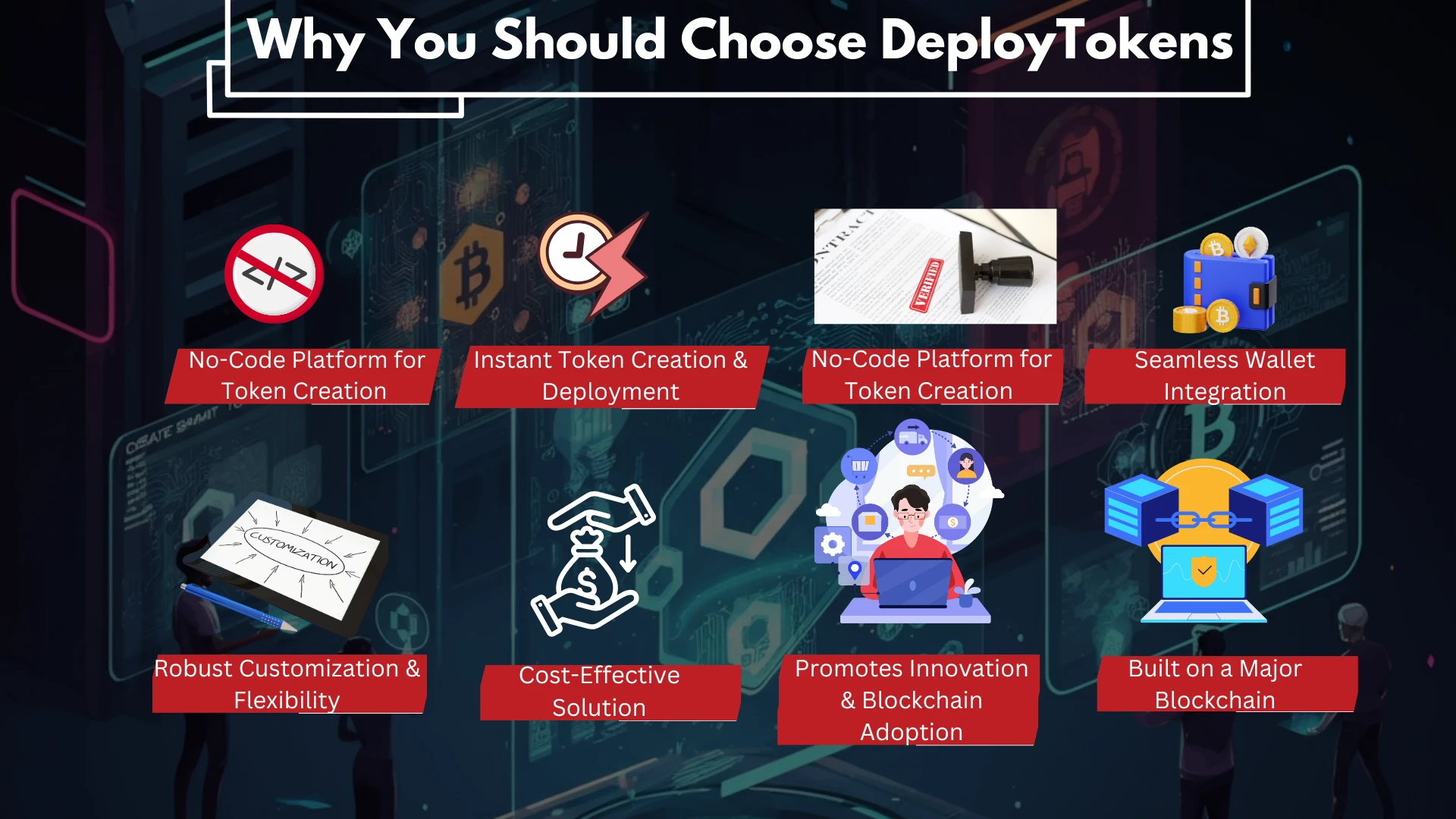
- No coding required – Anyone can create a token without Solidity knowledge.
- Fast deployment – Tokens can be launched in minutes.
- Customizable – Choose supply, transaction fees, and ownership controls.
- Cost-effective – Avoid expensive developer fees.
Step-by-Step Guide: How to Create Your Own Crypto Token in Minutes
Step 1: Choose the Blockchain
Select the blockchain where your token will be deployed. Popular choices include:
- Ethereum (ERC-20) – High security but expensive gas fees.
- Binance Smart Chain (BEP-20) – Lower fees, good for DeFi projects.
- Base Blockchain – Scalable and cost-effective for deploying tokens.
Step 2: Select a Token Maker Platform
Use a reliable token creation tool like DeployTokens.com, which provides an easy-to-use interface for generating tokens on Base.
Step 3: Configure Token Parameters
Fill in the required details:
- Token Name (e.g., MyToken)
- Symbol (e.g., MTK)
- Total Supply (e.g., 1,000,000 tokens)
- Decimals (e.g., 18)
- Ownership Options (Mintable, Burnable, Fixed Supply)
- Transaction Fees (Optional) – Set tax fees for trading.
Step 4: Connect Your Wallet
Use MetaMask or another Web3 wallet to interact with the platform. Ensure you have enough gas fees for deployment.
Step 5: Deploy Your Token
Click “Create Token” and confirm the transaction in your wallet. Once completed, your token is live on the blockchain.
Step 6: Verify & Manage Your Token
- Smart Contract Verification – Ensures transparency and security.
- Token Explorer Listing – Add your token to Etherscan, BscScan, or BaseScan.
- Liquidity & Exchange Listings – Provide liquidity on DEXs like Uniswap or PancakeSwap.
Conclusion
Creating your own crypto token is now easier than ever, thanks to token maker platforms like DeployTokens.com. Whether you’re launching a DeFi project, DAO, or community coin, you can have a fully functional token in minutes without coding expertise.
Ready to Create Your Token? Start now with DeployTokens and bring your blockchain idea to life.