
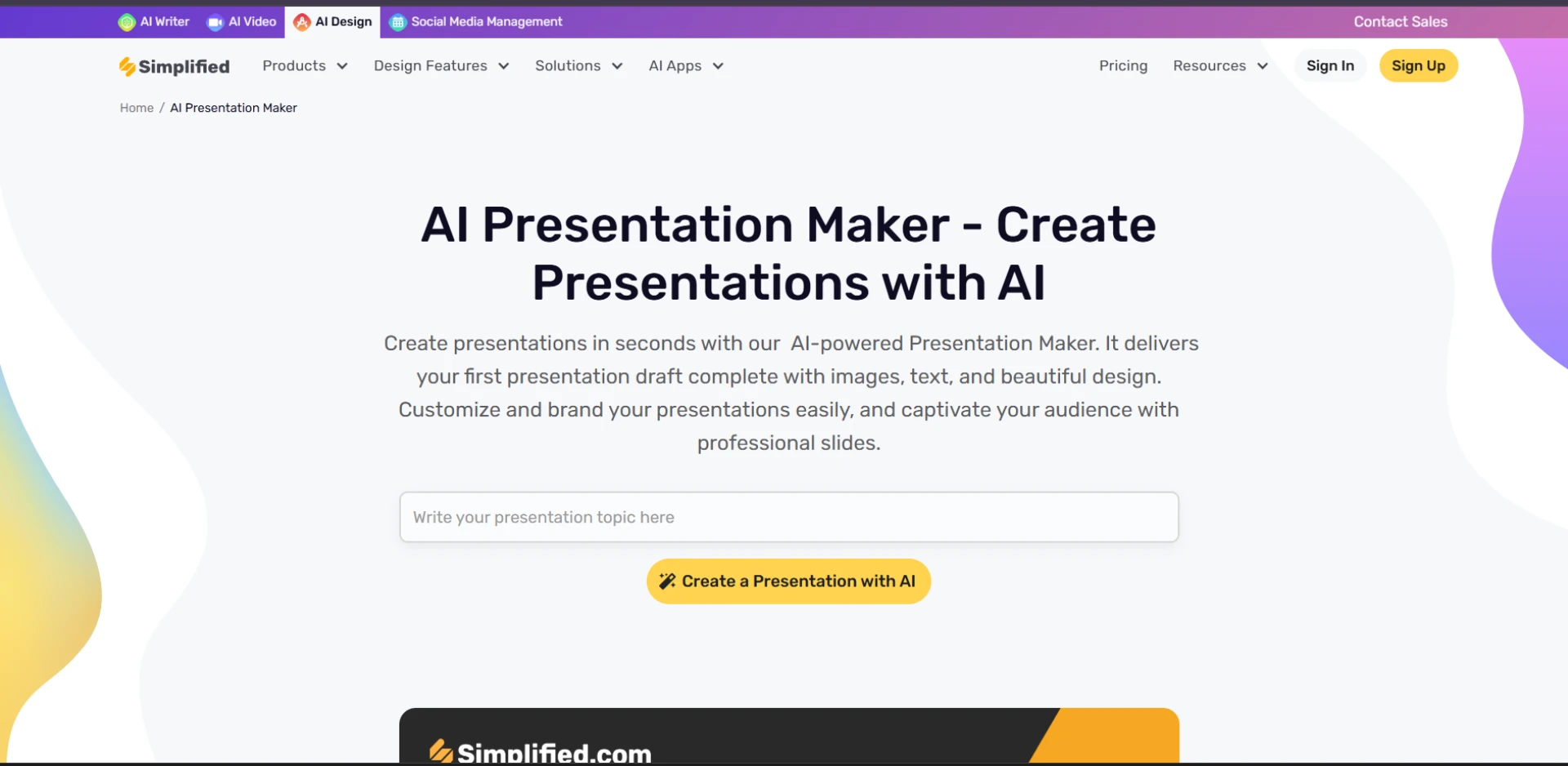
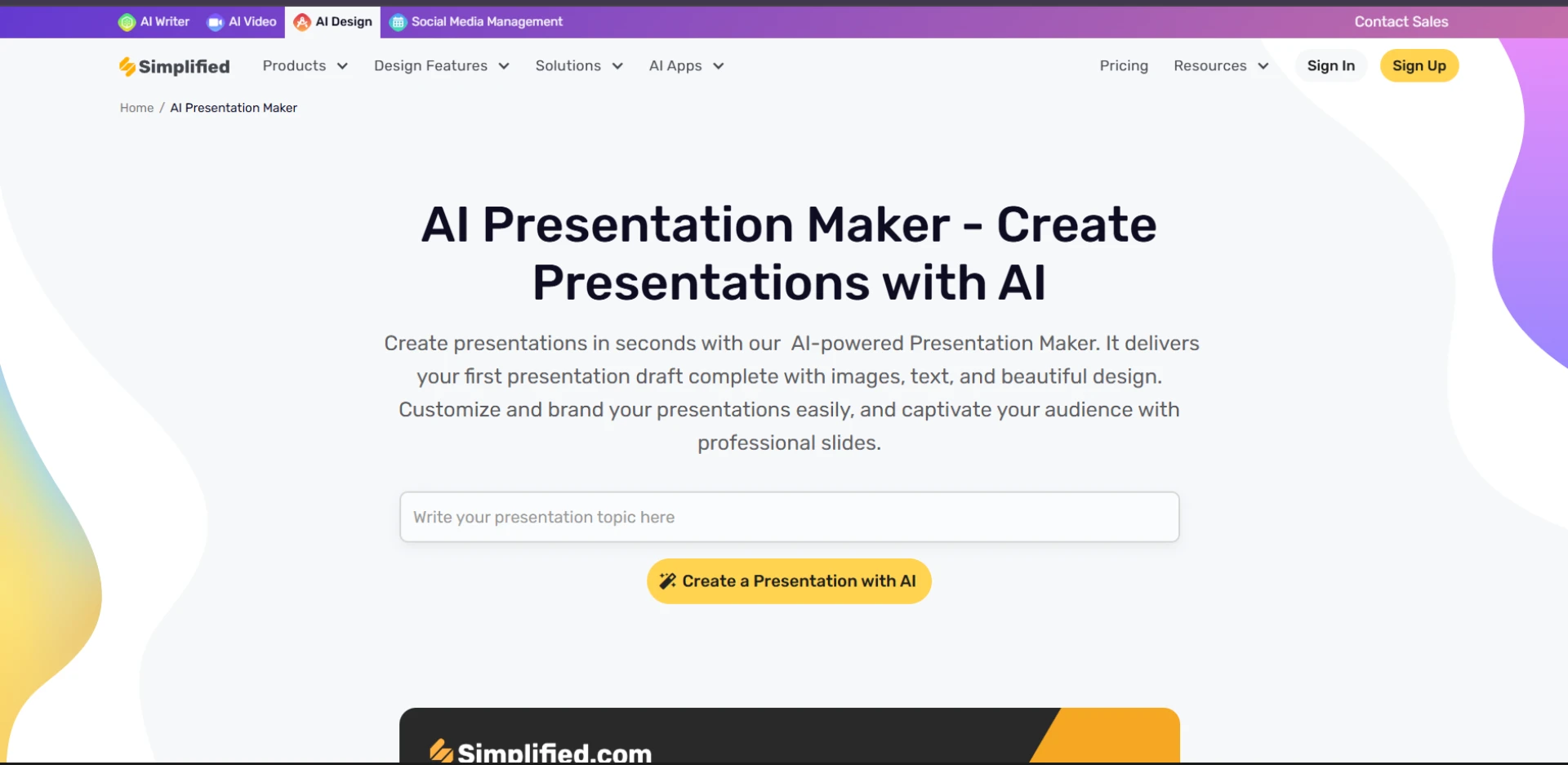
Creating impactful presentations has long been an essential skill in education, business, and marketing. Yet, not everyone has the time or design expertise to craft polished, engaging slides from scratch. That’s where an AI Presentation Maker steps in to revolutionize the process. With the power of artificial intelligence, users can now generate stunning presentations in just a few minutes, even with minimal input.
In this blog, we’ll explore how AI presentation tools work, what benefits they offer, and how they’re transforming the way we create visual content.
What is an AI Presentation Maker?
An AI Presentation Maker is a tool powered by machine learning and natural language processing algorithms. It enables users to generate full-fledged slide decks by simply entering a topic, outline, or brief prompt. The AI processes this input, pulls relevant content, designs matching visuals, and formats the slides with consistency and aesthetic appeal. Some tools even support automatic animations, charts, and voiceovers.
These tools are ideal for students, marketers, business professionals, educators, and anyone who needs high-quality presentations fast without spending hours designing them manually.
How Does It Work?
While each platform may have unique features, the general process looks like this:
- Input a Topic or Outline
- You start by entering a topic, goal, or structure for the presentation. For example: “Marketing strategy for Q3,” or “The lifecycle of a butterfly.”
- AI Generates the Slides
- The AI searches for relevant information (depending on how it's trained), selects appropriate layouts, fonts, colors, and inserts content like text, bullet points, graphs, and icons. Some tools also suggest talking points for each slide.
- Customization Options
- Users can tweak the generated slides—change themes, upload images, adjust animations, or add brand colors. This ensures the output matches the user’s tone and branding.
- Export and Share
- Once ready, the presentation can be exported in formats like PowerPoint, PDF, or shared via a link. Some platforms also offer real-time collaboration for teams.
Key Benefits of Using an AI Presentation Maker
1. Saves Time
Creating presentations from scratch can take hours. With AI, you can generate an entire deck in under 5 minutes. This is a game-changer for busy professionals and students working under tight deadlines.
2. Professional Design Without Expertise
AI tools apply design principles automatically—alignment, contrast, font pairing, white space, and more—ensuring that even users with no design skills produce visually appealing slides.
3. Enhanced Productivity
Instead of getting bogged down in formatting, users can focus on the message and delivery of their presentation. This boosts efficiency and reduces creative fatigue.
4. Consistency Across Slides
The AI maintains a consistent design across all slides, which is essential for professionalism and readability. No more mismatched fonts or chaotic layouts.
5. Data Visualization Made Easy
AI-powered platforms can convert raw data into charts, graphs, and infographics in seconds, making it easier to communicate complex information visually.
6. Access to a Vast Asset Library
Many AI presentation makers come with integrated libraries of images, icons, videos, templates, and animations. This eliminates the need to search external resources.
Use Cases for AI-Generated Presentations
- Business Pitches: Impress investors or clients with sleek, data-backed proposals.
- Sales Decks: Create persuasive presentations to showcase products and services.
- Classroom Lessons: Teachers can save time and focus more on teaching than slide design.
- Reports and Updates: Quickly present quarterly progress or research findings.
- Workshops and Webinars: Build educational or promotional slide decks fast.
Top Features to Look For
If you’re considering using an AI presentation maker, look for these features to get the best results:
- Template Variety – A wide range of modern, customizable templates.
- Brand Integration – Ability to add logos, fonts, and brand colors.
- Voice Assistant or Script Suggestions – Helpful for speakers who want guidance.
- Language Support – Multilingual features for global teams.
- Collaboration Tools – Real-time editing and feedback features for teams.
- Export Formats – PPTX, PDF, video, or direct link sharing.
Popular AI Presentation Makers on the Market
Some notable platforms include:
- Tome – Known for storytelling-focused presentations.
- Beautiful.ai – Great for business and data-centric decks.
- Gamma – A modern take on slide creation, blending design and AI writing.
- Canva AI Presentations – User-friendly with vast visual assets and AI text.
- Visme – Offers rich interactivity and detailed analytics.
- Pitch – Built for team collaboration and sleek design.
Each tool offers unique features, so it’s worth trying a few to see which fits your workflow best.
Are There Any Limitations?
While AI presentation makers are powerful, they’re not flawless:
- Creative Limitations: Sometimes the designs can feel generic or repetitive.
- Fact-Checking Required: AI-generated content may not always be accurate.
- Customization Needs: You may still need to spend time editing for tone or branding.
Despite these minor downsides, the productivity gains are undeniable.
The Future of Presentation Creation
The integration of AI into presentation design is just the beginning. As these tools evolve, expect deeper personalization, voice-based editing, real-time audience feedback, and tighter integrations with project management and CRM tools. AI could also soon suggest data points from your documents or emails to include in your slides automatically.
The goal is clear: to make communication smarter, faster, and more effective.
Conclusion
An AI Presentation Maker is not just a convenience—it’s a powerful productivity tool that enables users to craft beautiful, compelling presentations in minutes. Whether you’re pitching an idea, teaching a concept, or reporting results, AI helps you get the job done faster and with more impact.
If you haven’t tried one yet, now is the perfect time to explore how artificial intelligence can upgrade your presentation game.