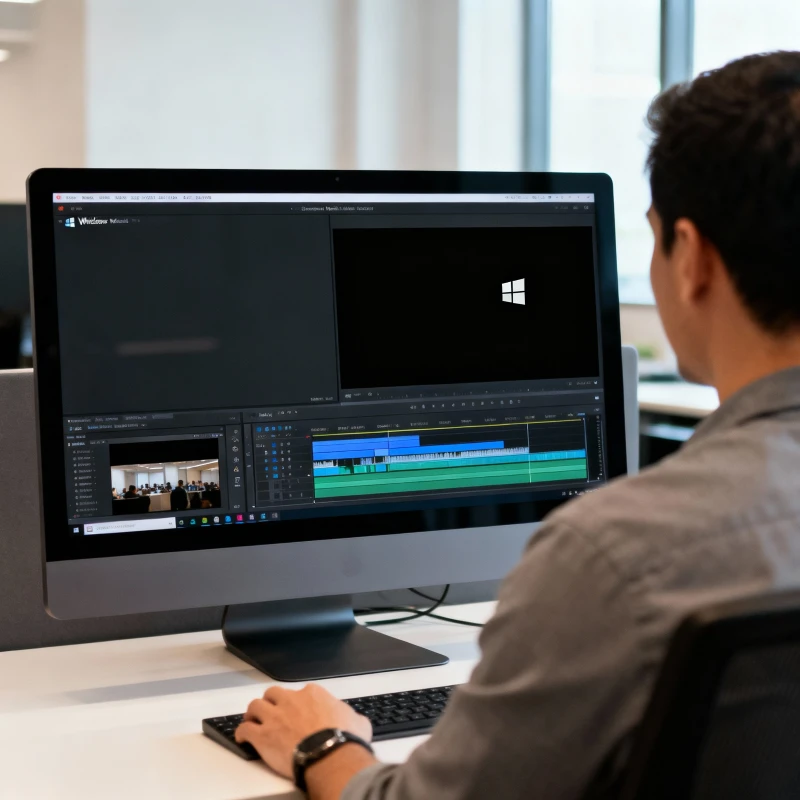
Windows Media Player is one of the most popular media players in the Windows operating system. However, its built-in video editing capabilities are quite limited. To solve this, Solveig Multimedia has developed a unique tool — WMP Trimmer Plugin. This plugin turns Windows Media Player into a handy, powerful video editor while preserving the original quality and synchronization. Let's explore why the WMP Trimmer Plugin deserves special attention and why it’s the right choice for video editing.
1. Lossless Editing with Full Synchronization
The main advantage of the plugin is the ability to edit video files directly in Windows Media Player without re-encoding, ensuring:
Preservation of the original video and audio quality.
Full audio-video synchronization, even with variable bitrate formats (such as AVI with VBR audio).
No artifacts or data loss that often happen with standard video editors.
This is especially important for users who want to maintain high quality after trimming or removing unwanted parts, such as ads, webinar recordings, or family videos.
2. Ease of Use and Convenience
WMP Trimmer Plugin has an intuitive interface that is easy for both beginners and experienced users:
Video clips can be trimmed in just a few clicks by setting start and end points.
The plugin integrates directly into Windows Media Player, avoiding the need to launch separate software.
Preview and precise frame-level navigation help in easy and accurate editing.
Detailed video tutorials and user support make learning the plugin comfortable.
3. Wide Format Support
The plugin supports many popular formats commonly found in video and audio collections:
Video: AVI, WMV, ASF, MPEG-1, MPEG-2, MP4, MKV, MOV, FLV, WEBM, AVCHD, and more.
Audio: MP3, WAV, WMA, MPEG Audio, etc.
It also supports editing audio tracks within video files, muting sound, and extracting audio segments.
This makes the WMP Trimmer Plugin a versatile solution for both casual users and professionals who need to work with diverse formats without multiple tools.
4. Advanced Features for Video and Audio Editing
Besides basic trimming, the plugin offers useful extra features:
Muting or removing audio on selected segments without re-encoding.
Extracting audio tracks into separate files.
Editing subtitles and adding voice-over narrations.
Splitting large files into smaller parts, creating ringtones, and censoring content.
These functions elevate the plugin to a multimedia editor beyond the standard Windows Media Player capabilities.
5. Affordability, Safety, and Support
WMP Trimmer Plugin is designed for a broad audience:
A free trial version is available, allowing users to test its features before purchase.
It works with most Windows and Windows Media Player versions.
Regular updates and responsive customer support ensure a smooth user experience.
The license is suitable for both home and business users.
This combination of quality, functionality, and accessibility makes it a great choice.
Conclusion
WMP Trimmer Plugin is an indispensable tool for anyone who wants to effortlessly and effectively edit video files directly in Windows Media Player. Its lossless editing, broad format support, user-friendly interface, rich features, and affordability make it the top choice for video editing in Windows. Whether removing commercials, editing webinars, or preparing family videos, this plugin gets the job done quickly and reliably.
Download the trial version now to explore its capabilities, and upgrade as needed to unlock the full potential of your Windows Media Player with WMP Trimmer Plugin.