Smart TVs have become the center of modern home entertainment. All streaming movies and sports to connecting gaming consoles and smart home devices, TV’s today do much more than just display channels. However, many households unknowingly shorten the lifespan of their TVs because of poor maintenance habits.
People only think about fixing problems when the screen stops working or sound suddenly disappears, and even when the screen flickers, but the truth is that regular maintenance can prevent many common issues and help your television perform smoothly for years.
Agar thoda sa dhyaan diya jaye, toh TV ki performance aur lifespan dono kaafi improve ho sakte hain. Small habits like proper cleaning, correct placement, and electrical safety can make a huge difference.
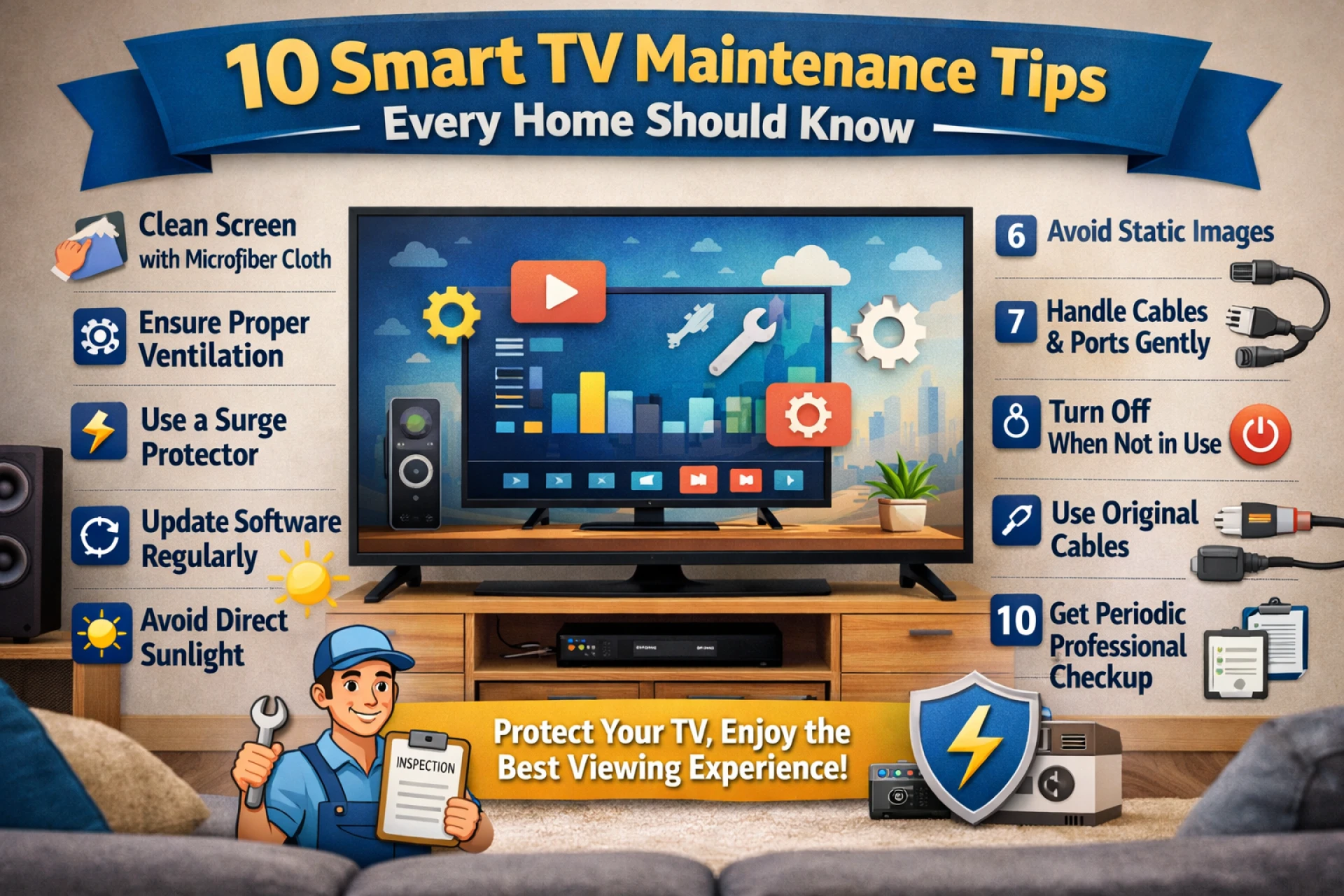
The guide explores 10 practical and well-researched smart TV maintenance tips that every household should follow to keep their television in top condition.
1. Clean Your TV Screens the Right Way
One of the most common mistakes people make is cleaning the TV screen incorrectly. LED and smart TV screens are delicate, and harsh cleaning methods can damage the display coating.
Always use a soft microfiber cloth to wipe the screen gently. Avoid using paper towels, rough cloths, or chemical cleaners. If there are fingerprints or dust marks, lightly dampen the microfiber cloth with distilled water.
Kabhi bhi directly screen par liquid spray na karein, kyunki moisture panel ke andar ja sakta hai aur internal damage ho sakta hai.
Regular cleaning not only improves picture clarity but also prevents dust from building up along the edges of the screen.
2. Ensure Proper Ventilation
Every television generates heat while operating. If heat cannot escape properly, the internal components may begin to degrade faster.
Always ensure that your TV has sufficient ventilation space around it. Ideally, leave at least 3–4 inches of space on each side and behind the TV.
Agar TV ko closed cabinet mein rakh diya jata hai bina airflow ke, toh overheating ka risk kaafi badh jata hai.
Overheating is one of the common reasons people eventually search for LED TV repair, so proper airflow can help prevent such situations.
3. Protect Your TV From Voltage Fluctuations
Voltage fluctuations are a major concern in many households, especially in areas where the power supply is inconsistent.
Sudden voltage spikes can damage the internal power board or motherboard of a TV.
Using a surge protector or voltage stabilizer is highly recommended. These devices regulate electricity and protect your television from sudden electrical shocks.
Kai baar log electrical safety ko ignore kar dete hain aur baad mein unhe kisi TV repair shop ki help leni padti hai. A simple stabilizer can often prevent such expensive problems.
4. Keep the TV Away From Direct Sunlight
Placing your TV directly opposite a window or in direct sunlight can cause several problems.
First, sunlight reduces screen visibility and creates glare. Second, continuous exposure to heat can damage the display panel over time. Ideally, place the TV in a location where natural light does not fall directly on the screen.
Agar sunlight unavoidable hai, toh curtains ya blinds use karna ek simple solution ho sakta hai. This simple placement adjustment can significantly extend the life of your television.
5. Avoid Static Images for Long Periods
Many people leave their TV paused on the same screen for hours, especially while streaming content or playing games. This can sometimes lead to image retention or screen burn-in, particularly on certain display technologies.
Try to avoid leaving the same image on screen for long durations. If you pause a movie or step away, turn the screen off or activate screen saver settings.
Ye chhoti si habit future mein display problems ko prevent kar sakti hai.
6. Regular Software and Apps Updates
Smart TVs today run on operating systems similar to smartphones. They receive firmware updates that improve performance and security.
If your TV frequently freezes or apps crash, outdated software may be the reason.
Make sure your TV software is updated regularly through the system settings. Updates often fix bugs, improve compatibility with streaming apps, and enhance overall performance.
Agar updates ignore kiye jate hain, toh TV slow ya unstable ho sakta hai, aur phir users solution ke liye TV repair near me jaise searches karne lagte hain.
Keeping the software updated can prevent many such issues.
7. Using the Original Cables and Accessories
Using cheap or incompatible HDMI cables, power adapters, or other accessories can lead to signal problems.
Poor quality cables may cause:
- Screen flickering
- No signal errors
- Sound and picture mismatch
Always use certified or original accessories recommended for your TV.
Agar TV properly signal detect nahi kar raha ho, toh kai baar issue cable ka hota hai, na ki television ka.
Proper accessories ensure smooth connectivity with streaming devices, gaming consoles, and sound systems.
8. Careful with Remote and Ports
TV ports like HDMI, USB, and LAN connectors are sensitive components.
Roughly plugging or unplugging cables can damage the internal connectors. Similarly, remote controls often stop working because of dust or battery leakage.
Make sure to:
- Insert cables gently
- Keep ports dust-free
- Replace remote batteries on time
Agar ports damage ho jayein, toh unhe fix karne ke liye kisi TV service centre ki assistance leni pad sakti hai.
Taking care of these small components can prevent unnecessary technical issues.
9. Turn Off the TV When Not in Use
Leaving the TV on standby mode for very long durations can slowly affect internal components.
Although modern TVs are energy efficient, completely turning off the device when not in use can help reduce wear on internal circuits. A simple habit like switching off the TV before sleeping or leaving the house can help maintain its longevity.
Isse electricity bhi save hoti hai aur device bhi safe rehta hai.
10. Periodic Professional Inspection
Even with good maintenance, televisions can develop internal issues over time due to wear and tear.
Occasionally, getting the TV checked by professionals can help identify minor problems before they become serious. For example, loose internal connections, dust accumulation inside the panel, or motherboard heating can sometimes be detected early.
In cities like Lucknow, many households prefer assistance from a TV service centre in Lucknow that offers reliable inspection and support.
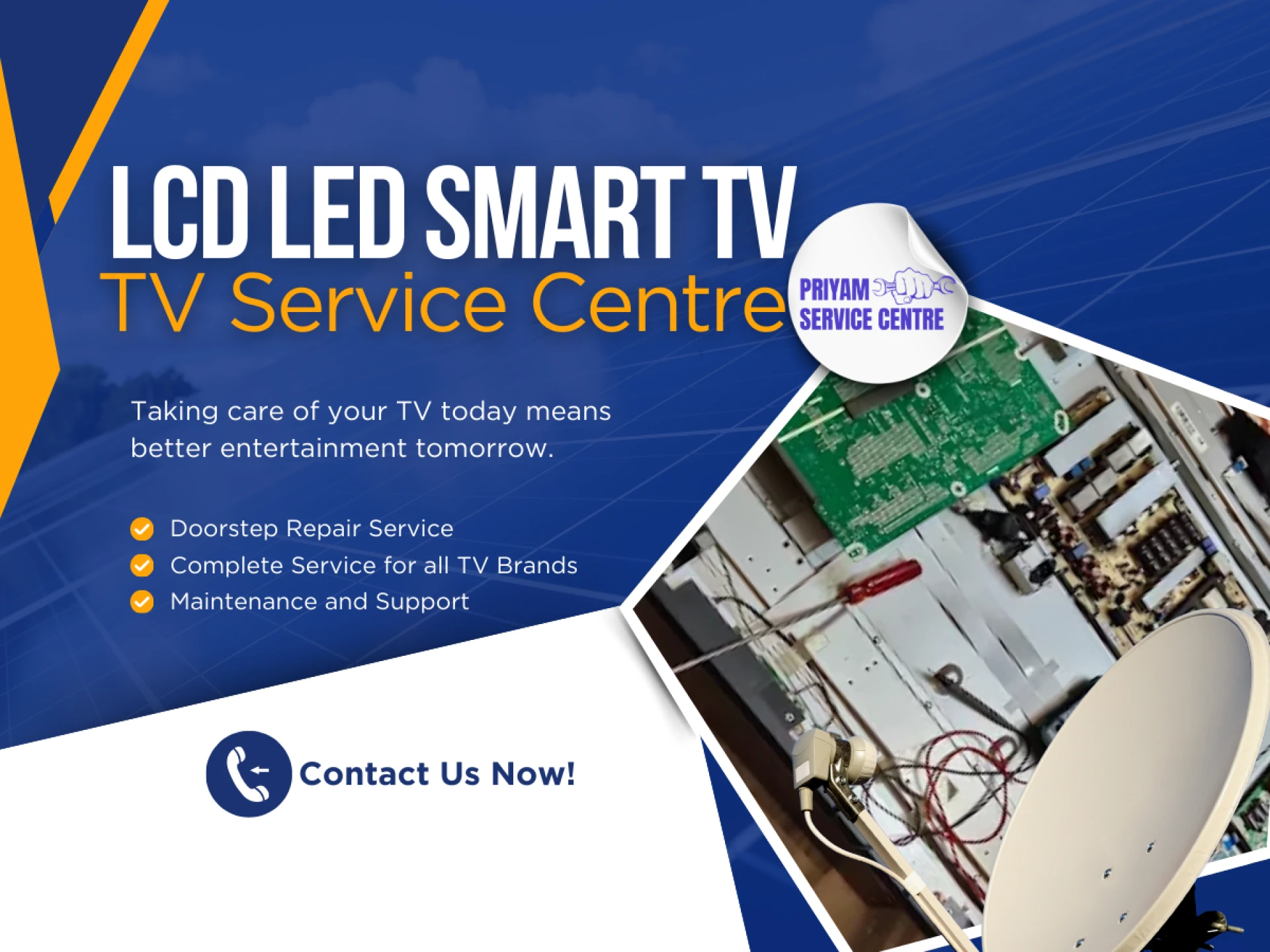
Some service providers also offer doorstep TV repair, making the process convenient and saving time for busy households.
Regular checkups ensure your television continues to perform smoothly without unexpected breakdowns.
A television is not just another appliance anymore. It is often the main entertainment hub of the house, connecting family members through movies, sports, and gaming.
Without proper care, even high-quality TVs may start showing problems like:
- Screen flickering
- Sound issues
- Connectivity errors
- Display glitches
Agar maintenance ignore ki jaye, toh eventually professional tv repairing services ki zarurat pad sakti hai.
However, following simple preventive practices can reduce the chances of these problems and keep your TV running efficiently for years.
Overall Conclusion
Smart TVs are sophisticated devices with delicate components, advanced software, and high-resolution displays. Proper maintenance ensures that they continue delivering the best viewing experience.
By following these 10 smart TV maintenance tips, households can significantly improve the lifespan and performance of their televisions.
Thoda sa regular care — jaise proper cleaning, electrical protection, aur correct placement — TV ko long term mein safe aur efficient bana sakta hai.
After all, prevention is always better than dealing with unexpected issues later.
Taking care of your TV today means better entertainment tomorrow.