



In the realm of personal and professional finance, staying organized and having a clear overview of your budget is crucial for making informed decisions. Traditional methods of budgeting using pen and paper or complicated spreadsheets can be cumbersome and time-consuming. However, with the advent of Budget Google Sheets, managing your finances has become more accessible, efficient, and user-friendly. In this article, we will explore the benefits of Budget Google Sheets and how they can revolutionize your financial management.
Accessibility and Convenience
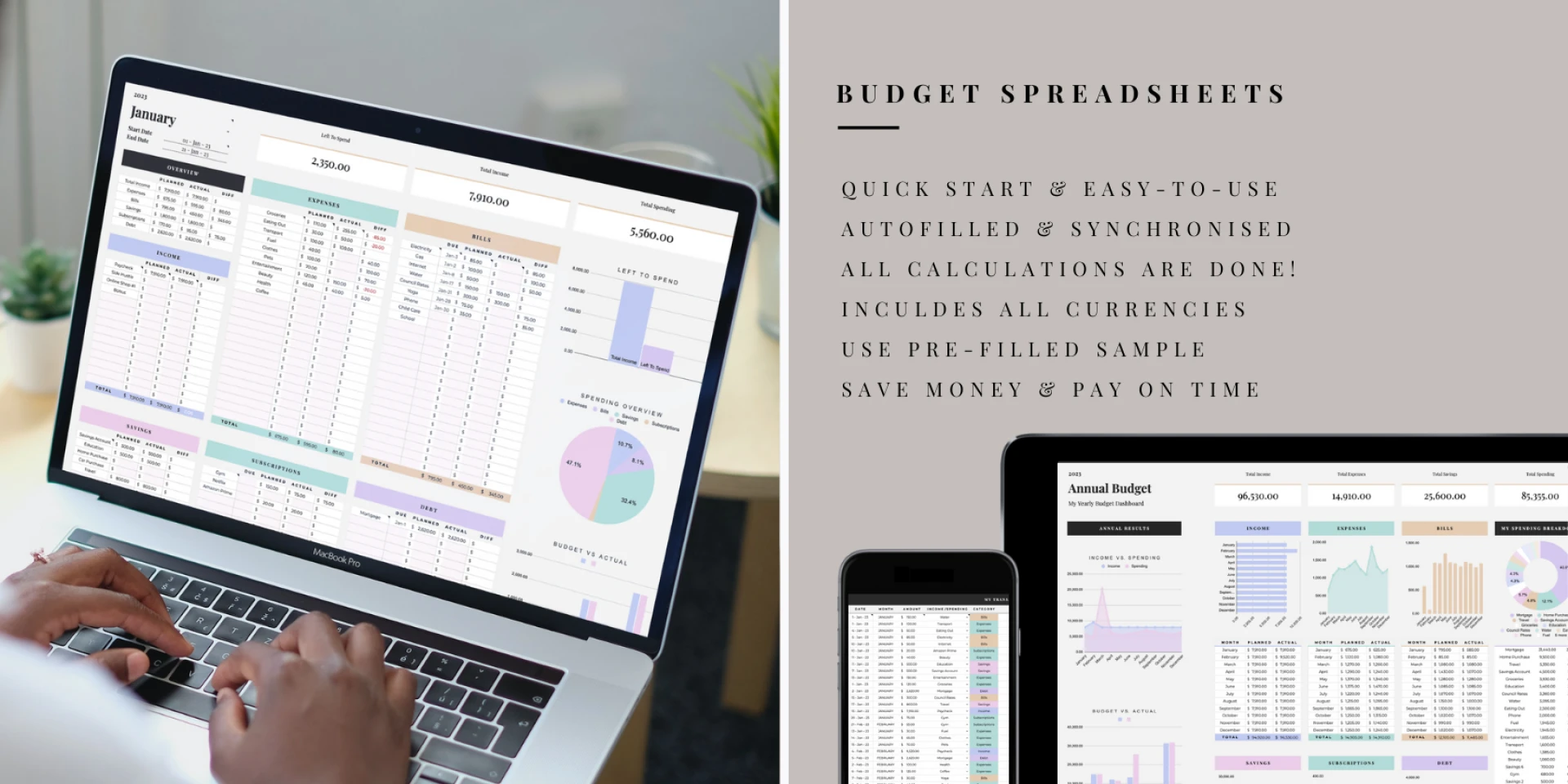
One of the primary advantages of Budget Google Sheets is their accessibility. As a cloud-based application, Google Sheets allows you to access your budget from anywhere, on any device with an internet connection. This means you can view, edit, and update your budget on your computer, smartphone, or tablet, providing unmatched convenience and flexibility. Whether you\'re at home, in the office, or on the go, your budget is always within reach.
Real-Time Collaboration
Collaboration is made seamless with Budget Google Sheets. Multiple users can simultaneously access and edit the same budget document, facilitating teamwork and ensuring everyone is on the same page. This feature is particularly useful for couples managing joint finances, business partners working on shared budgets, or financial advisors assisting clients. Real-time collaboration minimizes the need for constant email exchanges and enables efficient teamwork, leading to better financial planning and decision-making.
Automated Calculations and Formulas
Budget Google Sheets offers a range of built-in functions and formulas that simplify complex calculations and save valuable time. Whether you need to calculate income, expenses, savings, or track investments, the automated features of Google Sheets handle the computations effortlessly. Furthermore, you can create custom formulas to suit your specific budgeting needs, making it a powerful tool for budget analysis and forecasting.
Visualization and Data Analysis
Google Sheets provides a variety of visualization options to help you gain insights into your budget. With the ability to create charts, graphs, and pivot tables, you can transform your raw financial data into meaningful visual representations. Visualizations make it easier to identify spending patterns, track trends, and analyze your budget more effectively. These data-driven insights empower you to make informed decisions, adjust spending habits, and work towards your financial goals.
Integration with Other Google Apps
Budget Google Sheets seamlessly integrates with other Google Apps, such as Google Forms and Google Docs. You can create custom forms to collect data for budgeting purposes or generate reports to analyze your financial progress. Additionally, you can import data from other Google Sheets or export your budget data to further analyze it in Google Docs or third-party applications, providing a comprehensive and integrated financial management experience.
Data Security and Backup
Google Sheets ensures the security and safety of your budget data. Your information is stored securely in the cloud, protected by Google\'s robust infrastructure and security measures. Regular backups are performed automatically, minimizing the risk of data loss. Furthermore, you can control the access and permissions for each collaborator, ensuring the privacy of sensitive financial information.
For more info :-