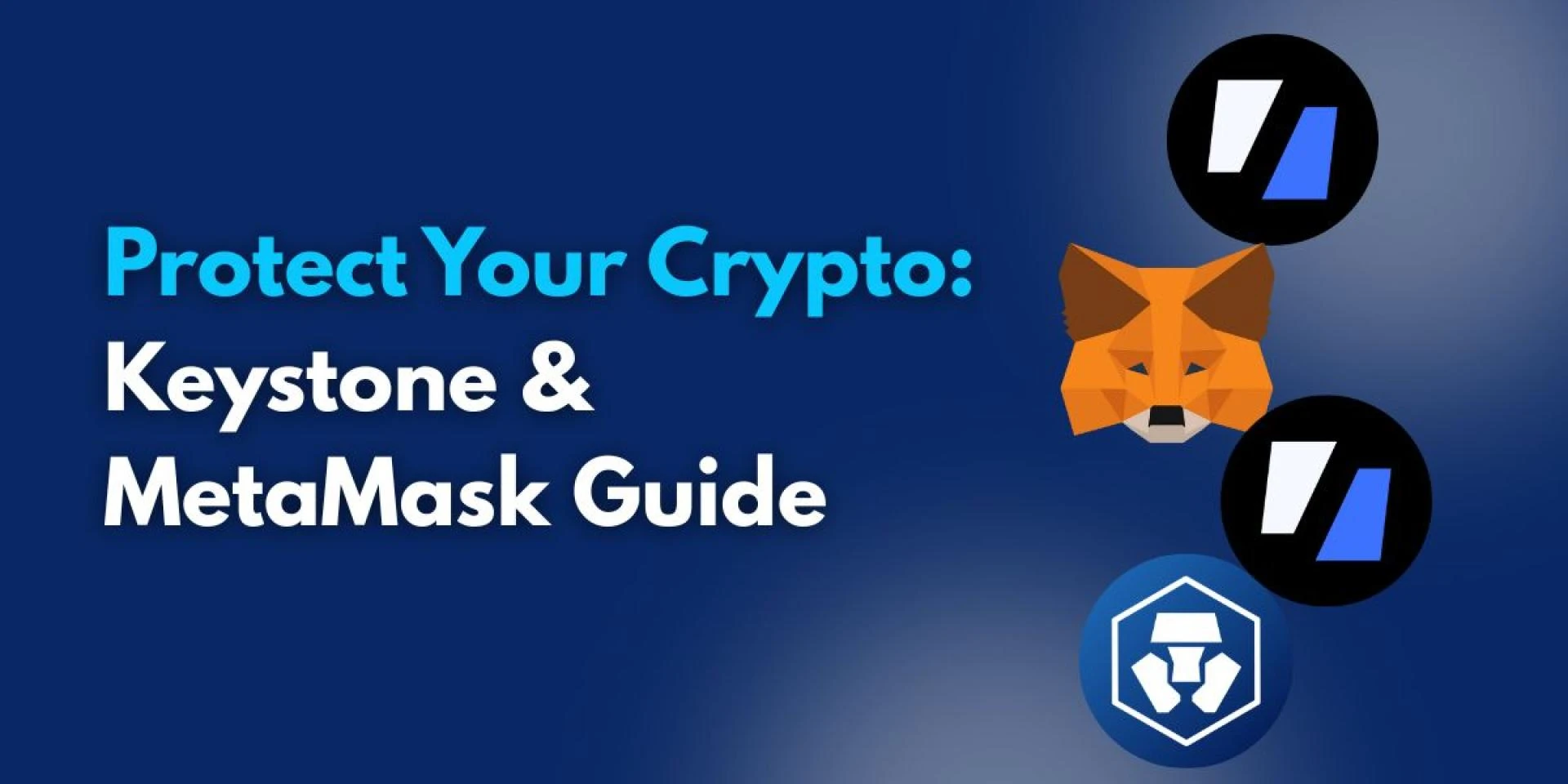
As digital assets become increasingly integrated into our financial lives, the importance of robust security cannot be overstated. The decentralized web and dApps offer exciting possibilities, but they also come with significant risks. Protecting your private keys, which control access to your cryptocurrency, is the most critical aspect of digital asset ownership. Relying solely on online software wallets can expose you to various vulnerabilities.
The potential for innovation in the crypto space is vast, yet so are the threats from hackers, scammers, and user errors. Software wallets connected to the internet are susceptible to malware, phishing, and other online attacks. This is why combining the strengths of a hardware wallet, like Keystone, with a popular software wallet, such as MetaMask, offers a significantly enhanced security posture for your digital assets.
Keystone: The Hardware Wallet Advantage
Hardware wallets, often called 'cold storage', are physical devices built with one primary goal: keeping your private keys offline and isolated. Keystone is known for its air-gapped communication, typically using QR codes for secure data transfer, and its strong focus on physical security features like tamper-proof elements. By storing keys offline, hardware wallets make it extremely difficult for online threats to compromise them.
These devices serve as an impenetrable vault for your most valuable digital asset – your private key. The process of signing transactions, which is essential for authorizing any movement of your crypto, occurs entirely on the hardware wallet itself. This isolation ensures that even if your computer or phone is infected with malware, your private keys remain safe and inaccessible to attackers.
MetaMask: The Software Wallet Interface
Software wallets, or 'hot wallets', like MetaMask, are installed on your computer or mobile device. They connect to the internet, providing a convenient interface for interacting with blockchain networks. MetaMask is widely used for managing Ethereum and other EVM-compatible chain assets, allowing users to easily connect to dApps, view their portfolios, and initiate transactions directly from their browser or phone.
MetaMask is your gateway to the decentralized web, making it simple to use decentralized exchanges, explore NFT markets, and interact with a wide array of dApps. While user-friendly and functional, its online nature means it carries inherent risks. Using it without additional security layers leaves your online device as the single point of failure for accessing your funds.
Combining Keystone and MetaMask: The Powerful Duo
Combining a Keystone hardware wallet with your MetaMask software wallet creates a highly secure and practical setup. You gain the convenience and dApp connectivity of MetaMask while benefiting from the ironclad security of having your private keys stored offline on the Keystone device. This setup allows you to view and manage your assets through MetaMask's familiar interface.
In this powerful combination, MetaMask prepares and displays transaction details, acting as your window into the blockchain and decentralized applications. However, the crucial step of signing the transaction to authorize it must be performed on the Keystone device. This means your private keys never leave the secure, offline environment of the hardware wallet, even when you are actively using dApps online via MetaMask.
Setting Up the Connection
Connecting your Keystone device to your MetaMask wallet is typically a straightforward process. Within the MetaMask interface, you navigate to your account options and select "Connect Hardware Wallet." You will then choose Keystone from the list of supported devices and follow the specific instructions provided by MetaMask.
The pairing process often involves scanning QR codes displayed on your Keystone device using your computer's webcam or your phone's camera, depending on whether you are using MetaMask on desktop or mobile. This air-gapped method of connection ensures that the communication between MetaMask and Keystone is secure and does not expose your private keys online during the setup.
Executing Transactions Securely
Once your Keystone is connected to MetaMask, executing transactions involves a multi-step process designed for security. You initiate the transaction (like sending funds or interacting with a dApp) within MetaMask. MetaMask prepares the transaction details and then prompts you to connect your Keystone to sign it.
This is the process you follow, for example, when you send crypto from keystone to metamask wallet or to any other address. MetaMask presents the details of the transaction, but the actual authorization signature comes from the Keystone. Critically, you must always verify the transaction details – including the recipient address, amount, and network fees – on the secure screen of your Keystone device before physically confirming the action.
Verifying transaction details on the hardware wallet's trusted display is vital. It protects you from potential malware on your computer or phone that might try to alter the transaction details presented on the screen. By requiring physical confirmation on the isolated device, the Keystone integration with MetaMask ensures that you are signing exactly what you intend to sign, preventing unauthorized or altered transactions.
Beyond the Wallet: Overall Crypto Security
Implementing a secure wallet setup is essential, but it's only one part of comprehensive crypto security. Your recovery phrase, also known as your seed phrase, is the ultimate backup for your funds. If this phrase is compromised, anyone who has it can restore your wallet and take control of your assets, regardless of whether they were stored on a hardware or software wallet.
It is absolutely paramount to store your recovery phrase offline and securely. This means writing it down on paper or metal and keeping it in multiple safe, private locations. Never store your recovery phrase digitally, such as in a photo, text file, or cloud storage. Be extremely cautious of any website or application that asks you to enter your recovery phrase – this is almost always a scam attempt.
Vigilance against phishing attacks, fake websites, and malicious browser extensions is also critical. Always double-check the URLs of websites, especially when connecting your wallet or entering sensitive information. Be conservative with the permissions you grant to dApps. A skeptical mindset and careful verification of every step are powerful defenses against online threats.
Interacting with Exchanges and Seeking Help
Many crypto users interact with centralized exchanges for buying, selling, or trading assets. Exchanges require you to transfer funds to their wallets and typically mandate KYC (Know Your Customer) and AML (Anti-Money Laundering) verification processes. Submitting personal identification and proof of address is standard practice, though sometimes users encounter difficulties.
A common issue users face is a crypto com proof of residence error, for instance, where the documents provided might not meet the exchange's specific requirements, format, or clarity standards. This can delay or prevent account verification and access to certain services. Ensuring your documents are clear, current, and match the requested criteria is important to avoid such verification hurdles on any exchange.
If you experience persistent problems with an exchange account, such as verification issues, transaction delays, or suspected security compromises, seeking official support is necessary. Knowing how to contact the exchange's customer service is vital. For example, if you need assistance with Crypto.com, knowing the official crypto com customer support number or how to access their online support channels is essential for getting help directly from the platform.
Legitimate exchanges offer support through official channels like their website's help center, email support, or live chat. Some may offer a dedicated phone number for urgent matters. Always be wary of individuals reaching out to offer "support" through unofficial channels like social media or messaging apps, as these are frequently methods used by scammers to steal your information or assets.
Conclusion
In conclusion, securing your crypto involves layers of defense. Combining a robust hardware wallet like Keystone with a functional software wallet like MetaMask provides a strong technical foundation by keeping your private keys offline while allowing convenient online interaction. However, this must be coupled with vigilant personal security practices, meticulous handling of your recovery phrase, smart interaction with dApps and exchanges, and knowing how to seek help through official channels. By implementing these combined strategies, you significantly enhance the safety of your digital assets in the ever-evolving crypto landscape.
Read Aslo:
Crypto.com Account Not Verifying? Here's What to Do
Sending Crypto from Keystone to MetaMask
Keystone to MetaMask: Crypto Transfer Steps