


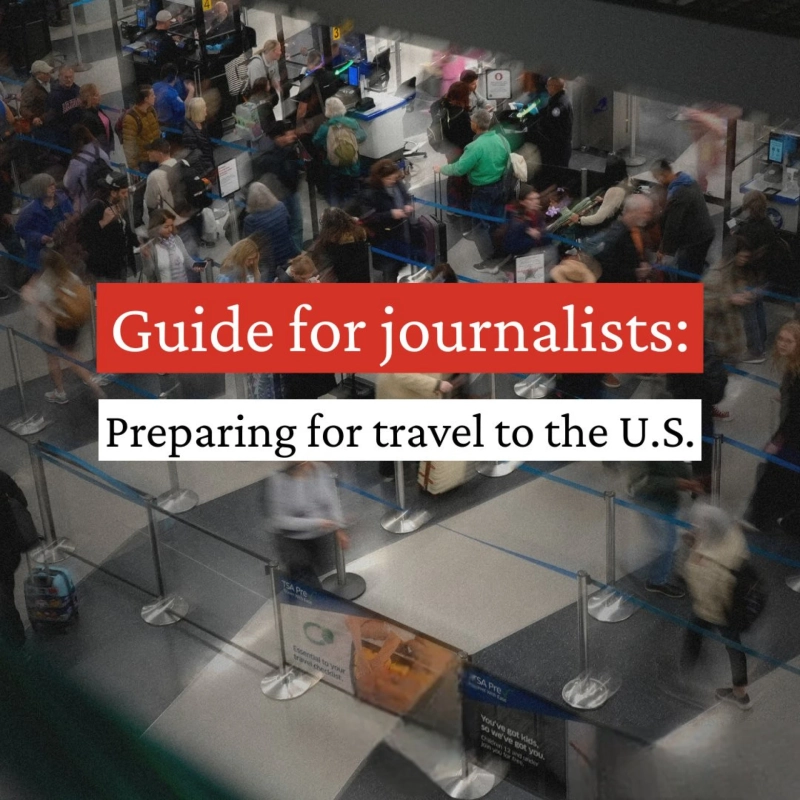
Travelers entering the United States should be aware that U.S. Customs and Border Protection (CBP) has broad authority to search electronic devices—including phones, laptops, and tablets—without a warrant or suspicion. These searches can be manual, where officers inspect the device directly, or advanced, involving forensic tools to extract data. To unlock your phone, CBP may request your PIN or biometric data, but your legal status and rights affect how these searches are conducted
Key Points About CBP Phone Searches
- CBP can search devices of anyone entering the U.S., including citizens and non-citizens, at airports, land crossings, seaports, and preclearance locations abroad.
- Basic searches involve manual inspection of your device.
- Advanced searches require reasonable suspicion, senior officer approval, and involve connecting your device to external equipment to copy or analyze data.
- Refusing to provide access may lead to device seizure or denial of entry for visa holders.
- Searches aim to detect violations such as terrorism, smuggling, visa fraud, and to assess admissibility
How to Protect Your Data and Privacy
- Travel Light: Carry only essential devices. Consider using a clean or travel-only phone or laptop with minimal personal data.
- Back Up Data: Securely back up important files to the cloud or external drives before traveling.
- Use Strong Passphrases: Avoid simple passwords and biometric locks; enable two-factor authentication.
- Encrypt Devices: Enable full-disk encryption to protect stored data.
- Power Down Devices: Completely shut down devices before border crossing to prevent remote access.
- Limit Stored Data: Delete unnecessary files and log out of cloud services and apps.
- Document Searches: If your device is searched, note officer details, questions, and actions taken.
- Stay Calm and Compliant: Be honest with CBP officers but know your rights regarding password disclosure
Additional Tips
- Use privacy-focused tools like VPNs and encrypted messaging apps to protect online activity.
- Consider using apps like SafeCalc which provides a secure, encrypted vault disguised as a calculator to store sensitive information discreetly on your device.
- After returning, inspect your devices for unauthorized software or malware.
Understanding your rights and preparing your devices before travel can help safeguard your digital privacy during border inspections. If you face legal issues related to device searches, consult an immigration attorney for advice