



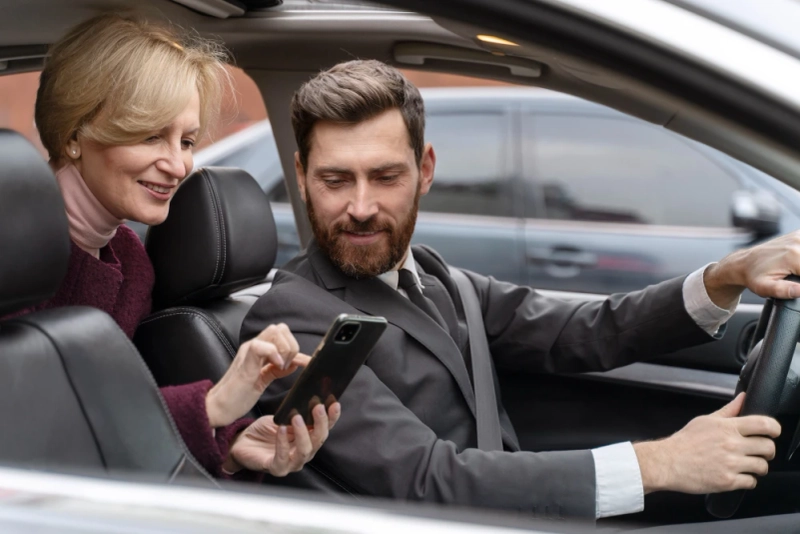
As companies grow, managing employee transport and daily carpools manually becomes a headache-Excel sheets, WhatsApp groups, last-minute changes, and endless phone calls. Carpool management software solves this chaos by bringing everything into one smart, automated platform.
Let’s break down how it actually works behind the scenes, focusing on three core pillars: the Admin Dashboard, the Routing Engine, and Live Tracking.
1. Admin Dashboard - The Control Room of Your Carpool
Think of the admin dashboard as the command center. This is where transport managers, HR, or operations teams log in and control the entire carpool ecosystem.
Key functions in the admin dashboard:
- User & Vehicle Management:
- Admins can add employees, drivers, and vehicles, assign roles, and manage access. Basic details like home location, office location, shift timings, and contact numbers are stored here.
- Trip & Shift Setup:
- For office commute, admins can set up fixed shifts (e.g., 9 AM-6 PM) or flexible schedules. The system knows which employees need rides, at what time, and from which area, so it can group them intelligently.
- Carpool Rules & Policies:
- The admin can define:
- Maximum passengers per car
- Female-only seats or women-only pools (if needed)
- Distance radius for grouping riders
- Pickup time windows (e.g., +/- 10 minutes)
- Allocation & Approvals:
- Once rules and data are in place, the system suggests pools:
- Which employees sit together
- Which driver or vehicle serves which route
- Which trips are active on which days
- Admins can auto-approve suggestions or manually tweak them before confirming.
- Analytics & Reports:
- A good carpool system doesn’t just move people-it generates insights:
- Total rides completed per day/week/month
- Cost per employee or per route
- CO₂ savings compared to everyone driving alone
- No-show, cancellation, and delay patterns
This dashboard is where strategy meets operations. Instead of juggling multiple tools, admins get a single view of how carpooling is performing across the organization.
2. Smart Routing - Matching People, Places, and Time
Routing is the brain of carpool management software. It answers three main questions:
- Who should ride together?
- Which vehicle should serve them?
- What is the best route to follow?
How routing typically works:
- Clustering by Location:
- The system groups employees who live in nearby areas. For example, three employees from the same neighborhood can share one car instead of sending three separate vehicles.
- Time Window Optimization:
- The software respects individual timings. For example:
- Employee A needs to reach at 9:00
- Employee B at 9:15
- Employee C at 9:00
- The algorithm tries to plan pickup times and sequence so everyone reaches within their acceptable time window.
- Capacity & Constraints:
- Each vehicle has a defined capacity (e.g., 4 or 7 seats). The routing engine ensures:
- No car is overbooked
- Female passengers can optionally be grouped with female-only drivers, if policy demands
- Maximum detour or travel time limits are not crossed
- Route Optimization:
- Once the system knows who’s riding with whom and in which car, it calculates:
- The most efficient pickup order
- The shortest path using road networks and traffic patterns
- Approximate travel time and ETA for each passenger
- This reduces fuel cost, travel time, and congestion at the office gate.
- Dynamic Adjustments:
- In real life, someone will always cancel at the last moment. Smart systems can:
- Re-route vehicles
- Merge pools
- Suggest backup options
Routing turns messy, real-world commuting into a planned, optimized operation.
3. Live Tracking - Real-Time Visibility for Everyone
Modern carpool management software almost always includes live tracking, powered by GPS from the driver’s app or in-vehicle device.
Who benefits from live tracking?
- Employees (Riders):
- See where their vehicle is in real time
- Get ETA before leaving home
- Receive notifications like “Driver is 5 minutes away” or “Vehicle has arrived”
- This reduces waiting time at the gate and gives a sense of safety and predictability.
- Drivers:
- Receive a clear route with ordered pickup points
- Use in-app navigation to reach each stop
- Get updated instructions if plans change mid-trip
- Admins/Transport Managers:
- Monitor all active trips on one live map
- Identify delays, bottlenecks, or frequent problem routes
- Respond quickly to issues like breakdowns, traffic jams, or no-shows
Safety & Compliance Features:
Many carpool platforms also add:
- SOS or emergency buttons for riders
- Trip history with location logs
- Geo-fencing around plant/office areas
- Speed alerts for over-speeding drivers
Live tracking transforms carpooling from a “black box” into a transparent, accountable process.
Why This Matters for Businesses
When Admin Dashboard, Routing, and Live Tracking work together, companies get:
- Lower Transport Costs: Fewer vehicles, optimized routes, and higher seat utilization.
- Better Employee Experience: Reliable pickups, clear ETAs, and a smoother daily commute.
- Higher Safety & Compliance: Traceable trips, controlled routes, and defined policies.
- Sustainability Impact: Fewer cars on the road, lower fuel consumption, and measurable CO₂ reduction.
Final Thoughts
Carpool management software is much more than a simple ride-booking app. It’s a full ecosystem: admins plan and monitor from the dashboard, algorithms optimize routing in the background, and live tracking keeps riders and managers in sync in real time.
For any organization struggling with messy commute arrangements, implementing such a system turns daily chaos into a structured, predictable, and cost-effective operation-while keeping employees happier on the road.