
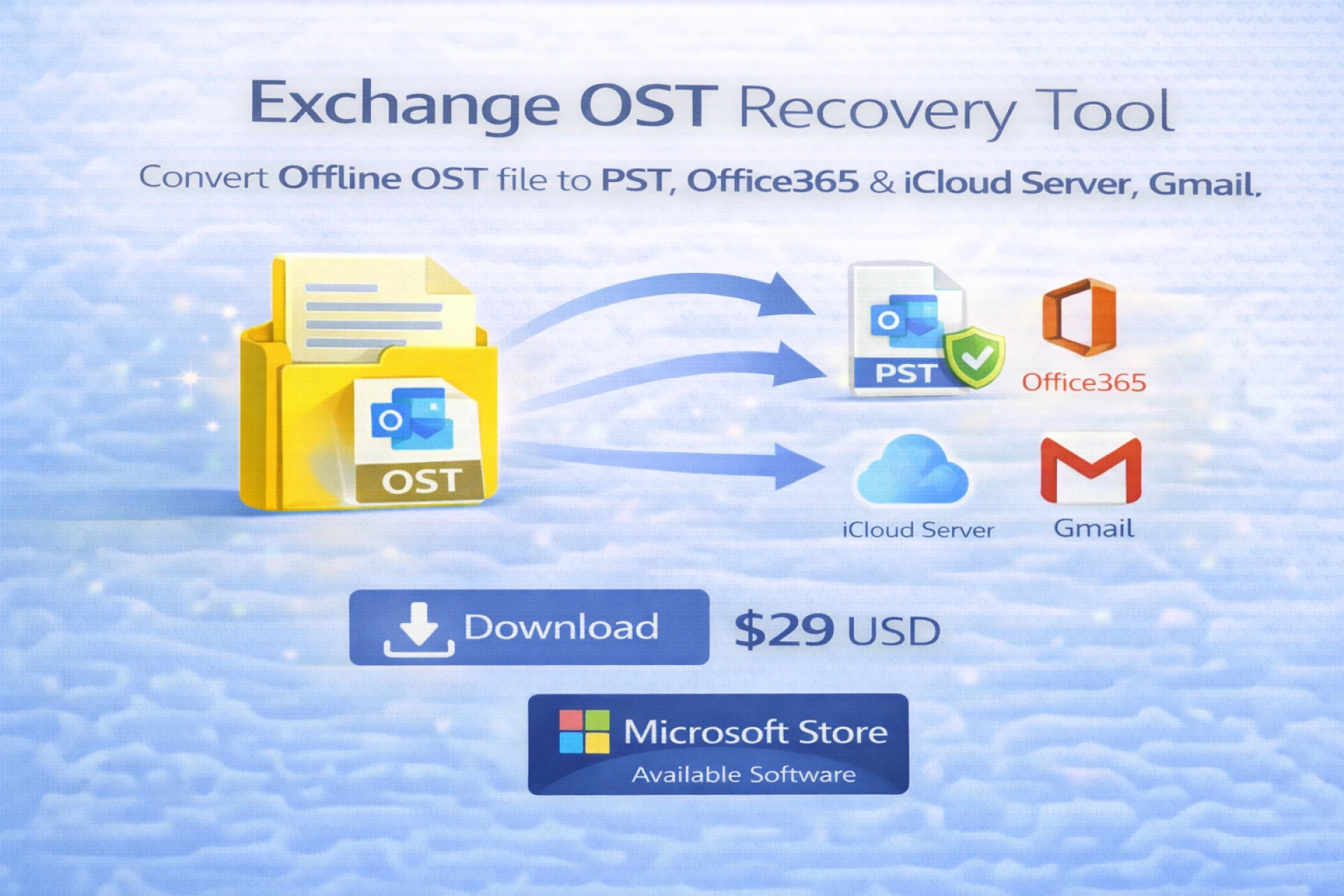
Introduction: The Critical Need for Exchange OST to PST Migration
Microsoft Exchange environments are designed to deliver centralized, synchronized email communication. Outlook users connected to Exchange Server or Microsoft 365 rely on OST (Offline Storage Table) files to cache mailbox data locally for offline productivity. However, OST files are intrinsically bound to their originating Outlook profile and Exchange account, making them inaccessible once the server connection is lost.
When Exchange mailboxes are deleted, servers are decommissioned, profiles corrupted, or credentials revoked, OST files become orphaned, rendering critical business data unreachable. In such scenarios, Exchange OST to PST migration becomes a strategic necessity rather than a convenience.
Migrating OST to PST ensures data portability, compliance readiness, forensic accessibility, and long-term archival—without dependency on Exchange infrastructure.
Understanding the Exchange OST File Architecture
An OST file is a synchronized replica of an Exchange mailbox, storing:
- Emails and message headers
- Attachments and embedded objects
- Contacts, calendars, tasks, notes, and journals
- Folder hierarchy and mailbox metadata
From a technical standpoint, OST files use MAPI-based encryption and profile-specific identifiers. This architecture prevents OST files from being mounted or opened independently in Outlook without the original Exchange account.
Why PST Is the Preferred Migration Target
A PST (Personal Storage Table) file is a standalone Outlook data container that does not rely on server authentication. PST files are:
- Portable across systems and Outlook profiles
- Fully importable into any Outlook version
- Compatible with backup, archiving, and eDiscovery tools
- Suitable for long-term retention and compliance storage
Key Scenarios Driving Exchange OST to PST Migration
Organizations and professionals initiate OST to PST migration in the following cases:
- Exchange Server Decommissioning: During infrastructure upgrades or cloud migrations, legacy Exchange servers are often retired. OST files tied to those servers become inaccessible unless migrated to PST.
- Employee Offboarding: When users leave an organization, their Exchange accounts may be disabled or deleted. Migrating OST files to PST preserves institutional knowledge and communication history.
- Corrupted Outlook Profiles: Profile-level corruption prevents Outlook from synchronizing OST data. PST migration allows administrators to reconstruct mailboxes without rebuilding profiles.
- Disaster Recovery and Incident Response: System failures, ransomware attacks, or accidental deletions necessitate rapid data extraction from OST files without restoring entire Exchange environments.
- Compliance and Legal Discovery: Regulatory audits and litigation demand mailbox access in a portable format. PST files remain the industry standard for eDiscovery workflows.
Challenges in Exchange OST to PST Migration
- Profile Dependency: OST files cannot be imported directly into Outlook unless the original Exchange profile exists.
- Encryption and Data Binding: OST encryption prevents manual extraction or third-party parsing without specialized algorithms.
- Large Mailbox Volumes: Enterprise OST files often exceed 50 GB, requiring optimized memory handling and segmentation strategies.
- Data Integrity Risks: Improper migration can result in metadata loss, folder flattening, or corrupted attachments.
Manual OST to PST Migration Methods (Technical Limitations)
Reconnecting the Original Exchange Account
If the Exchange account still exists, Outlook may resynchronize the OST. However:
- This requires active server connectivity
- It fails for deleted or orphaned mailboxes
- It is unsuitable for corrupted OST files
IMAP Synchronization Workarounds
Some administrators attempt OST recovery via IMAP reconfiguration. This method:
- Does not preserve calendars, contacts, or tasks
- Is bandwidth-intensive and time-consuming
- Risks incomplete data synchronization
Manual methods lack scalability, auditability, and reliability for enterprise-grade migration.
Professional OST to PST Migration: The Reliable Approach
A professional Exchange OST to PST converter leverages advanced parsing engines to interpret OST file structures directly—without relying on Outlook or Exchange APIs.
Core Technical Capabilities
- Direct OST file decoding
- MAPI object reconstruction
- Metadata normalization and validation
- Read-only scanning to prevent data alteration
- Error-tolerant recovery algorithms
This approach guarantees consistency, completeness, and operational safety.
Secure Exchange OST to PST Migration Workflow
- OST File Acquisition: Administrators locate OST files from user systems or backup repositories. Files are copied in a forensically safe, read-only manner.
- Structural Analysis: The migration engine scans the OST file index tables, message stores, and folder mappings to identify recoverable objects.
- Integrity Validation: Checksum validation and data consistency checks ensure no logical corruption compromises the migration output.
- PST Reconstruction:Mailbox items are reconstructed into PST containers with preserved:
- Folder hierarchy
- Message headers
- Attachments and MIME formatting
- Date-time stamps and read/unread states
- Post-Migration Verification:The PST file is validated by importing it into Outlook or scanning it with integrity verification utilities.
Handling Corrupted and Orphaned OST Files
Professional migration tools deploy adaptive recovery modes to extract data from:
- Partially synchronized OST files
- Header-damaged or index-corrupted OSTs
- OST files affected by abrupt shutdowns
Advanced tools bypass corrupted blocks while preserving intact data segments, significantly increasing recovery success rates.
Bulk and Large-Scale OST Migration
Enterprise environments often require batch processing of hundreds of OST files. A reliable migration solution must support:
- Parallel processing threads
- Memory-efficient chunk handling
- PST splitting for large mailbox outputs
- Automated reporting and logging
These features ensure operational efficiency and audit readiness.
Beyond PST: Strategic Migration Extensions
Modern migration tools often extend functionality to:
- Direct Office 365 mailbox ingestion
- Gmail and Google Workspace migration
- IMAP-based server exports
- EML, MSG, and MBOX archival formats
This enables organizations to execute hybrid and cloud migration strategies without intermediate conversion steps.
Best Practices for Exchange OST to PST Migration
- Always maintain immutable backups of source OST files
- Validate PST outputs before production deployment
- Segment large PST files to optimize Outlook performance
- Document migration logs for audit trails
- Use preview verification prior to final export
Conclusion: A Controlled and Future-Proof Migration Strategy
Exchange OST to PST migration is a mission-critical operation that demands precision, security, and technical rigor. While manual methods offer limited functionality, professional migration tools deliver deterministic results, scalability, and compliance assurance.
By implementing easy, secure, and reliable OST to PST migration methods, organizations and professionals regain full control over Outlook data—independent of Exchange infrastructure constraints.