



When setting up an audio-visual system—whether at home, in an office, or across a large commercial space—your AV cables play a bigger role than you might think. Choosing the wrong cable can lead to poor picture quality, weak audio signals, connection issues, or costly troubleshooting. In this guide, we explain what AV cabling is, the different types available, where they’re used, and how to select the right cable for your setup.
What Is AV Cabling?
AV (audio-visual) cabling refers to the wires and connectors used to transmit audio and video signals between devices. From TVs, projectors, and gaming consoles to speakers, microphones, and professional AV systems, the right cabling ensures optimal performance, reliability, and clarity.
Modern AV cabling ranges from old-style analogue connectors to high-bandwidth digital cables designed for 4K/8K video, multichannel audio, conferencing systems, and more.
Types of AV Cables and Their Uses
Below are the most common types of AV cables you’ll encounter.
1. HDMI Cables
Best for: TVs, monitors, gaming consoles, Blu-ray players, laptops, soundbars, projectors
HDMI (High-Definition Multimedia Interface) is the most widely used digital AV cable today. It carries both audio and video signals in one cable.
Key Features
- Supports HD, 4K, 8K, and even 10K video (depending on version)
- Carries surround sound and Dolby Atmos
- Easy plug-and-play connection
Common HDMI Versions
- HDMI 1.4: 1080p & basic 4K
- HDMI 2.0: Full 4K @ 60Hz
- HDMI 2.1: 4K @ 120Hz / 8K support (ideal for gaming)
2. DisplayPort Cables
Best for: Desktop PCs, high-refresh monitors, professional graphics setups
DisplayPort offers excellent visual performance, especially for gaming or high-resolution computer displays.
Key Features
- Supports 4K and 8K resolutions
- Higher bandwidth compared to some HDMI versions
- Perfect for multi-monitor setups
3. VGA Cables (Analogue)
Best for: Older monitors, legacy projectors
VGA is an older analogue connector still found in some classrooms and business systems.
Key Features
- Only carries video (no audio)
- Lower resolution
- Prone to interference
Use VGA only when modern digital alternatives aren’t available.
4. DVI Cables
Best for: Older PCs and displays
DVI is a step up from VGA but still largely phased out in consumer systems.
Key Features
- Supports higher resolutions than VGA
- Video only (audio requires a separate cable)
5. RCA Cables (Composite & Component)
Best for: DVD players, older gaming consoles, older TVs
RCA cables come in two types:
- Composite (Yellow-Red-White)
- Yellow = video
- Red/White = stereo audio
- Lower quality video
- Component (Red-Green-Blue + Red/White audio)
- Better video signal
- Supports up to 1080p
6. Optical (TOSLINK) Cables
Best for: Surround sound systems, soundbars, AV receivers
Optical audio cables transmit digital audio using light.
Key Features
- Immune to electrical interference
- Ideal for longer audio runs
- Supports Dolby Digital & DTS
7. Speaker Cables
Best for: Home cinemas, commercial sound systems
Speaker cables deliver amplified audio from a receiver or amplifier to speakers.
Key Features
- Choose correct gauge (thickness)
- Longer runs require thicker cable
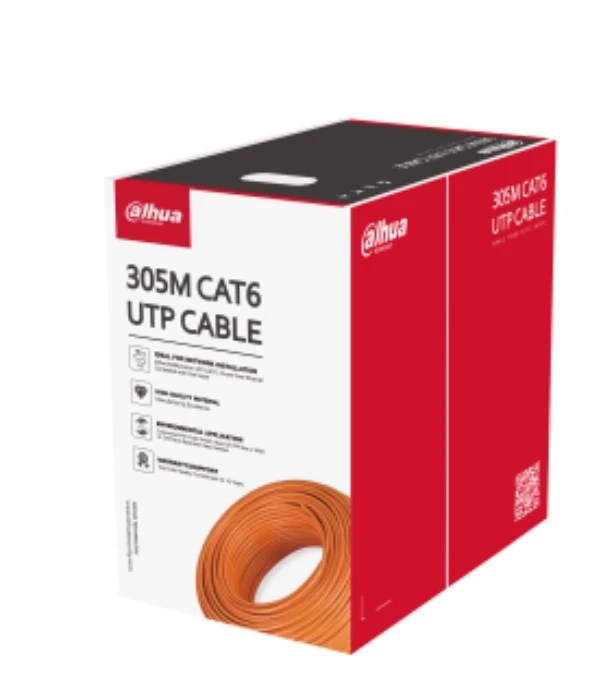
8. Ethernet (Cat5e/Cat6/Cat6a) for AV-over-IP
Best for: Professional AV installations, conferencing rooms, whole-building systems
Modern AV setups increasingly use AV-over-IP, which means audio and video signals travel over network cables.
Key Features
- Long-distance signal transmission
- Supports 4K/8K over IP
- Ideal for scalable commercial systems
- How to Choose the Right AV Cable
Selecting the correct AV cable depends on the devices you’re connecting and the performance you need.
Here’s a checklist.
1. Check Device Compatibility
Start by seeing which ports your devices support:
. HDMI?
. DisplayPort?
. Optical?
. RCA?
. Ethernet?
Always match cables to the highest-quality compatible port.
2. Consider the Required Video/Audio Quality
For 4K or 8K video, choose HDMI 2.0/2.1 or DisplayPort
For high-resolution PC monitors, choose DisplayPort
For older devices, VGA/RCA may be required
3. Think About Cable Length
Longer cables may require:
Thicker gauge (for speaker cables)
Active HDMI cables or extenders (for long HDMI runs)
Ethernet solutions for distances over 30 meters
4. For Professional Installations, Use Tested/Certified Cables
Certified cables ensure:
Proper shielding
Consistent signal integrity
Fire-rating compliance (e.g., Plenum-rated)
5. Plan for Future-Proofing
Choosing a slightly higher-spec cable today avoids upgrades later. For example:
HDMI 2.1 supports next-gen video and gaming
Cat6a cabling supports 10Gb networks and AV over IP growth
Final Tips for Reliable AV Cabling
Avoid cheap, poorly shielded cables—they cause noise and signal loss
Label your cables during installation
Use cable management to avoid damage or unplugging
For large AV systems, consider a structured cabling approach
Conclusion
Understanding AV cabling is essential for achieving crisp video, clear audio, and a reliable AV system—whether you’re upgrading a home theatre, outfitting a meeting room, or designing a full commercial installation. By choosing the right type of cable based on your devices, required quality, and installation environment, you can ensure the best performance and avoid unnecessary troubleshooting down the line.