


AI apps are becoming increasingly popular in homes and classrooms, and many parents are eager to explore AI learning tools for kids to support reading, homework, and creativity. But not every tool marketed as “child-friendly” is actually safe or educational.
Some apps focus on instant answers instead of skill development, while others lack filtering, age-appropriate design, or basic privacy protections turning them into unsafe AI apps for children without parents even realizing.
As AI takes on a larger role in education, it's important to know what to avoid just as much as what to embrace. This article outlines the most critical red flags parents should look for before selecting any AI learning platform.
Many AI Tools Look Great—But Appearances Can Be Misleading
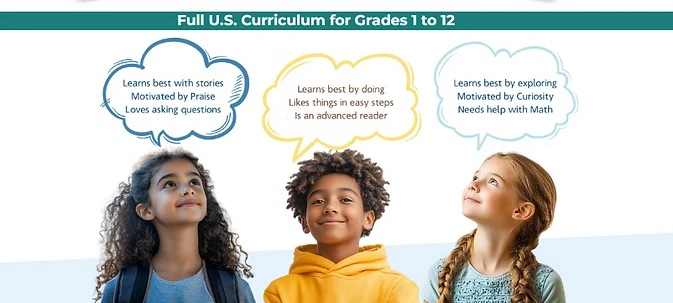
A polished interface isn’t enough. Parents need to dig deeper to understand whether the AI tool is truly safe, age-aligned, and educational.
1. Lack of Transparent Content Filtering
If an app doesn't clearly explain how it moderates responses or filters inappropriate prompts, that’s a serious concern. Children could be exposed to content that isn’t age-appropriate.
Look for platforms like AI Chatbots for Kids, which are specifically developed for young users and include real-time filtering and moderation.
2. Instant Answers Instead of Guided Learning
Some tools skip over teaching and simply give children the correct answer. That’s a huge red flag when evaluating AI learning tools for kids, as it encourages shortcuts instead of developing thinking skills.
3. No Mention of Safety or Privacy Measures
If a tool doesn’t highlight filtering, moderation, or data protection on its homepage or product page, be cautious. Safety should be a visible priority. Poor design or vague policies are clear signs of an unsafe AI app for children.
4. No Educational Goals or Skill-Based Learning
Apps that center on entertainment without defining learning objectives offer little value. Choose tools that clearly explain their academic goals or developmental benefits.
AI That Gives Answers, But Doesn’t Teach – Another Major Concern
One of the biggest risks with poorly designed AI tools is that they function more like answer machines than learning companions.
1. When AI Becomes a Shortcut
Tools that instantly solve math problems or write essays without guiding the child through the process prevent actual learning. AI education tools for children should support the thinking process, not replace it.
2. Lack of Step-by-Step Learning
Quality AI tools show the process, explain logic, and teach the reasoning behind every response. The AI Writing Coach for Kids is a great example — it encourages structure and idea development without giving full answers.
3. No Follow-Up or Critical Thinking Prompts
If an AI tool doesn’t prompt follow-up questions or deeper thinking, it’s too shallow to be useful for growth. Effective AI tools for kids support cognitive development, not just task completion.
4. How to Spot It
If the platform promotes “quick homework help” or “instant answers,” it’s probably the wrong fit. Look for tools that focus on guiding and teaching rather than solving.
Inadequate Moderation = Unsafe AI Apps for Kids
One of the most serious risks is when an AI tool fails to block inappropriate content or lacks monitoring.
1. Weak Filters Can Lead to Unsafe Content
Many AI apps are designed for adults, and without proper filters, they may generate violent, disturbing, or inappropriate material — even unintentionally. This is a major concern with unsafe AI tools for kids.
2. No Human Review Process
AI moderation alone isn’t always enough. Tools without human oversight or content checks can easily slip up. Ongoing monitoring adds a critical layer of protection.
3. No Child-Safe Mode
Generic AI tools often don’t include a child-specific mode. Tools like Kids AI Models & Tools are trained to stay within safe, age-appropriate parameters, making them a better choice.
4. Look for Transparent Moderation Policies
If a platform doesn’t explain how it moderates and filters content, that’s a red flag. Trustworthy tools are open about how they keep kids safe.
Not All AI Learning Tools Are Age Appropriate
Just because a platform says it’s “for kids” doesn’t mean it’s suitable for your child’s age or learning level.
1. Adult Tools Marketed to Children
Some general-purpose tools are repackaged as “kid-friendly” but use language or examples that are too complex or misleading for younger learners.
2. Inappropriate Language or Concepts
Many apps don’t adjust explanations for children’s developmental stages. Good AI learning apps for kids use simple, understandable language and age-aligned tasks.
3. No Grade-Level Differentiation
Without the ability to adjust for age or skill level, an AI tool can’t grow with the child. Tools like K–12 AI Platform for Students & Schools offer learning paths designed specifically by grade level.
4. Why It Matters
When AI tools for students match their school curriculum, they support real learning rather than causing confusion or gaps.
Some AI Tools Compromise Child Privacy
Not all tools are transparent about how they collect, store, or use your child’s data.
1. Requesting Unnecessary Personal Information
Apps asking for your child’s name, photo, voice, or location may be collecting more than they need. Be wary of tools that require personal data, especially those that are free or ad-based.
2. Vague or Missing Data Policies
If a company isn’t clear about how data is handled, it’s a privacy risk. Parents need transparency before trusting a platform.
3. Sharing Data With Third Parties
Apps that sell data or display targeted ads are never a safe choice for children. Even “free” apps can cost more in privacy than you realize.
4. Choose Tools Built for Privacy
Child-focused platforms like the LittleLit AI Demo for Schools offer safe environments that protect your child’s information and experience.
When Personalization Goes Too Far
AI tools are praised for adapting to the learner — but over-personalization can actually hurt growth.
1. AI That Oversimplifies Learning
If an app makes things “too easy,” kids may stop trying. Poorly designed AI tools for kids often skip the challenge needed for meaningful learning.
2. Kids Start to Depend on AI
Over-reliance on auto-responses or pre-filled answers reduces confidence and critical thinking.
3. Over-Adaptive Tools = Passive Learning
Children need room to struggle and grow. Tools that instantly adapt may remove that challenge, making learning too passive.
4. Encourage Effort Over Ease
Balanced platforms like AI for Creativity Tools support experimentation, curiosity, and independent effort — not just fast results.
Misleading Pricing & Hidden Costs
Many tools promote themselves as “free,” but that’s rarely the full story.
1. Free Plans With Locked Features
Freemium models can frustrate both kids and parents. Key features like writing feedback or math explanations are often locked behind expensive upgrades — making AI learning tools for kids costlier than expected.
2. Unexpected Charges for Core Features
Paying for essentials like saving work or personalized feedback should be upfront — not surprise add-ons.
3. Paywalls That Disrupt Learning
Learning shouldn’t be interrupted mid-task. Tools with paywalls break flow and reduce educational value.
4. Look for Clear Pricing
The LittleLit Pricing Page outlines all-inclusive plans, helping parents budget with confidence and avoid hidden fees.
Tools Not Aligned with K–12 Curriculum
Not all AI platforms follow school standards — and that’s a problem for long-term learning.
1. AI That Doesn’t Match What Schools Teach
Some tools generate random content or explanations that skip foundational skills. That creates confusion, not progress.
2. Why Alignment Is Critical
Grade-level content ensures learning happens in order. A good tool builds knowledge gradually, supporting both school success and at-home learning.
3. Tools Built for Schools Support Consistency
Resources like the AI Curriculum for Kids provide structured lessons that keep kids aligned with what they’re expected to learn at school.
4. Smart AI = Stability + Growth
Choose platforms that balance structure with personalization. That’s the best formula for lasting learning.
Parent Controls Are a Must
The best AI tools don’t just support kids — they support parents, too.
1. No Visibility = No Accountability
Apps that don’t show what your child is learning make it hard to guide or improve the experience.
2. No Control = Inconsistent Use
Without settings or limits, kids may avoid hard tasks or jump ahead — undermining the learning process.
3. Good Tools Keep Parents Informed
Top-tier AI platforms offer reports, learning breakdowns, and progress dashboards. Check out AI Projects for K-12 Students for examples of how parental insight supports success.
4. Parental Involvement = Better Results
You don’t need to micromanage — but you do need visibility. Tools like AI Support for ESL & Multilingual Students offer that balance.
How to Evaluate AI Tools Before You Commit
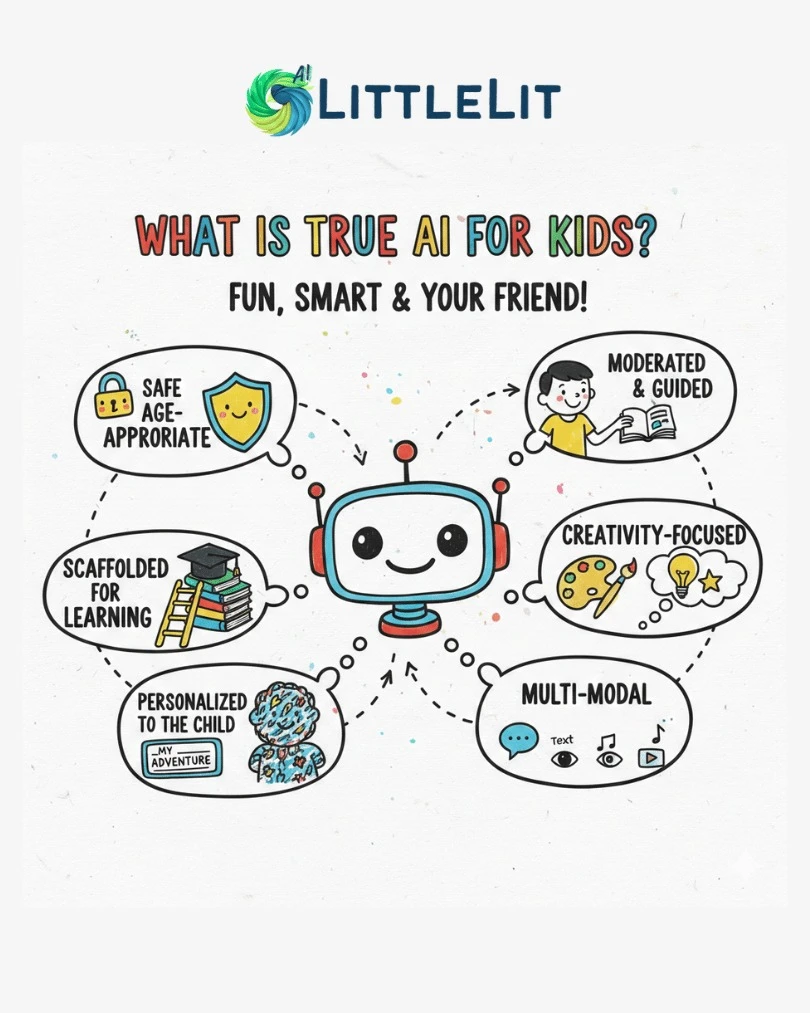
Here’s a simple checklist before you choose an AI app for your child:
- Check Safety Filters & Moderation – Look for clear explanations of how content is managed.
- Avoid Shortcuts – Choose tools that teach, not just answer.
- Verify Curriculum Fit – Ensure it matches your child’s grade and learning goals.
- Explore Parent Features – Test the dashboard and oversight options before paying.
Conclusion: Choose AI That Supports Growth Not Just Speed
AI can be an incredible educational ally but only when it's built with kids in mind. The right AI learning tools for kids encourage critical thinking, creativity, safety, and consistency. The wrong ones can undermine learning and expose children to unnecessary risks.
Platforms like LittleLit AI stand out because they combine structured curriculum, real educational goals, strong safety features, and parent-friendly design — making them a smarter, safer choice for modern learners.