



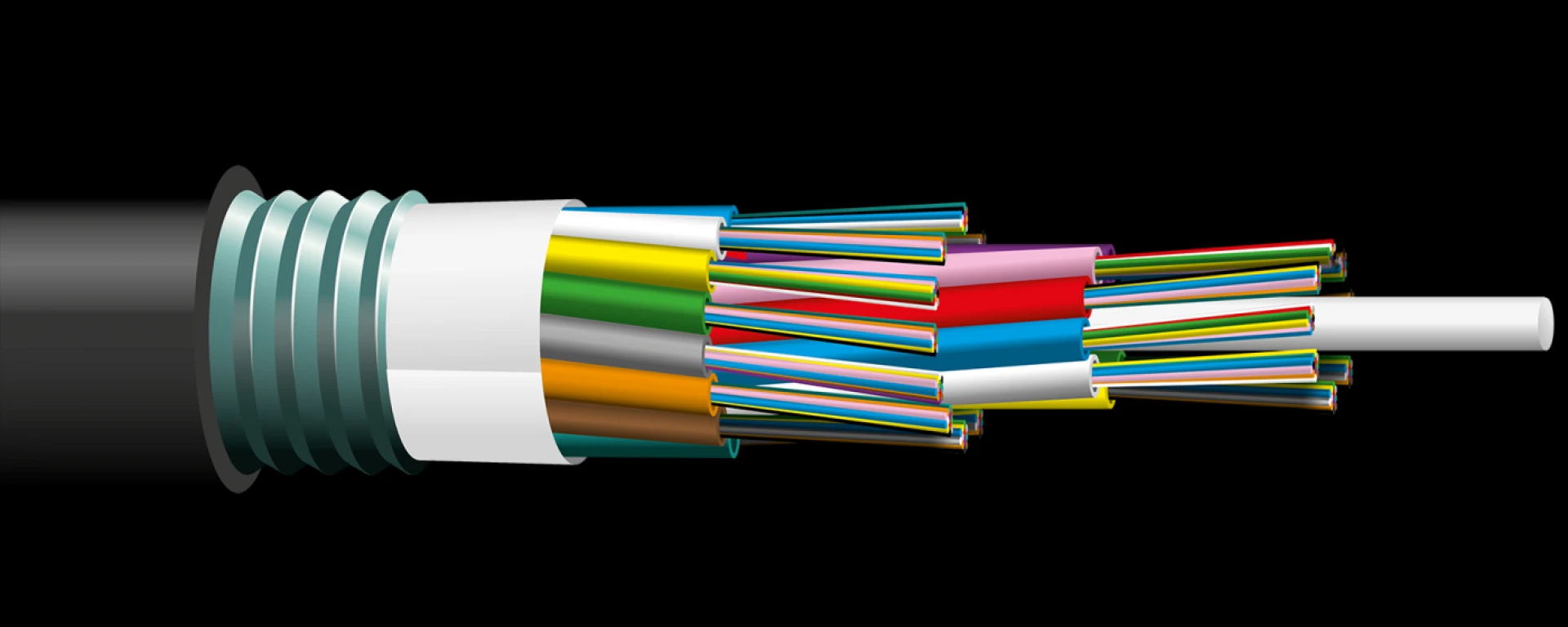
 The advent of fiber optics has helped transform data transmission in ways that were unimaginable a couple of decades ago. Who could have thought that we could have wires that carry light rather than electricity to transmit data? Fiber optic installation offers high-performance networking, greater bandwidth, and a lesser chance of electromagnetic interference than copper cables. However, businesses aren’t the only ones using the technology. People across the world have high-speed WiFi connections at home thanks to access to fiber optic connections. This can be done using the fiber to the home (FTTH) installations.
What Is FTTH?
Fiber to the home (FTTH), also known as fiber to the premises (FTTP), is the installation and use of optical fibers from a central point to several households to provide high-speed internet access. FTTH increases connection speeds tenfold, which enables us to be more efficient with several processes that require one to be on the internet.
FTTH fiber promises up to 100 megabits per second (Mbps) connection speeds, which are 20 to 100 times faster than the speed offered by cable modems or DSL connections.
Working Principles of FTTH
FTTH uses optical fiber for all or most of last-mile telecommunications, and since the fiber uses light to transmit data packets, the speed is much higher than that of traditional electronic communication systems.
In an FTTH network, the cables run from a central office and pass through a fiber distribution hub. The next point is the network access point (AP), and that is where the cables head to individual homes through a terminal that serves as a junction box.
The steps involved in getting the cables installed by an FTTH company are:
Step 1: Gather the Necessary Tools and Equipment
Before you start the installation process, gather all the essential tools and equipment. These include a fiber optic cable cutter, stripper, fusion splicer, cable tie gun, and flashlight. Additionally, you\'ll need a fiber optic termination box, drop cable, messenger wire, and connectors such as SC/APC, LC/APC, or ST/APC, depending on your service provider.
Step 2: Plan the Route
Identify the shortest and most direct route for the fiber drop cable from the outdoor pole to your house. Consider obstacles like trees, driveways, or fences. Ensure that the cable route avoids crossing any power lines.
Step 3: Install the Messenger Wire
Attach the messenger wire, a steel wire used to support the fiber drop cable, to the outdoor pole using cable ties. Then, connect the other end of the messenger wire to your house, ensuring it is taut.
Step 4: Install the Fiber Drop Cable
With the messenger wire in place, attach the fiber drop cable to it using cable ties. Make sure the cable is taut and free from sagging. If necessary, secure the cable to buildings or structures using cable ties or clamps.
Step 5: Terminate the Fiber Drop Cable
Strip the fiber drop cable using a fiber optic stripper. Use a fusion splicer to splice the cable to the connector, ensuring a clean and secure splice. Finally, connect the connector to the fiber optic termination box and ensure it is securely fastened.
Step 6: Test the Connection
To ensure a successful installation, test the connection. Inspect the cable for any visible cracks or damage using a flashlight. Use a fiber optic power meter to check the signal strength. Once everything is in order, you should be able to enjoy high-speed internet, television, or phone service through the fiber optic termination box.
Conclusion
While installing an FTTH fiber optic cable might seem like a difficult task, the right tools and knowledge can help you make the process easier and more efficient. Installing FTTH can help you access high-speed internet, phone, and television services through state-of-the-art technology. This not only adds to the convenience of a household but also increases the efficiency with which one carries out their daily online activities.